10
TURNING ON THE INSTRUMENT
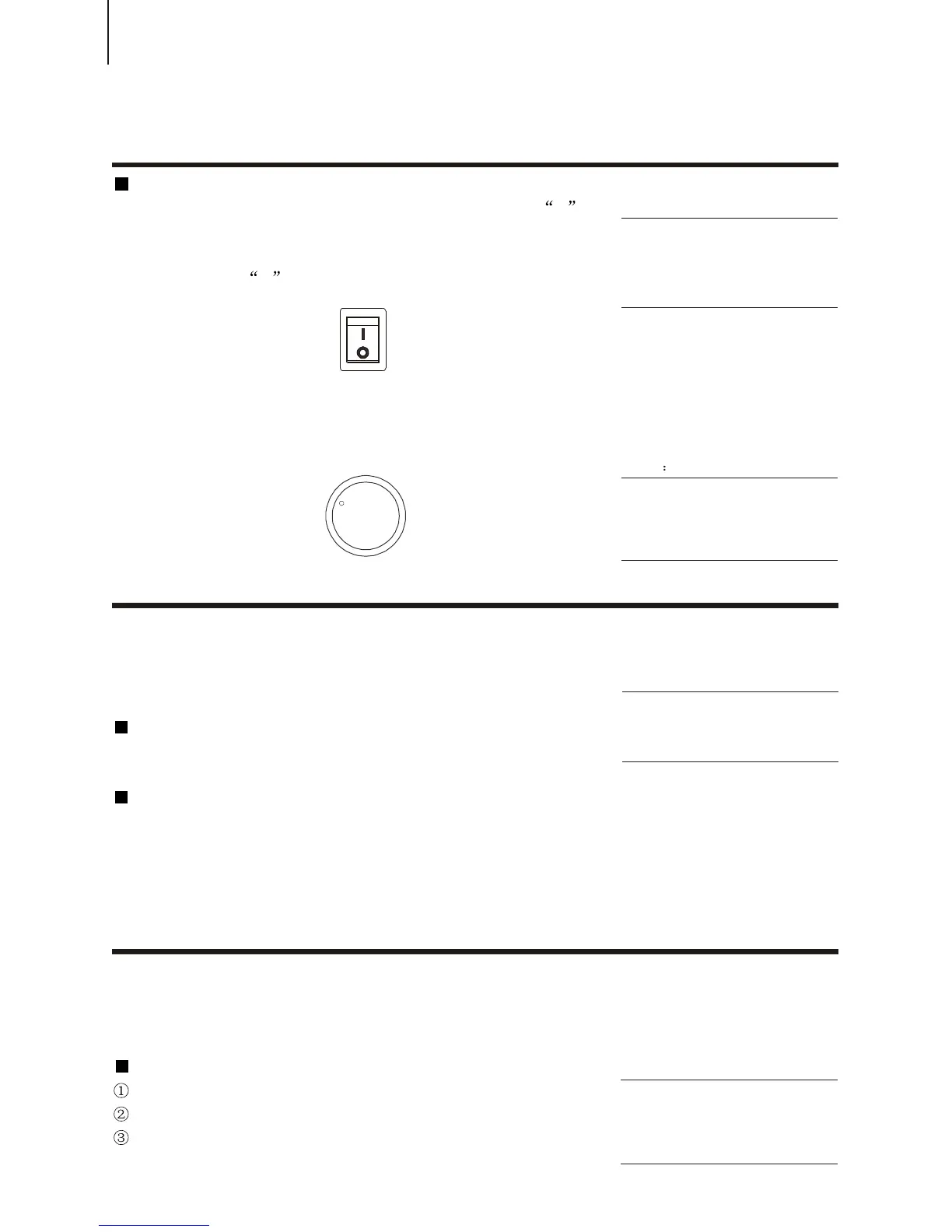
Before plugging in the AC cable, set the [POWER] to 0 .
First plug the power cable output in [AC Socket], then
connect the cable input with the 220V alternating current.
Press down the 1 on the POWER switch, then the LCD
displays.
¡öSETTING THE VOLUME
Set the [MASTER VOLUME] dial to a suitable place, about
1/4 circle. Also you can adjust it after playing.
NOTE
Usually, you should set the
[MASTER VOLUME] dial within 3 / 4
circle. Otherwise, certain note may
not be properly voiced.
There are all together 22 demonstration songs in this
instrument, which thoroughly display its excellent quality in
the tone and melody. You can get a general idea of this
instrument through them.
Playing all demo songs
Press the [DEMO] button, and all the demonstration songs
would be performed in order.
Playing a single selected demo song
After pressing the [DEMO] button, you could use [+ / YES]
and [- / NO] to select the appropriate number of the desired
song during playback, also you can use the [SEARCH] dial to
select the number.
In this instrument, there are 348 vivid voices, including 25 Chinese voices, and many GM
voices. All these are separated into A and B groups and all leading voices are printed on the
panel. At the upper part of each voice button are voices of Group A and lower part of Group B.
Selecting a Voice
Press [MAIN A / B] to select a voice.
Press the [VOICE] button to choose a leading voice
Press [+ / YES] and [- / NO] or use the [SEARCH] dial to
decide the voice you desire.
DEMO SONGSDEMO SONGS
VoiceVoice
PLAYING THE PIANOPLAYING THE PIANO
NOTE:
You should wait 2 or 3 seconds if you
want to restart the instrument. The time
is to let the internal circuit discharge
thoroughly. Otherwise, the performance
will go abnormal to a certain extent.
NOTE:
You can still play on the keyboard while
the demo song is being played, but if
the sound overpasses the maximum
value, it might not be voiced.
NOTE:
Only the names of leading voices are
printed on the panel. In fact each voice
has its variations. While selecting a
voice, you can see the name in the
LCD.
MINMIN
MAXMAX
VOLUMEVOLUME
STARTING TO PLAYTHE PIANOSTARTING TO PLAYTHE PIANO
POWER



 To Next Page