NOTE.
If no power is provided, the recorded
data can only be reserved for one week
or more. Important data should be
stored in other equipment through the
function of batch output.
If do not select the memory bank first,
then it will automatically use the present
bank.
REGISTRATION
MEMORY
BANK
REGISTRATION MEMORYREGISTRATION MEMORY
SONG
NUMBER
RECORD
SONG MEMORYSONG MEMORY
METRONOME
ACMP
SPLIT
ACMP
TRACK
CLEAR
4
REGISTRATION
MEMORY
BANK
REGISTRATION MEMORYREGISTRATION MEMORY
SONG
NUMBER
RECORD
SONG MEMORYSONG MEMORY
METRONOME
ACMP
FREEZE
ACMP
SPLIT
ACMP
TRACK
CLEAR
4
REGISTRATION
MEMORY
BANK
REGISTRATION MEMORYREGISTRATION MEMORY
SONG
NUMBER
RECORD
SONG MEMORYSONG MEMORY
METRONOME
ACMP
SPLIT
ACMP
TRACK
CLEAR
4
34
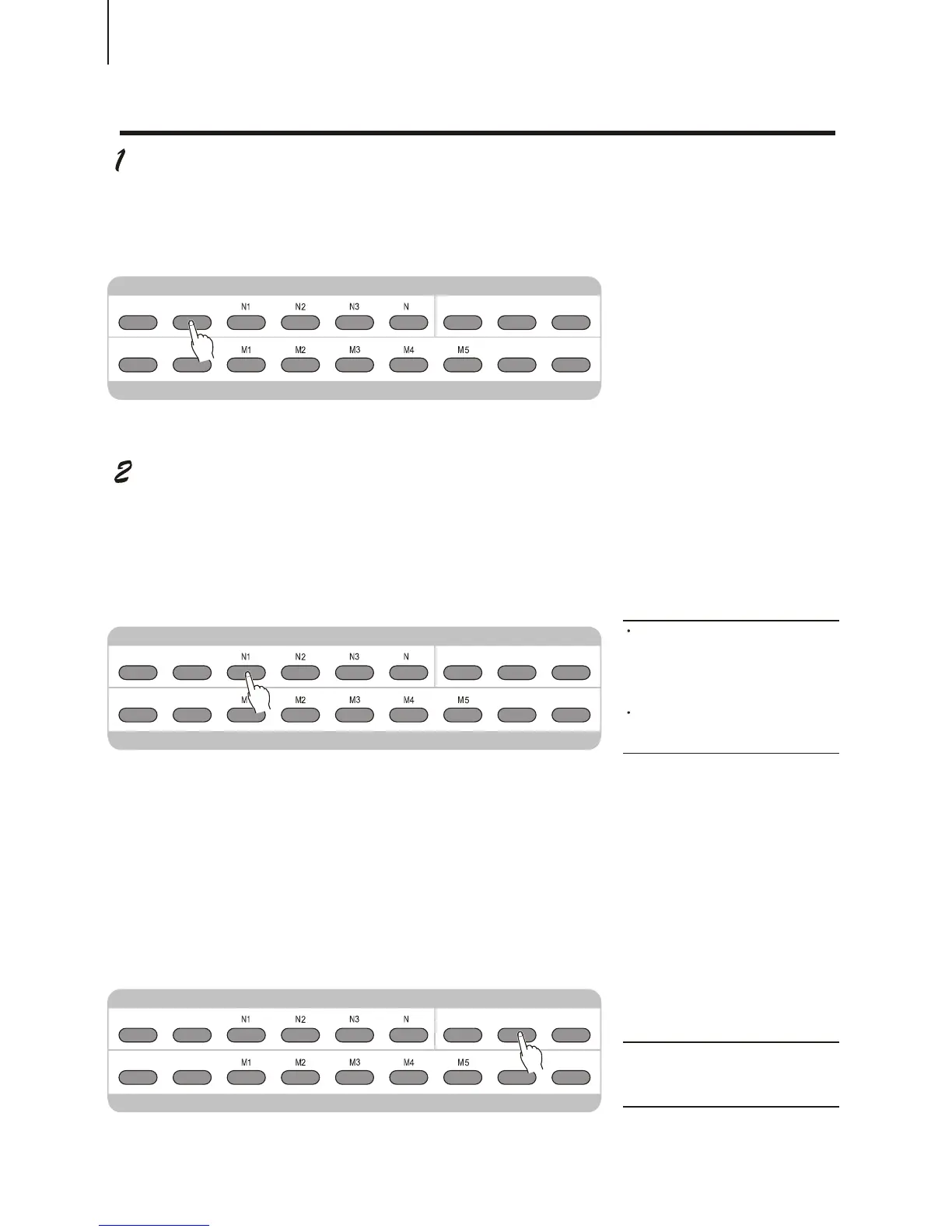
First press [BANK] button, and then use [+ / YES] and [- / NO] to select the register
number (from 1 to 18); if you do not select, it means to use the present memory bank.
Then press the register number you want, and it will be recalled. The register number will
be shown in the first line of the scream for a short time and then the original display recovers.
¡öAccompaniment Lock function
This function can recall a registration number without changing the accompaniment
parameters, which enables you to adopt different registration memory setting without
interrupting the present accompaniment. Press [ACMP LOCK] button to turn on / off this
function. When it is on, the LCD shows ACMP FREEZE ON.
NOTE
¡¤Selecting different Memory Bank
will not close ACMP FREEZE
function.
RECALLING A REGISTRATION MEMORY PRESETRECALLING A REGISTRATION MEMORY PRESET
MINUS
CHANNEL
ACMP
FREEZE



 To Next Page