YES
NOTE:
In Dual Voice mode, if you press
the keyboard, it may sound
differently or like two voices mixed
together. If you press this button
right after you turn on this instrument,
stringed instruments ensemble 1
would be automatically set as
defaulted second voice.
In this mode, you cannot choose
the first voice, so you ought to settle
the first voice before entering into
this mode.
11
This function allows you to play two voices at the same time.
Follow the previous Selecting a Voice process to choose the
first voice.
Press the [DUAL] button to enter into Dual Voice mode. The
name of the second voice will appear in the LCD;
Follow the previous Selecting a Voice process again to
choose the second voice;
Press the [DUAL] button to stop Dual Voice function.
Balancing the Dual Voice
You should balance the volume of each voice by yourself.
Press the [FUNCTION] button until it shows Second
Voice Volume in the LCD.
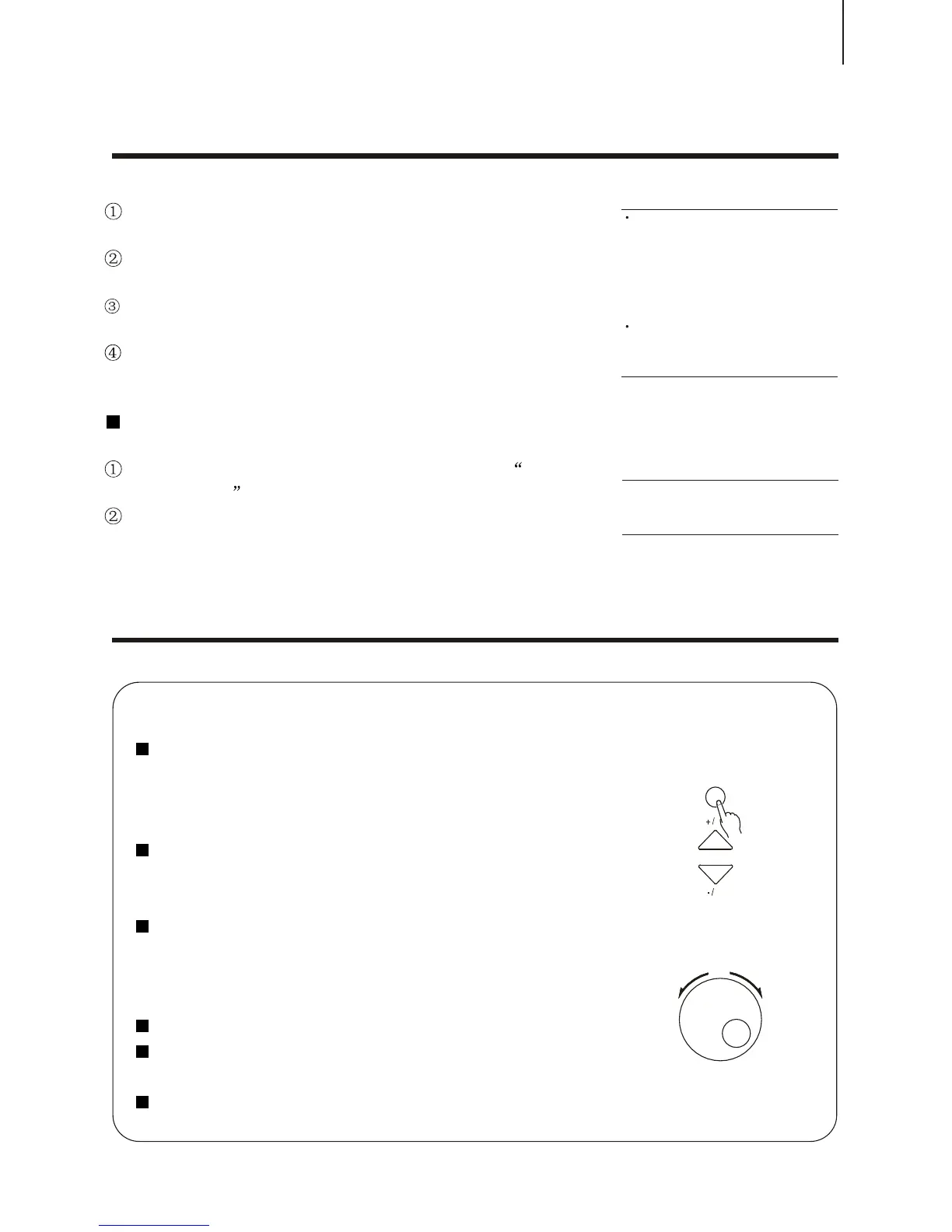
Press [+ / YES] and [- / NO] or use the [SEARCH] dial to
adjust the second voice volume, ranging from 0 to 127.
CONTROL AND EFFECTCONTROL AND EFFECT
This digital piano offers you various types of effects. You can freely choose your favourite one.
The Usage of Function buttons
Press each button once to choose different function
1.Voice 2. Style mode 3.Demo Song 4 Minus Channel
(for demon songs) 5. Harmony 6. Chorus 7. Transpose
8.Tuning 9. Dual Balance 10. Metronome
Stop certain function or return to the primary setting by
pressing [+ / YES] and [- / NO] at the same time.
Withdraw from the Function MENU.
Press the [FUNCTION] button for 2 seconds to withdraw
from the Function MENU.
Using the [SEARCH] dial
Adjust the [SEARCH] dial to select certain function directly.
Any function that can be controlled by the [+ / YES] and [- /
NO] can be applied to this dial.
Adjust the [SEARCH] dial.
Dual VoiceDual Voice
NOTE:
By pressing [+ / YES] and [- / NO] at
the same time, the volume would
return to the primary setting.
NO
FUNCTION
SEARCH



 To Next Page