ACMP
FREEZE
REGISTRATION
MEMORY
BANK
REGISTRATION MEMORYREGISTRATION MEMORY
SONG
NUMBER
RECORD
SONG MEMORYSONG MEMORY
METRONOME
ACMP
SPLIT
ACMP
TRACK
CLEAR
4
DEMO SONGS. CONTROL & EFFECTDEMO SONGS. CONTROL & EFFECT
DEMO DUAL
REVERB
TOUCH CHORUS
HARMONY
PERCUSSION
CHORD SYNC STOP
SYNC
START
START/STOP INTRO
MAIN A MAIN B
ENDING
CHOOSE & PLAYCHOOSE & PLAY
DEMO SONGS. CONTROL & EFFECTDEMO SONGS. CONTROL & EFFECT
DEMO DUAL
REVERB
TOUCH CHORUS
HARMONY
PERCUSSION
CHORD SYNC STOP
SYNC
START
START/STOP INTRO
MAIN A MAIN B
ENDING
CHOOSE & PLAYCHOOSE & PLAY
30
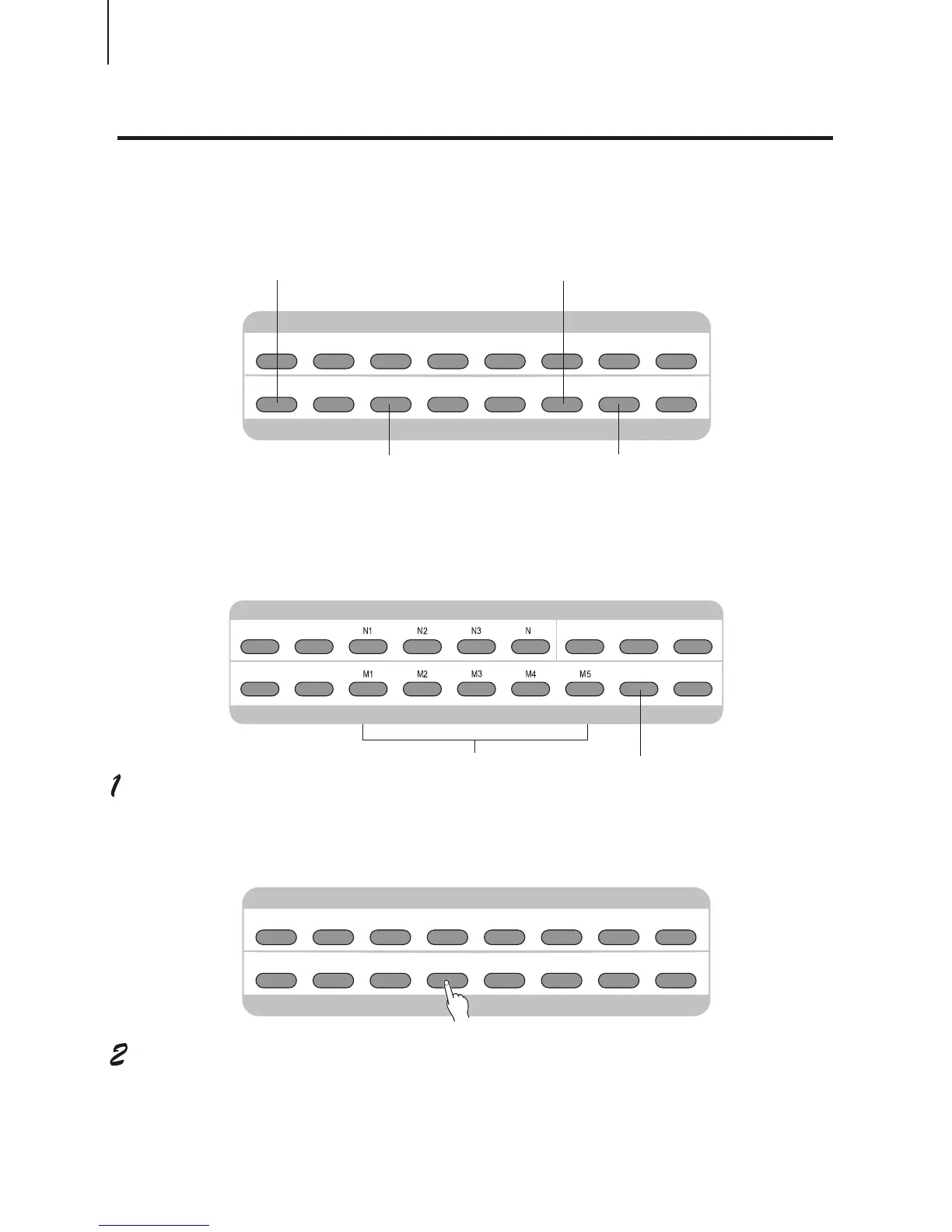
This button is the panel button of song control functions. Its usage covers your saved User
songs and the demo songs.
About Song track:
Start the desired song.
Press [START / STOP] button.
Stop the song playback.
Press [START / STOP] button. If the playback is repeated by using the button [START/
STOP], the song will automatically stop.
Melody Track
This is to enable A-B
Repeat function.
Song Fast Rewind Function
This is to enable Song
Pause function
Song Fast Forward Function
PLAYING A SONGPLAYING A SONG
Accompaniment Track
MINUS
CHANNEL
MINUS
CHANNEL



 To Next Page