ACMP
FREEZE
REGISTRATION
MEMORY
BANK
REGISTRATION MEMORYREGISTRATION MEMORY
SONG
NUMBER
RECORD
SONG MEMORYSONG MEMORY
METRONOME
ACMP
SPLIT
ACMP
TRACK
CLEAR
4
DEMO SONGS. CONTROL & EFFECTDEMO SONGS. CONTROL & EFFECT
DEMO DUAL
REVERB
TOUCH CHORUS
HARMONY
PERCUSSION
CHORD SYNC STOP
SYNC
START
START/STOP INTRO
MAIN A MAIN B
ENDING
CHOOSE & PLAYCHOOSE & PLAY
MINUS
CHANNEL
DEMO SONGS. CONTROL & EFFECTDEMO SONGS. CONTROL & EFFECT
DEMO DUAL
REVERB
TOUCH CHORUS
HARMONY
PERCUSSION
CHORD SYNC STOP
SYNC
START
START/STOP INTRO
MAIN A MAIN B
ENDING
CHOOSE & PLAYCHOOSE & PLAY
MINUS
CHANNEL
DEMO SONGS. CONTROL & EFFECTDEMO SONGS. CONTROL & EFFECT
DEMO DUAL
REVERB
TOUCH CHORUS
HARMONY
PERCUSSION
CHORD SYNC STOP
SYNC
START
START/STOP INTRO
MAIN A MAIN B
ENDING
CHOOSE & PLAYCHOOSE & PLAY
MINUS
CHANNEL
18
Using an Ending section
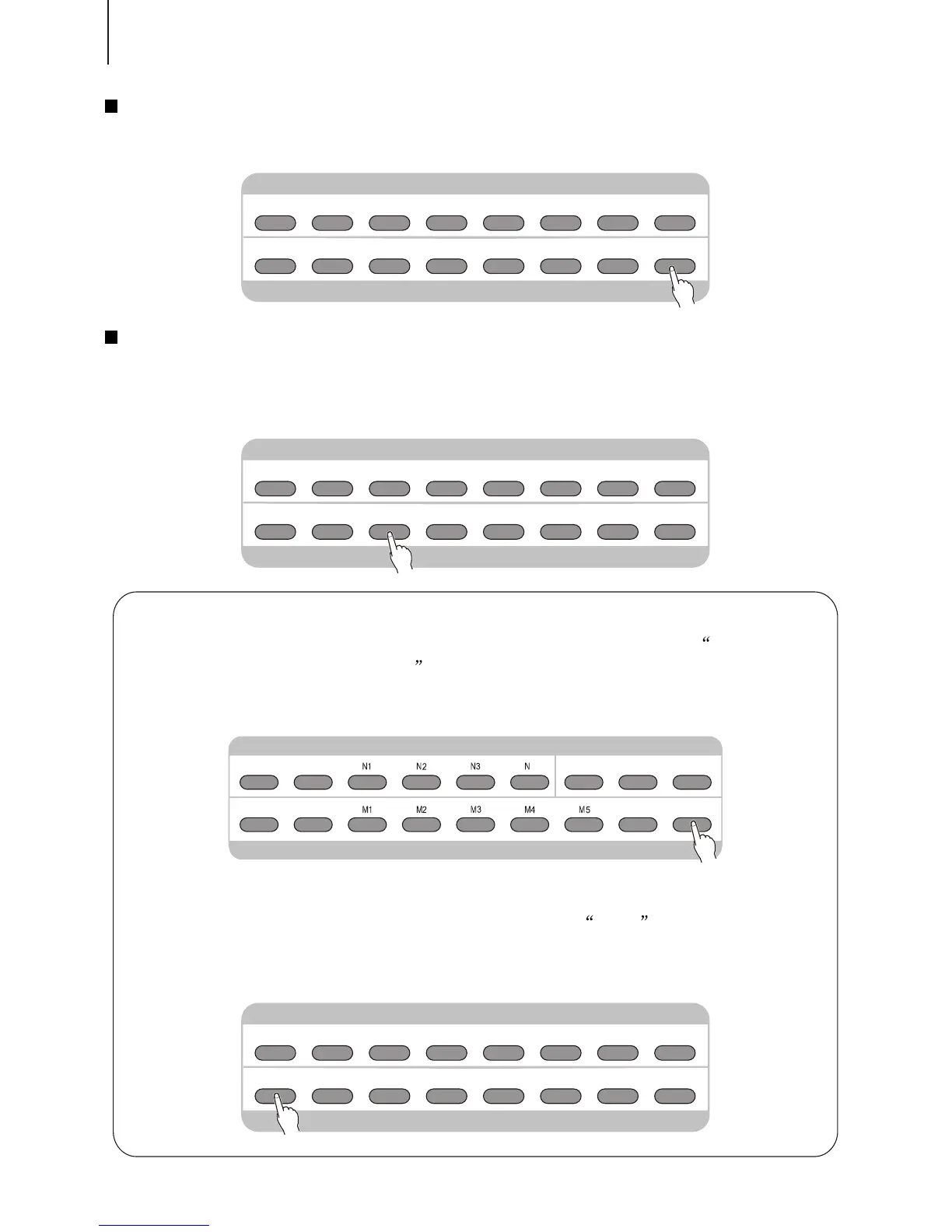
Press the [ENDING] button, then the accompaniment stops after the Ending section is
finished.
Pressing the [SYNC START] button
Doing this can immediately stop the accompaniment and automatically enables Sync
Start, letting you re-start the accompaniment by simply playing a key or a chord in the
auto accompaniment section of the keyboard.
Changing the Split Point of the Accompaniment Track
Press the [ACMP SPLIT] button until in the LCD appears Select the
Accompaniment Track Split Point .
Then use [+ / YES] and [- / NO] buttons or [SEARCH] dial to change the split point
you want.
Changing the Keyboard Split Point
Press the [CHORD] button until in the LCD appears Split .
Then use [+ / YES] and [- / NO] buttons or [SEARCH] dial to change the keyboard
split point you want.



 To Next Page