Operation pH 3110
22
ba75791e02 11/2008
4.3.2 Automatic calibration (AutoCal)
For the AutoCal TEC and AutoCal DIN procedures, use one to three
buffer solutions of the relevant buffer set (Technical buffers or DIN
buffers) in any order.
Note
The steps 2 and 6 are not necessary if you use a temperature sensor.
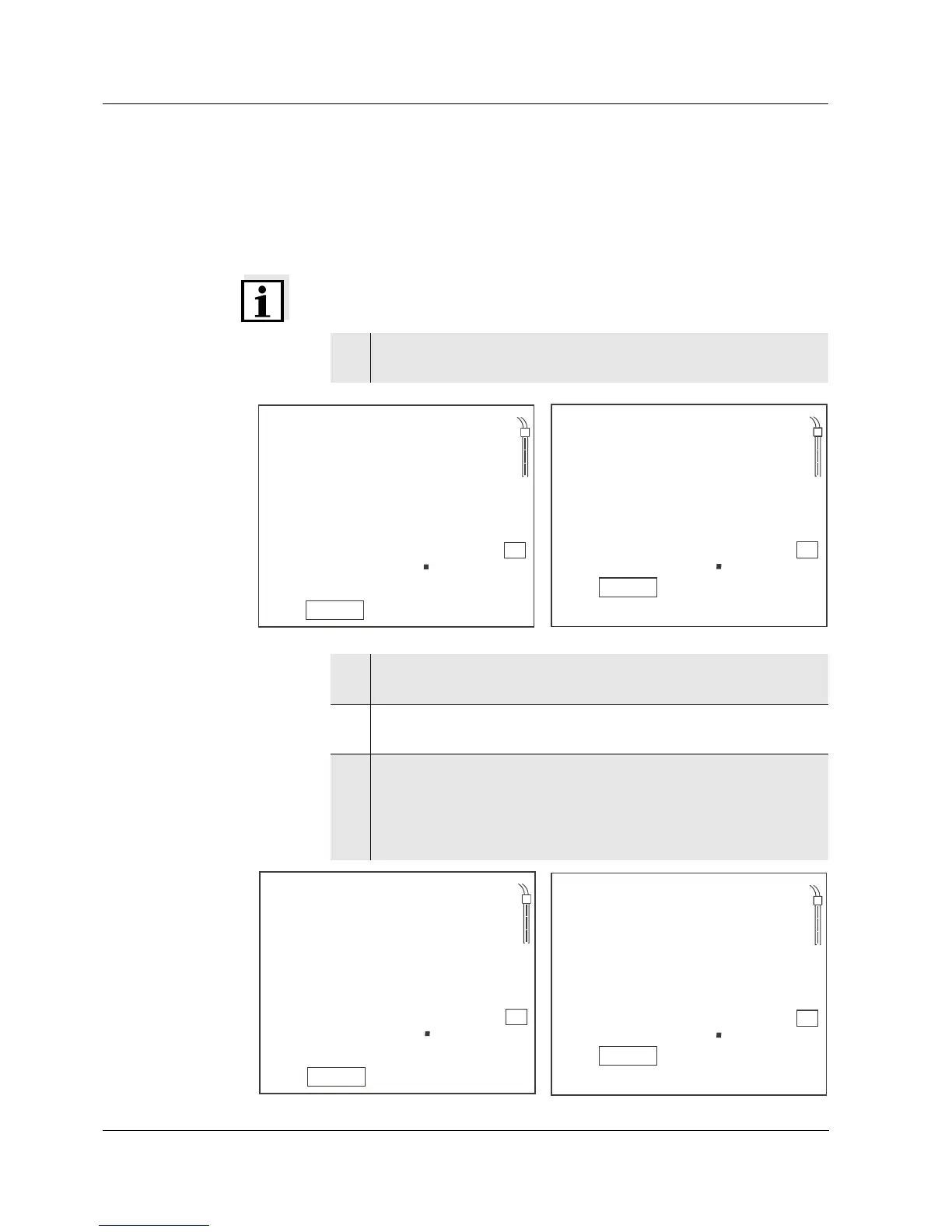
1 Press <CAL> repeatedly until the AutoCal TEC or AutoCal DIN
function display indicator appears.
2 If necessary, set the temperature of the buffer solution with
<▲><▼>.
3 Immerse the pH combination electrode in the first buffer
solution.
4 Start the measurement with <ENTER>.
The AR display indicator flashes.
The electrode voltage (mV) or the nominal value of the buffer
(setting: see section 4.5.2) is displayed. As soon as a stable
value is recognized, Ct2 or Cd2 appears.



 To Next Page