Reading the Link 1000 Control Panel
4
Reading the Link 1000 Control Panel
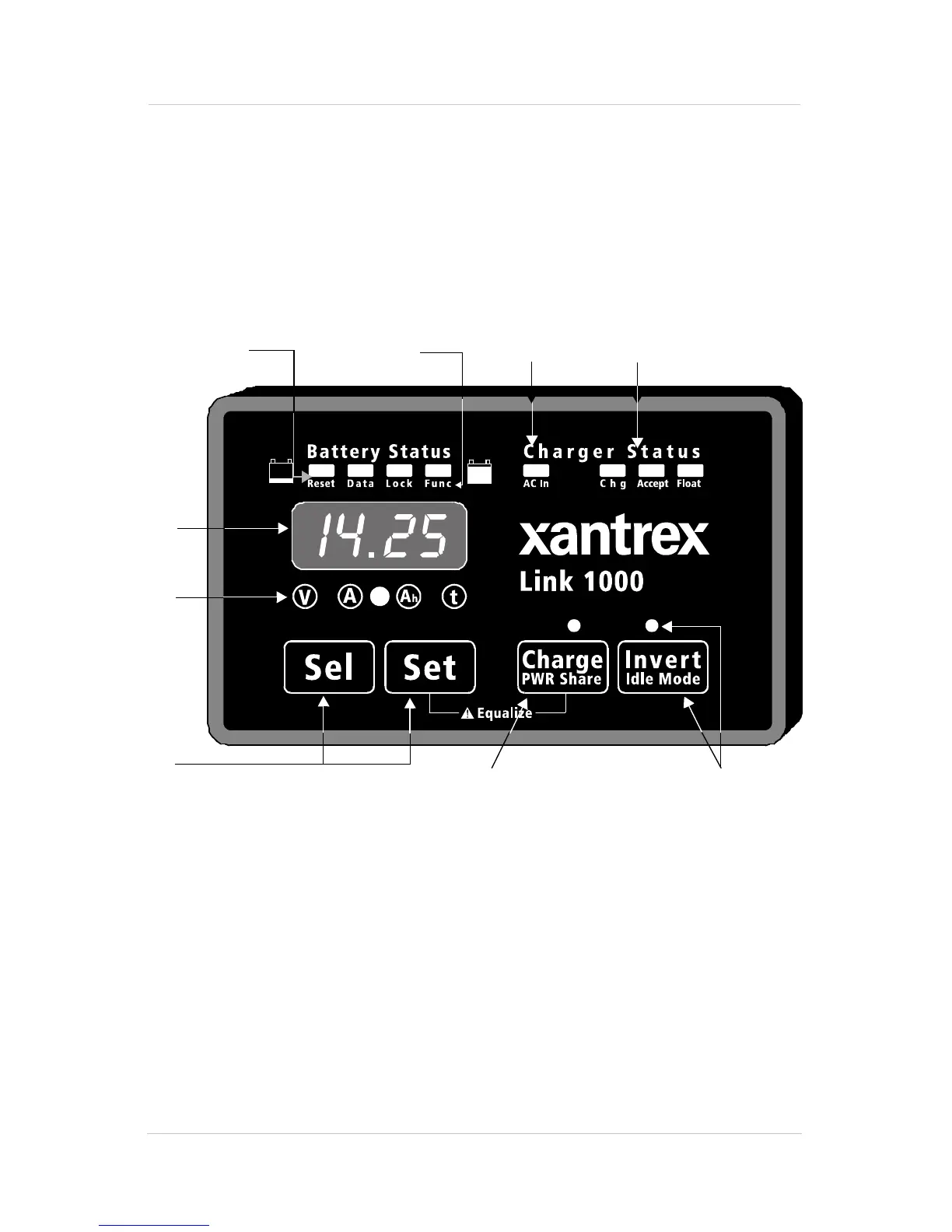
The Link 1000 control panel lets you monitor the battery
system and control the inverter/charger. Its features are
described below. Further details are provided as you need
them throughout the guide.
Figure 1 Link 1000 Control Panel
1
BATTERY STATUS light bar
When the battery system is operating, the four
LEDs in this light bar act like a “fuel gauge”. The
LEDs light in different sequences and colors to
show the battery’s present state-of-charge. The
statuses are described on page 37.
2
3
4
5
6
8
9
1
7



 To Next Page
 Loading...


