Installing the Link 1000
13
Mounting the Link 1000 Control Panel
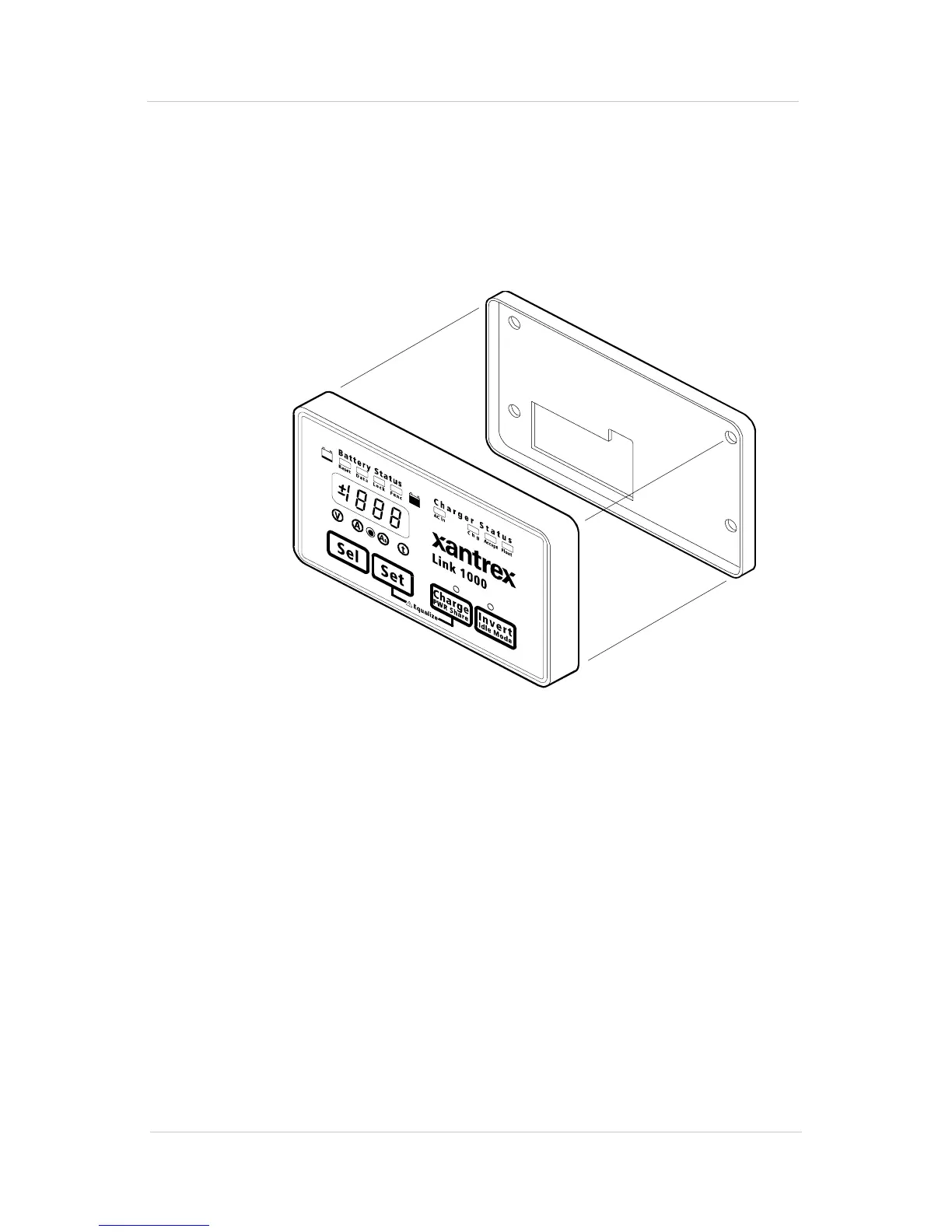
The Link 1000 control panel consists of a display panel and a
mounting plate.
To mount the control panel:
1. Separate the display panel and the mounting plate.
Figure 3 Display Panel and Mounting Plate
2. If you are going to run the phone cord and wires through
the opening in the rear of the mounting plate, make a
cutout in the mounting surface using the mounting plate
as a template. (You can also run the phone cord and wires
down from the bottom of the mounting plate.)
3. Screw the mounting plate to the mounting surface as
shown in Figure 4.
Mounting Plate
Display Panel



 To Next Page
 Loading...


