6
Security Features
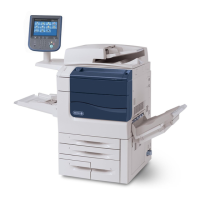
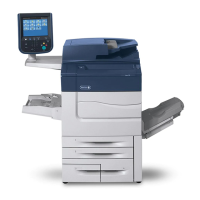
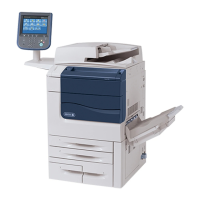
Xerox Color 550/560 Printer has the following security features:
• Hard Disk Data Overwrite
• Hard Disk Data Encryption
• User Authentication
• System Administrator’s Security Management
• Customer Engineer Operation Restriction
• Security Audit Log
• Internal Network data protection
• Self Test
• Information Flow Security
Settings for the Secure Operation
For the effective use of the security features, The System Administrator (Machine Administrator) must follow the
instructions below:
• Passcode Entry from Control Panel Default [On].
• The System Administrator Passcode Change the default passcode "1111" to another passcode of 9 or more
characters.
• Maximum Login Attempts Default [5] Times.
• Service Rep. Restricted Operation Set to [On], and then enter a passcode of 9 or more characters.
• Overwrite Hard Disk Default [3 Overwrites].
• Data Encryption Default [On]
• Scheduled Image Overwrite Set to [Enabled].
• Authentication Set to [Login to Local Accounts] or [Login to Remote Accounts]
• Access Control Set to [Locked] for Device Access and Service Access
• Private Print Set to [Save as Private Charge Print]
• User Passcode Minimum Length Set to [9] characters.
• Direct Fax Set to [Disable]: when remote authentication is used.
• Auto Clear Default [Enabled].
• Report Print Set to [Disable].
• Self Test Set to [Enabled]


 To Next Page
 Loading...