Menu item
Description
• Double or Triple Rings Only
Auto Answer
• On*
• Off
Set the printer to receive fax automatically.
Fax Forwarding
• Print*
• Print and Forward
• Forward
Specify whether to forward received fax.
Forward To
• Destination 1
• Destination 2
Specify where to forward received fax.
Note: This menu item appears only when Fax Forwarding is
set to Print and Forward or Forward.
Max Speed
• 33600*
• 14400
• 9600
• 4800
• 2400
Set the maximum speed for transmitting fax.
Note: An asterisk (*) next to a value indicates the factory default setting.
Fax Log settings
Menu item
Description
Transmission Log Frequency
• Always*
• Never
• Only for Error
Specify how often the printer creates a transmission
log.
Transmission Log Action
• Print
• Off
• On*
• E-mail
• Off*
• On
Print or e-mail a log for successful fax transmission or
transmission error.
Receive Error Log
• Print Never*
• Print on Error
Print a log for fax-receive failures.
Auto Print Logs
• On*
• Off
Print all fax activity.
Xerox
®
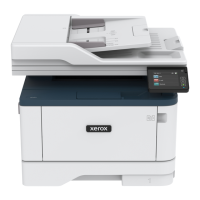
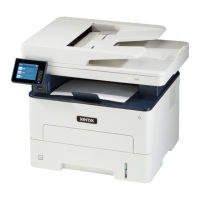
B225/B235 Multifunction Printer
User Guide
147
Use printer menus


 To Next Page