Scanning
66 DocuMate 510 Scanner User’s Guide
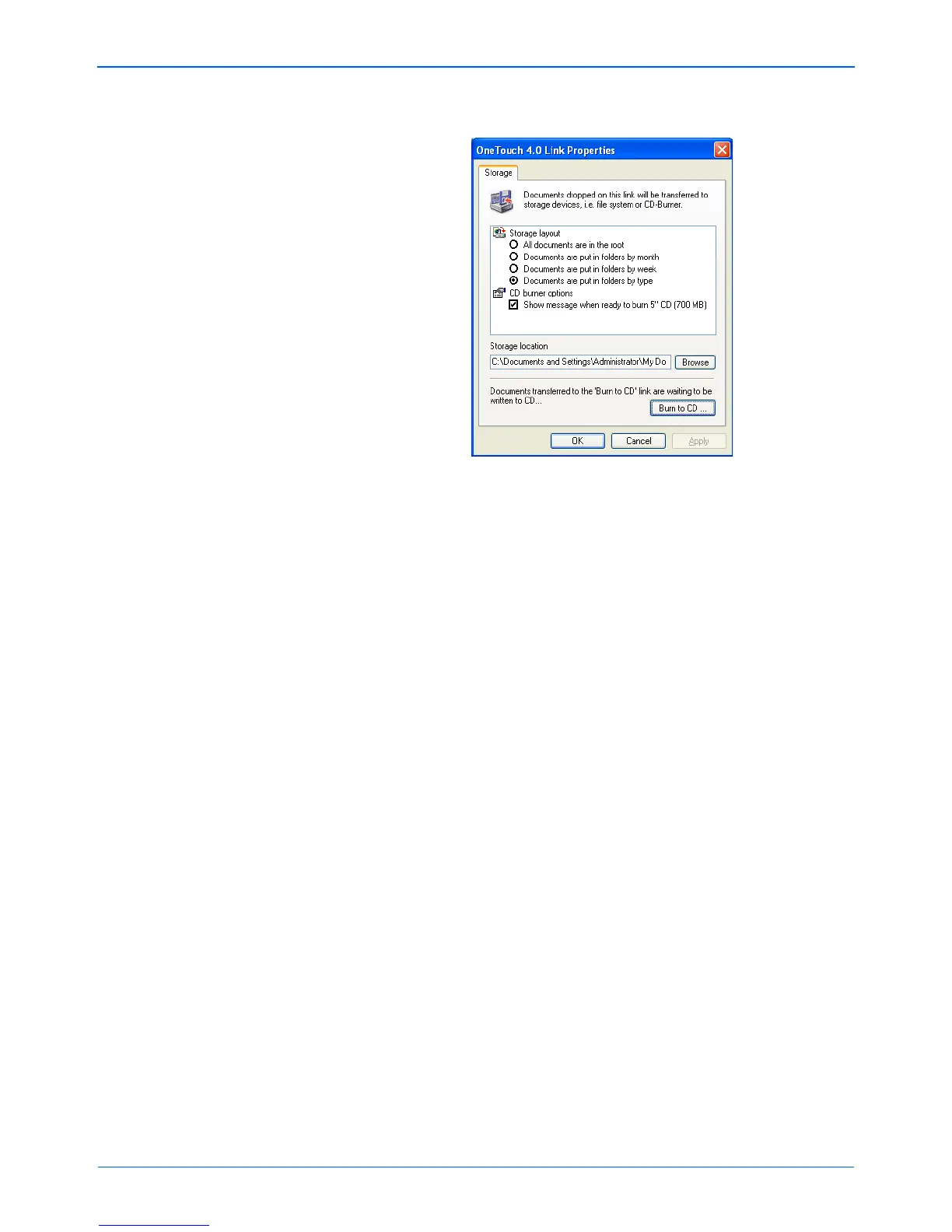
The One Touch 4.0 Link Properties window opens.
9. Make sure a CD is in the CD burner.
10. Click the Burn to CD button.
The CD burner begins and your scanned documents are
written to the CD.
NOTE: Until you click Burn to CD these files are stored in your
computer at C:\Documents and Settings\<your user
name>\Local Settings\Application Data\Microsoft\CD
Burning. This is where Windows XP and Windows Vista store
all files waiting to be burned to a CD by the automatic CD writing
wizard. If other files are also waiting in this location, they will get
written with the One Touch files on the CD.


 To Next Page
 Loading...