Бумага и материалы
42 Phaser 6700 Color Printer
Руководство пользователя
Примечания.
• To avoid paper jams, do not remove the tray while printing is in progress.
• Use only laser print media. Do not use ink jet paper in this printer.
• For printing from the multipurpose feeder or printing envelopes, see Printing on Special Paper.
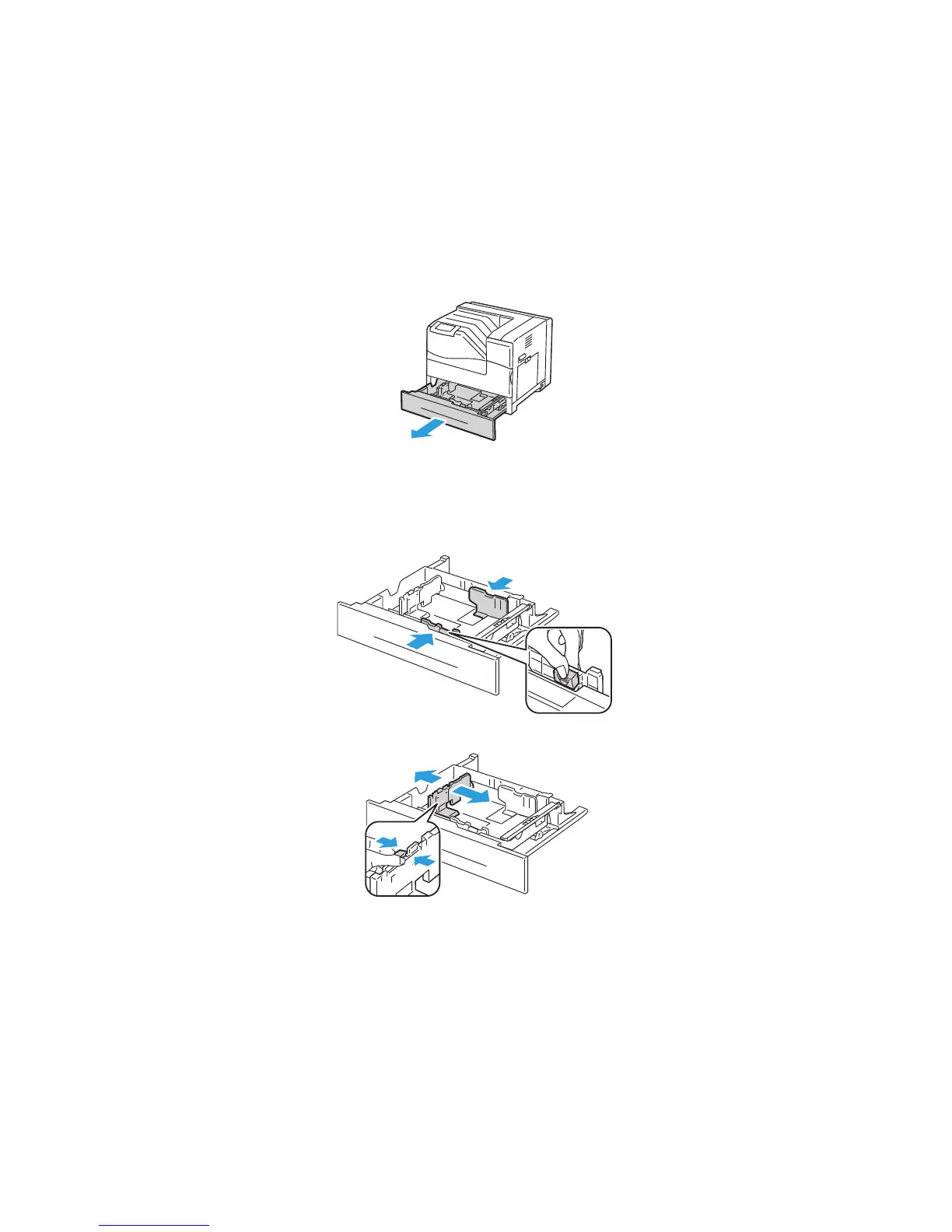
1. Выньте лоток из принтера.
2. Adjust the width guides:
a. Pinch the guide lever on each guide.
b. Slide the guides to the size of the print media.
c. To secure the guides in position, release the levers.
3. Adjust the length guide to the size of the paper.


 To Next Page
 Loading...














