03 IT Using FDL commands
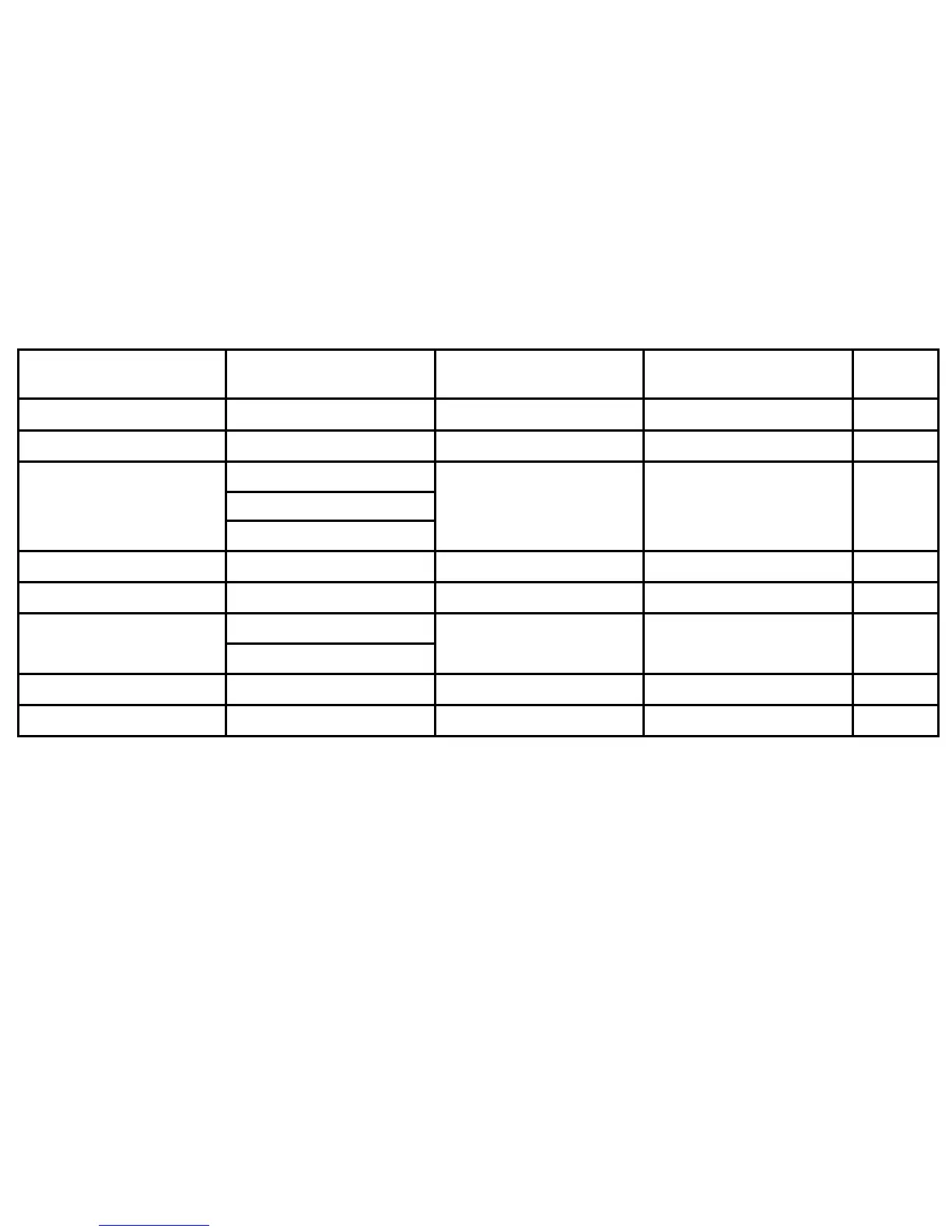
Hint: To begin filling in a blank Index Table, press <NEXT>.
ITEM
VARIATIONS
(Optional)
LIST UNDER
(Optional)
SORT AS
(Optional)
CODES
(Optional)
abbreviating, reserved words rved w OV
alignment nmen OV
BOX command
X com
X comm
ng fo
OV
font card rd and a m centralized(1) OV
per inch (CPI) PI sp character(1) OV
special
ecia
pecia
character(1)
OV
text block ters in a te character(1) OV
COLUMN command MN com OV





 To Next Page