05 IT Managing and printing sample forms
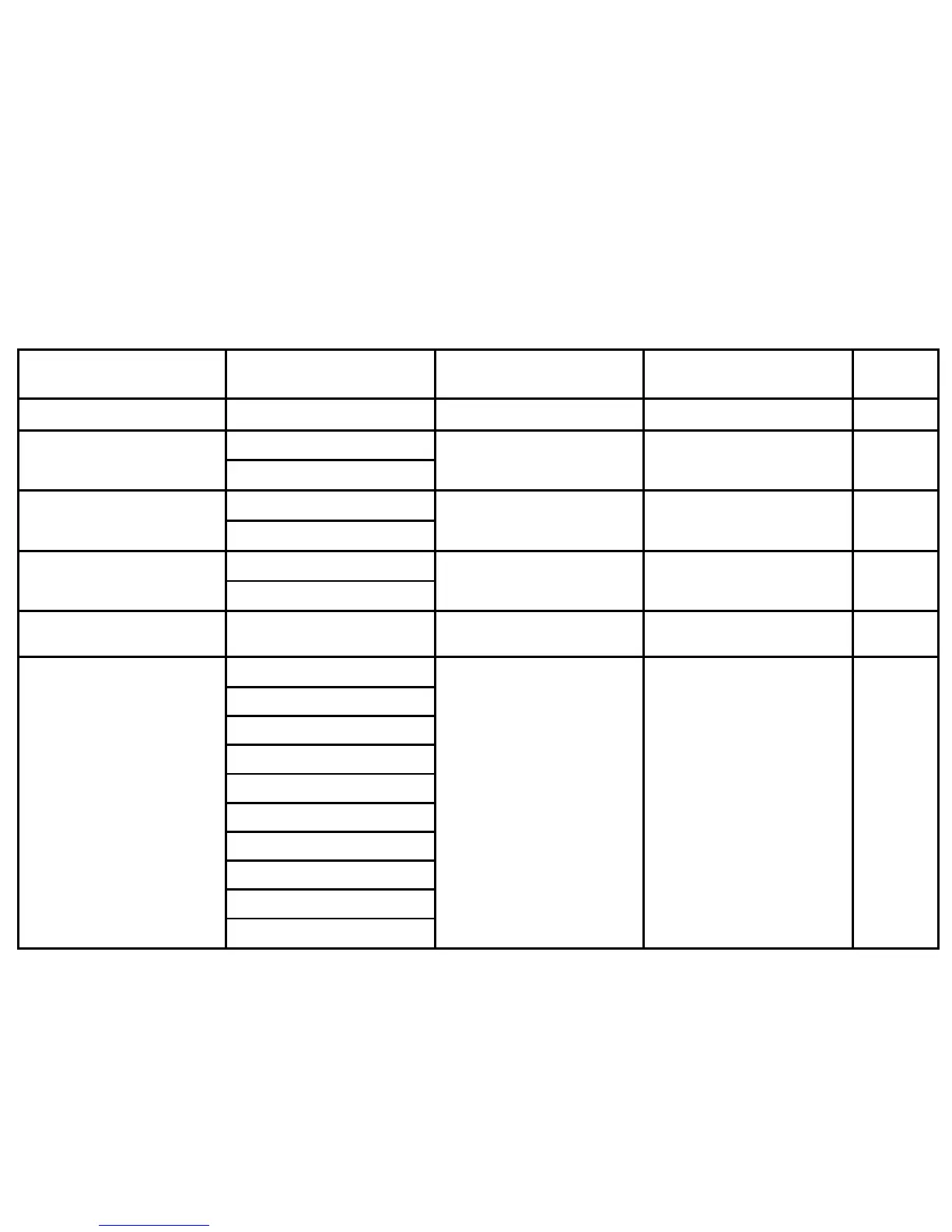
Hint: To begin filling in a blank Index Table, press <NEXT>.
ITEM
VARIATIONS
(Optional)
LIST UNDER
(Optional)
SORT AS
(Optional)
CODES
(Optional)
accessing compiled forms essing compiled f OV
BATCH command
e the BAT
TCH com
OV
batch processing, COMPILE
command
ssing COMPILE co
YZFORMS d
OV
printers
ntraliz
s for cent
centralized(1) OV
coding conventions, COMPILE
command
oding conve OV
COMPILE command
sing the C
ap = inte
YFORM be
Teral=chara
hat are MMB
YZFM2) LIS
ddition to the reso
atements re
SUACT
ows an ex
OV





 To Next Page