06
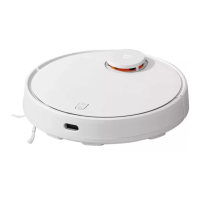
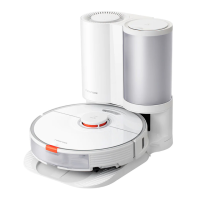
Robot Vacuum
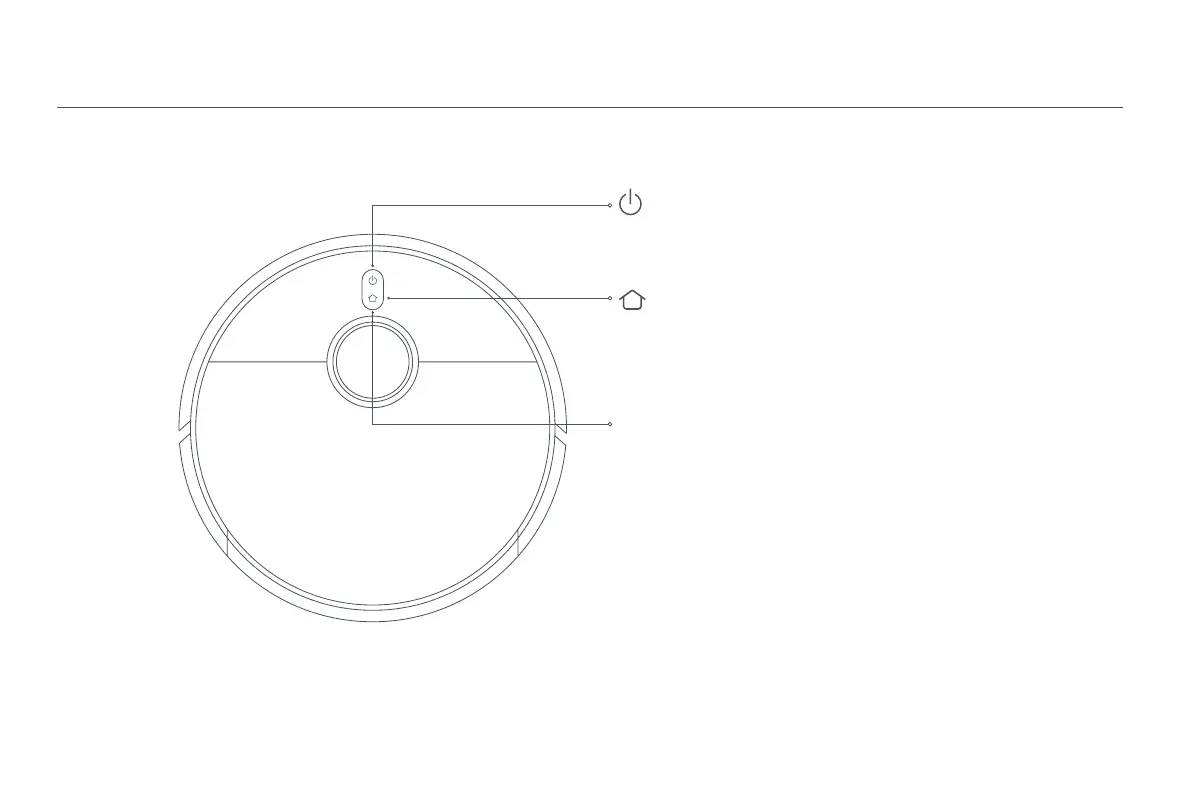
Press and hold for 3 seconds to turn on or turn off the robot vacuum
Press to start cleaning after the robot vacuum is turned on
Press to send robot vacuum back to charging dock
Press and hold for 3 seconds to disable the child lock
Note: When the robot vacuum is cleaning or returning to the dock to charge,
press any button to pause it.
Indicator
White: Cleaning/Cleanup completed/Fully charged
Blinking white: Returning to charge/Repositioning/Updating firmware
Breathing white: Charging
Blinking orange: Error/Awaiting connection/Connecting to Wi-Fi
Orange: Wi-Fi disconnected







 To Next Page