13
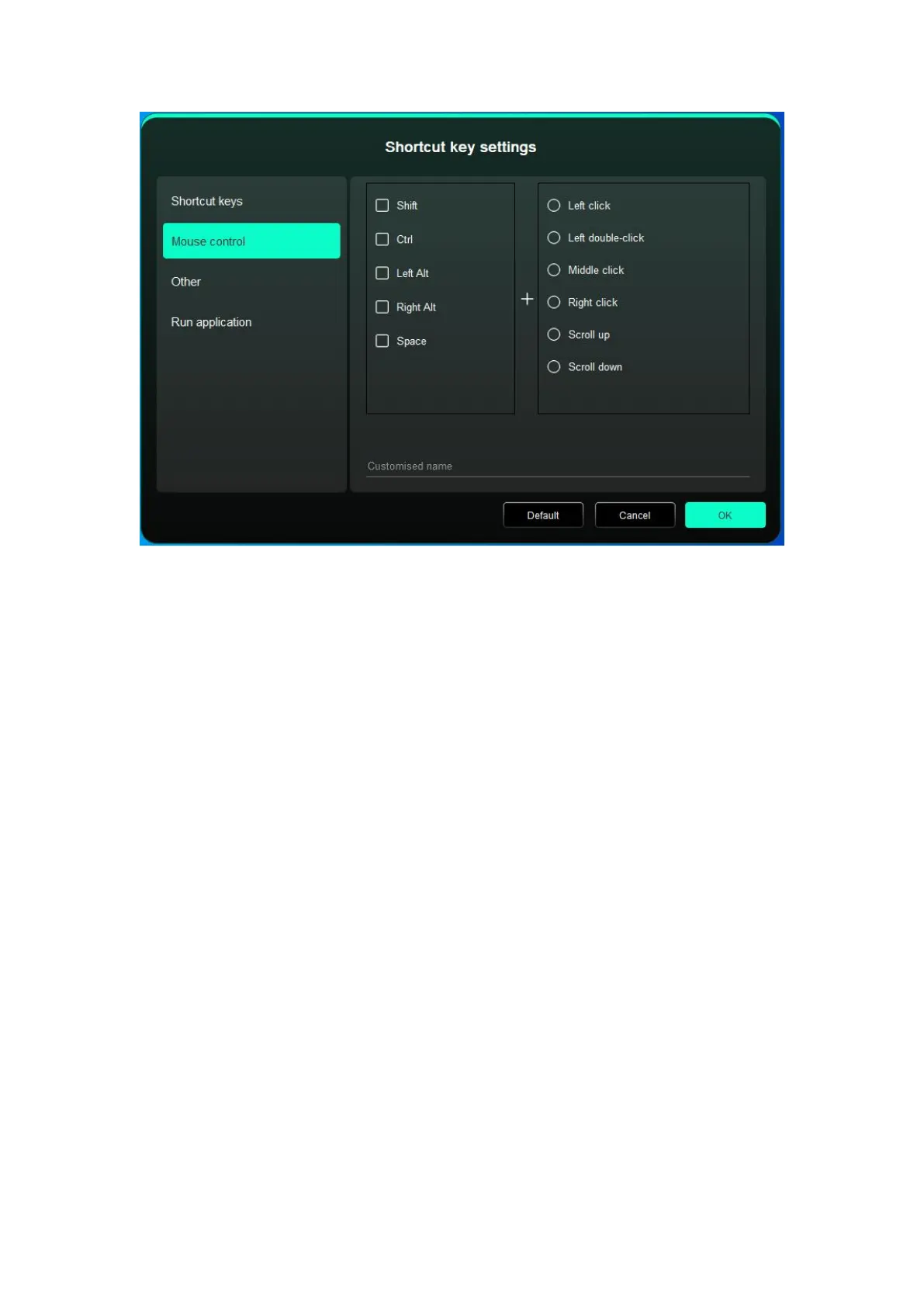
Set the key combination of mouse and keyboard. With the "Shift" and "Left Click" selected,
the shortcut actions can be enabled in application that supports such key combinations.
Other-Precision mode:
Limit the device’s work area to a certain area. This function may allow you to create more
detailed drawings.
Run Application:
Run the selected application.
Customized name:
You can customize the name of the current settings.
4.4 Application
The driver allows you to set different functions for diffrent applications.














 To Next Page