11
appear on the screen, but some part of the work area may not be used. But if you
don’t choose the proportion and draw a circle, then the circle may change into an
ellipse on the screen.
Rotation:
You can set the device to 0°, 90°, 180° and 270° clockwise for use.
Left-handed mode: Rotate 180°.
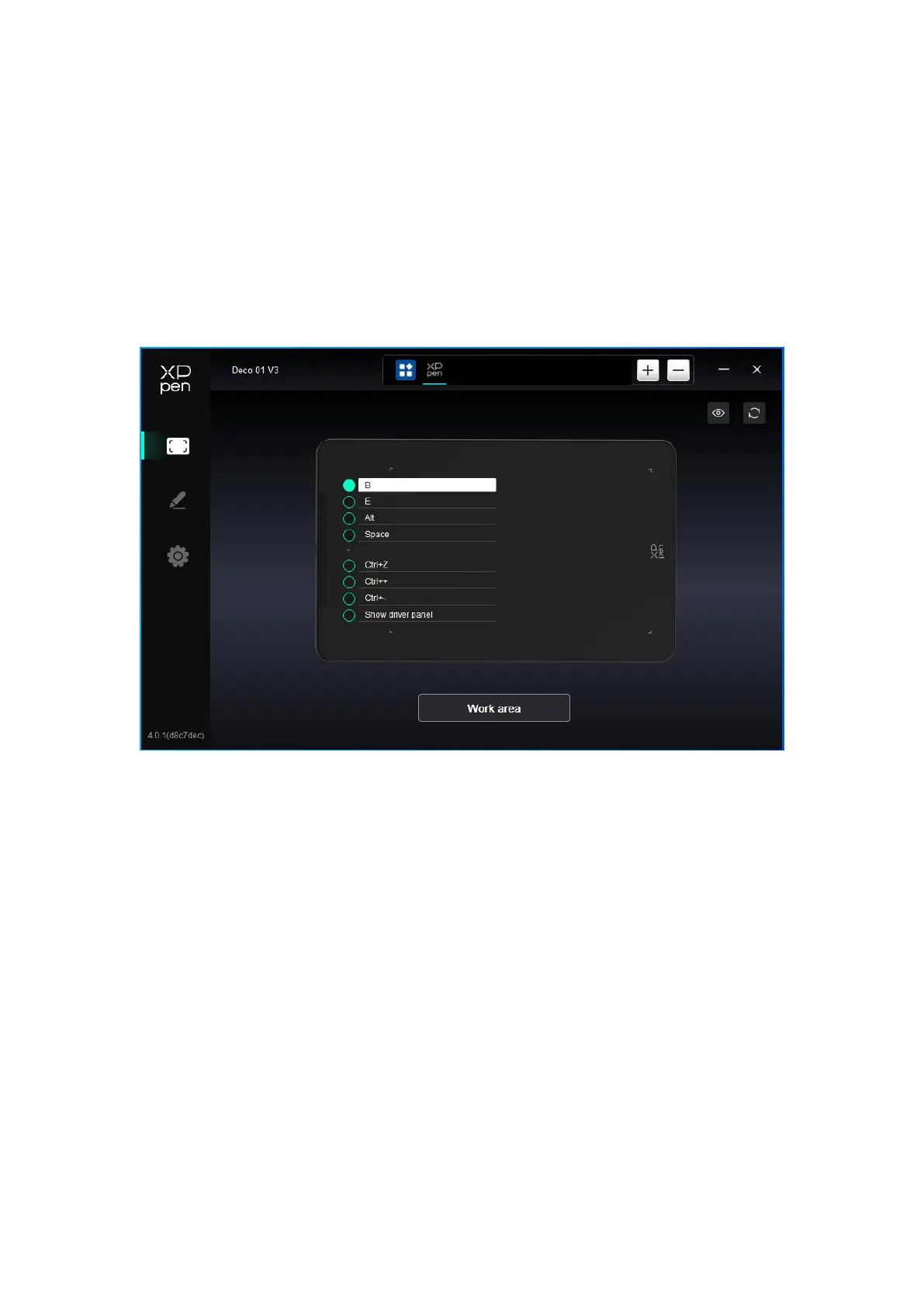
4.3.2 Shortcut Key
Click on the shortcut keys position on the image to customize its function.
Keyboard:














 To Next Page