10
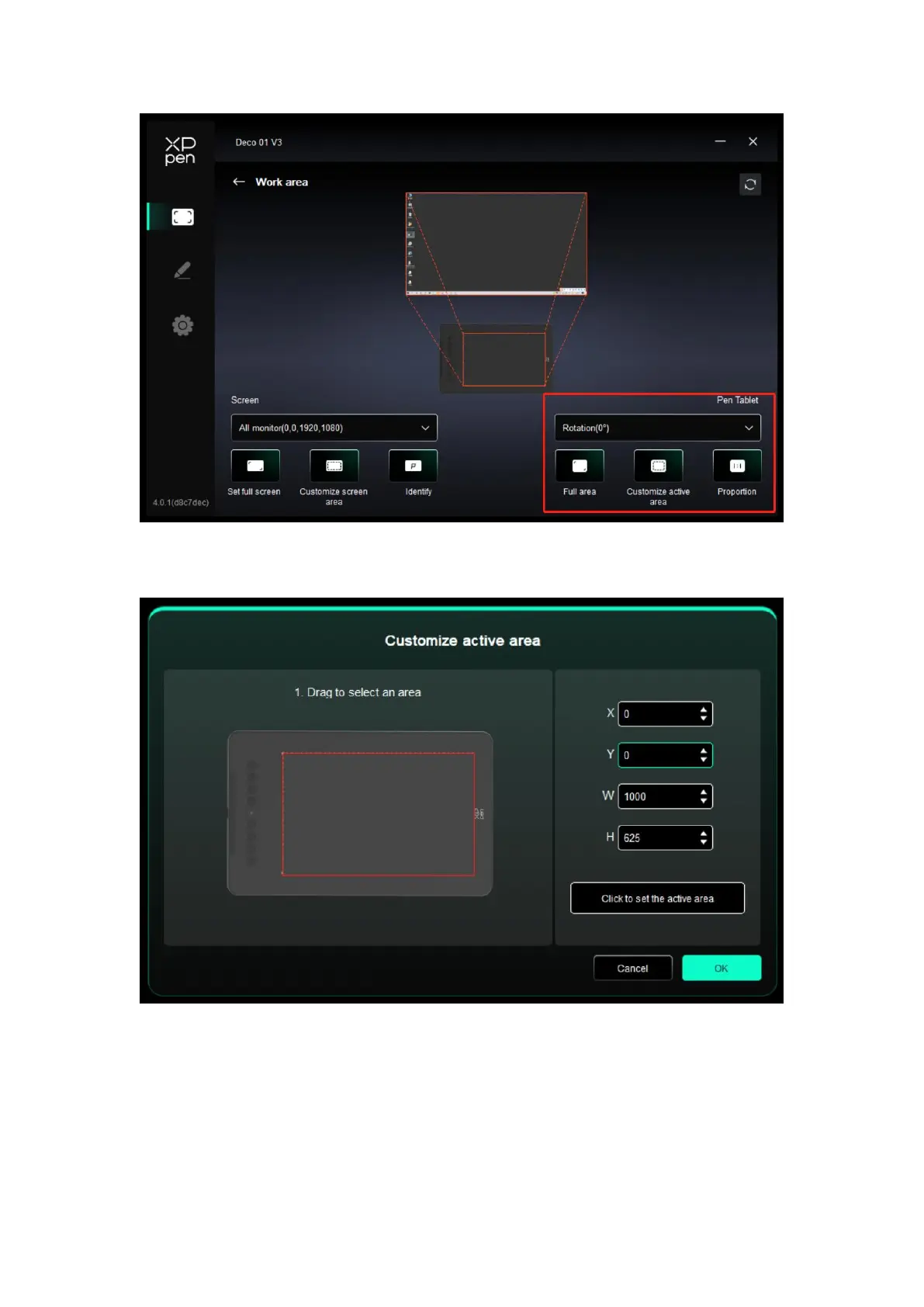
The driver enables the following ways to set the work area of the device:
1. Full area: The whole work area of the device is available.
2. Customize active area: Three ways.
Drag to select an area: Drag the cursor from one point to another on the device.
Click to set active area: Use stylus to click the upper left corner position and lower
right corner position on your device.
Coordinates: Manually enter coordinates in the corresponding input boxes for X, Y, W
and H.
3. Proportion: Scale your device's work area and selected display area proportionately.
For example: After selecting proportion, if your draw a circle on the device, a circle will














 To Next Page