4
2. Connection
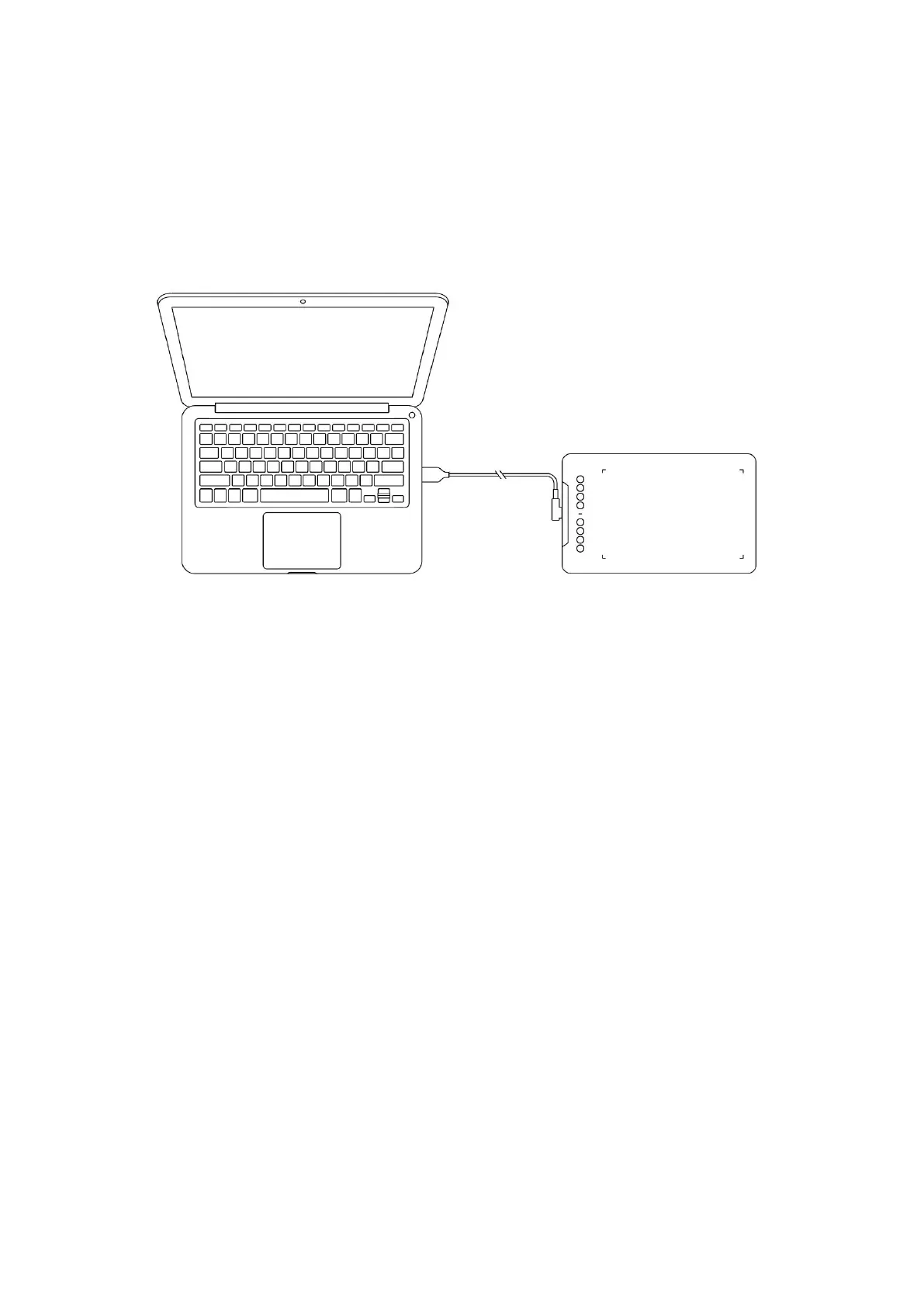
2.1 Connect to computer
Please connect the USB-C to USB-A cable by plugging the USB-A end into the computer's
USB port and the USB-C end into the tablet's USB-C port.
2.2 Connect to Android Phone or Tablet
Please connect the USB-C cable with OTG adapter to the android device and the drawing
tablet respectively.
The product is set to full area mapping by default. You can download the XPPen tools app
to adapt to your screen ratio, ensuring precise mapping:
Go to the official website (https://www.xp-pen.com) to download the XPPen tools app
and install it on your android device;
Open the app and adjust the active area according to the instructions in the app.
3. Compatibility
Windows 7 (or later)
macOS 10.12 (or later)
Android 10.0 (or later)
Chrome OS 88 (or later)
Harmony OS
Linux.














 To Next Page