17
4.6 Driver Settings
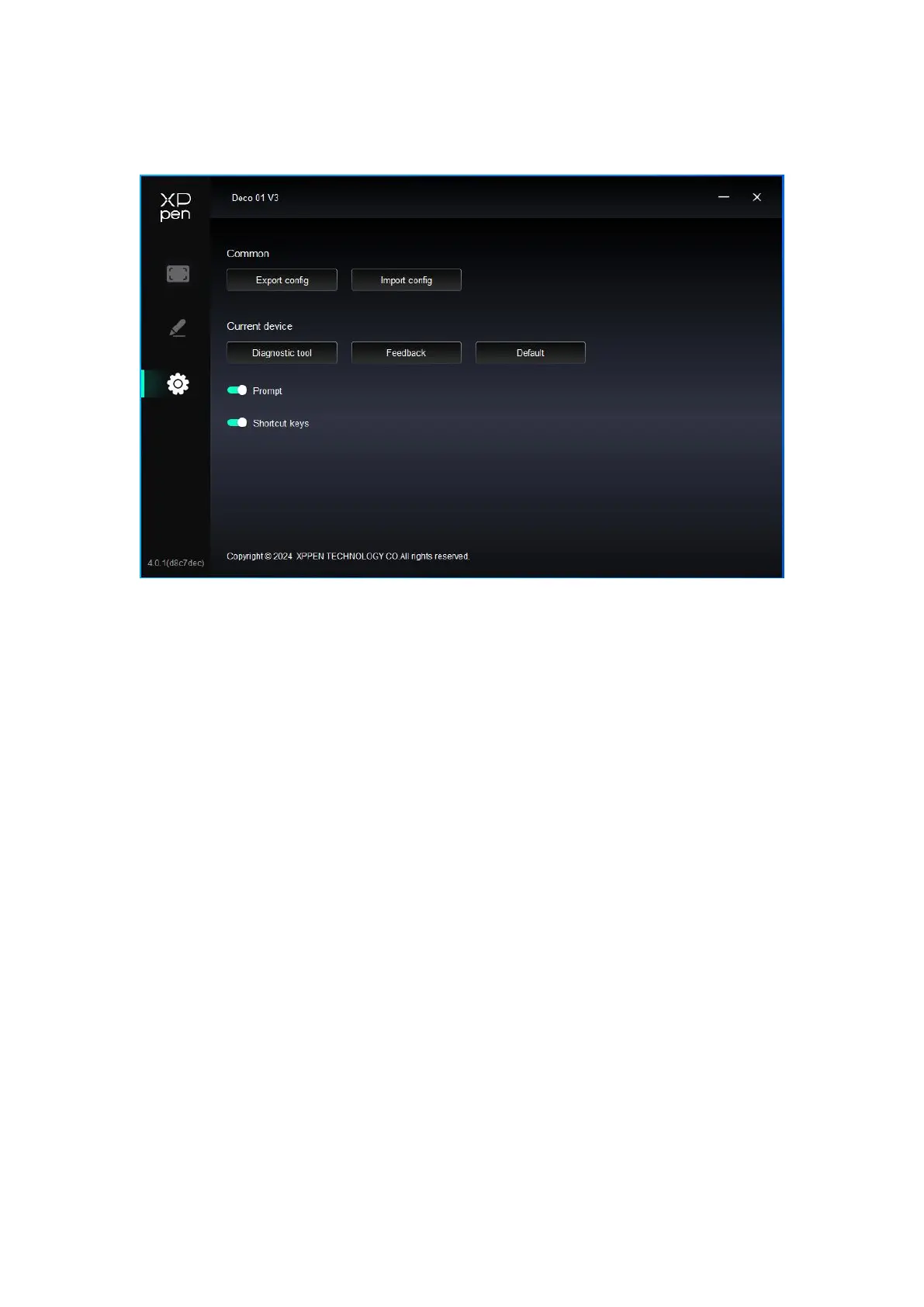
Import & Export config:
You can import/export configurations to read or save their settings.
This function is available for only the same operating system.
Diagnostic tool:
You can use the diagnostic tool in case of any problems while using the driver.
Feedback:
If you have any questions or suggestions during the use of the driver, you can give us
feedback through this page.
Delault:
Restore all driver default settings, your current customized settings will be reset to default.
Prompt:
When turned off, key prompts will not be displayed at the bottom of the screen when the
buttons are pressed.
Shortcut keys:
When turned off, all button functions on the device will be disabled.
4.7 Driver Uninstallation
Windows:
Go to Start -> Settings -> Apps -> Apps & Features, find "Pentablet" and then left click
"Unload" as per prompts.
Mac:
Go to [Go]-> [Applications], find XPPen and then click "UninstallPenTablet" as per
prompts.
Linux:














 To Next Page