9
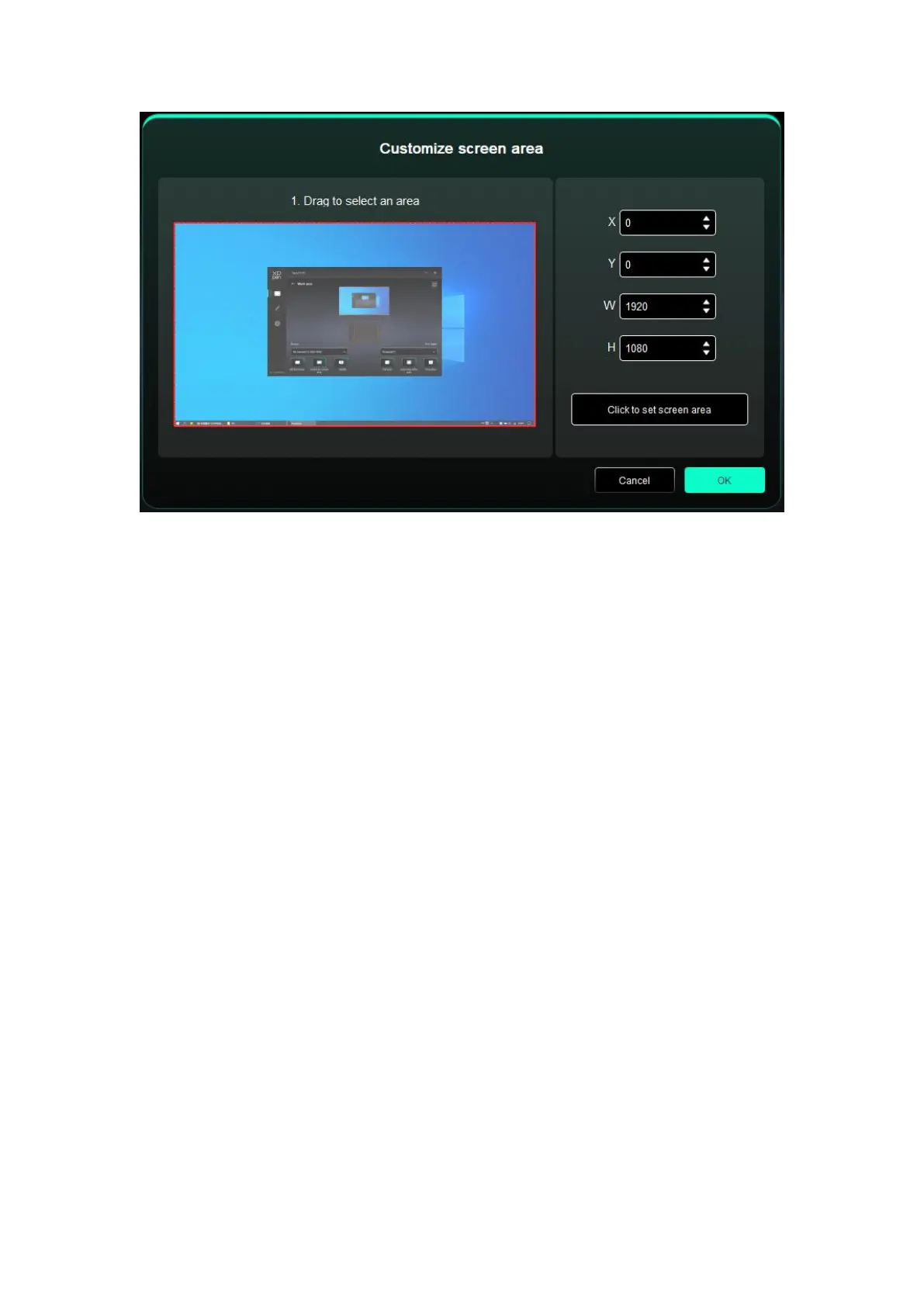
Drag to select an area: Drag the cursor from one point to another on the Screen.
Click to set screen area: Click the upper left corner position and lower right corner
position to select on the monitor.
Coordinates: Manually enter coordinates in the corresponding input boxes for X, Y, W
and H.
Identify:
Identify all connected monitors. The numeric identifier will be displayed in the lower left
corner of each monitor.
Drawing Tablet














 To Next Page