74
Handset Settings
Main setting options are described.
Shown items and their arrangement may differ depending on
current settings, etc.
Viewing after logging in to a Google account is described.
Handset Settings
Customize operation of handset functions. Handset settings
include the following items.
Item Description
Network &
internet
Make network and Internet settings for
Wi-Fi, mobile data, etc.
Device
connection
Make connection settings to other
devices, such as Bluetooth connection and
NFC/Osaifu-Keitai
®
settings.
Apps Make application settings.
Notifications Make notification settings.
Battery
Check Battery usage, make settings to
save battery power, etc.
Storage
Check internal, SD Card, and USB drive
storage, and delete SD Card and USB drive
data.
Sound Set ringtone, touch sounds, etc.
Display Set screen brightness, font size, etc.
Appearance
Make settings for ambient display, clock
design, and Simple Home.
Wallpaper Make wallpaper settings.
Accessibility
Set captions, magnification gestures, and
other useful accessibility functions.
Security
Set security functions such as screen lock,
PIN, etc.
Privacy
Make privacy settings such as application
permissions and showing passwords.
Location Make Location settings.
Safety &
emergency
Make settings for emergency information,
emergency SOS, Emergency Location
Service, and wireless emergency alerts.
Passwords &
accounts
Manage saved passwords and create, add,
etc. accounts.
Digital
Wellbeing
& parental
controls
Manage time that handset is used, set
parental limitations on use, etc.
Google Make settings for Google services.
System
Check and make settings for languages
& input, gestures, date & time, backup,
system update, reset, etc.
About phone
Check device name, own phone number,
etc.
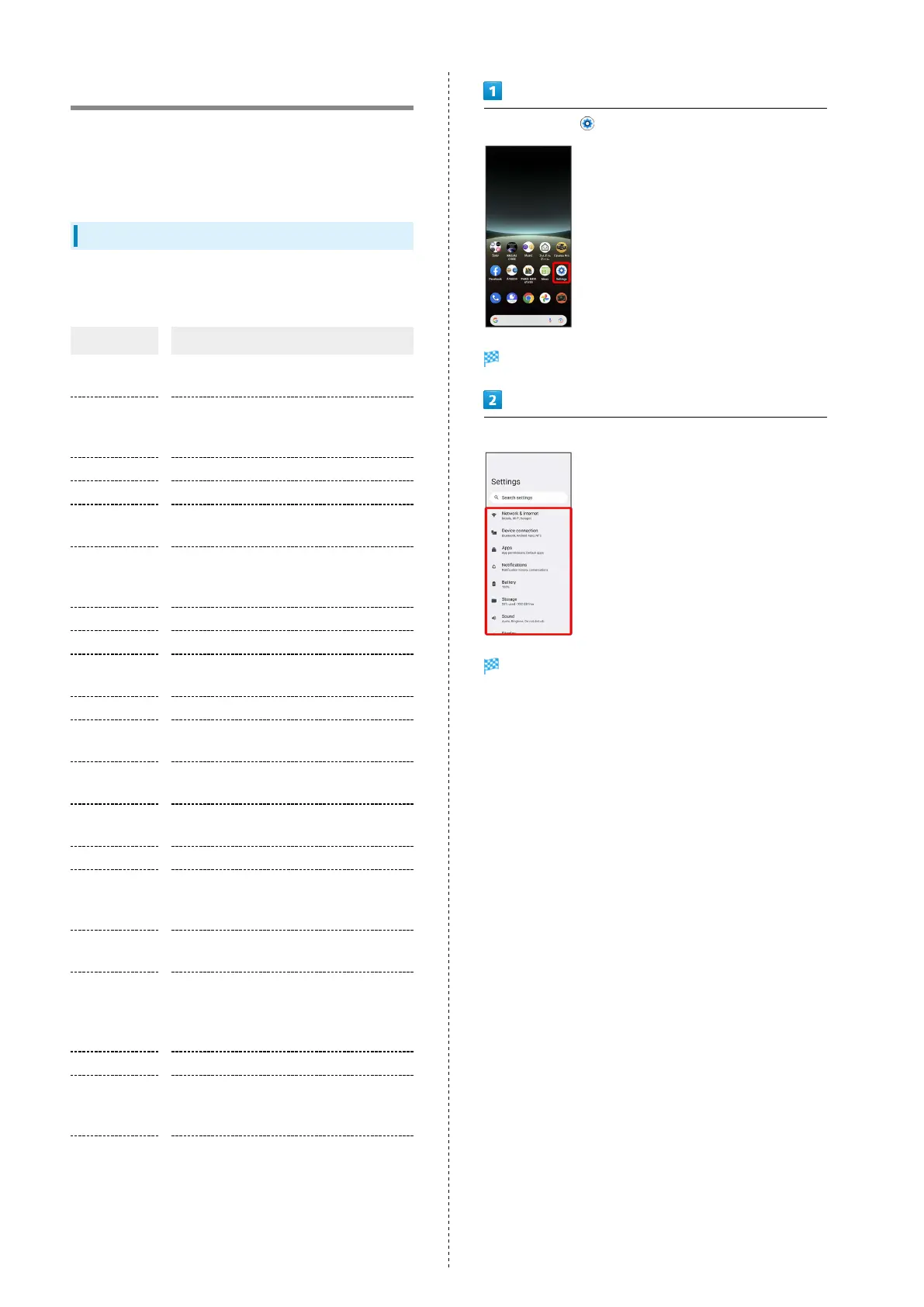
In Home Screen, (Settings)
Handset settings open.
Select item to set
Settings open.



 To Next Page