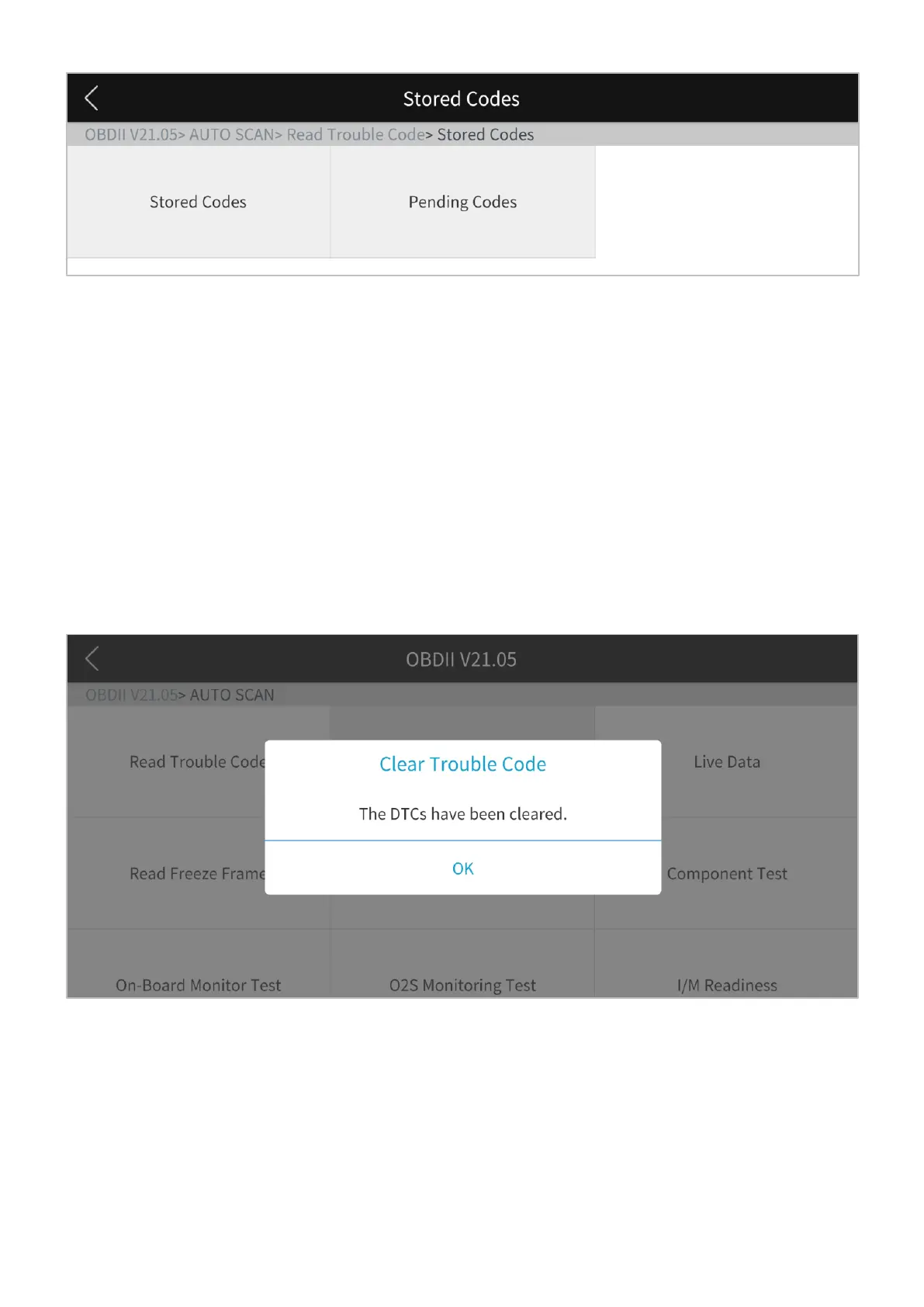
Figure 4-2 Sample of read trouble code screen
Clear Trouble Code
This option is used to clear all emission related diagnostic data such as DTCs, freeze frame
data, and manufacturer specific enhanced data from the vehicle’s PCM. A confirmation
screen displays when the clear codes option is selected to prevent accidental loss of data.
Select Yes on the confirmation screen to continue or No to exit.
Figure 4-3 Sample of clear trouble code screen


 To Next Page