English
41
Major Function
1-2. Photos Function of Media Library
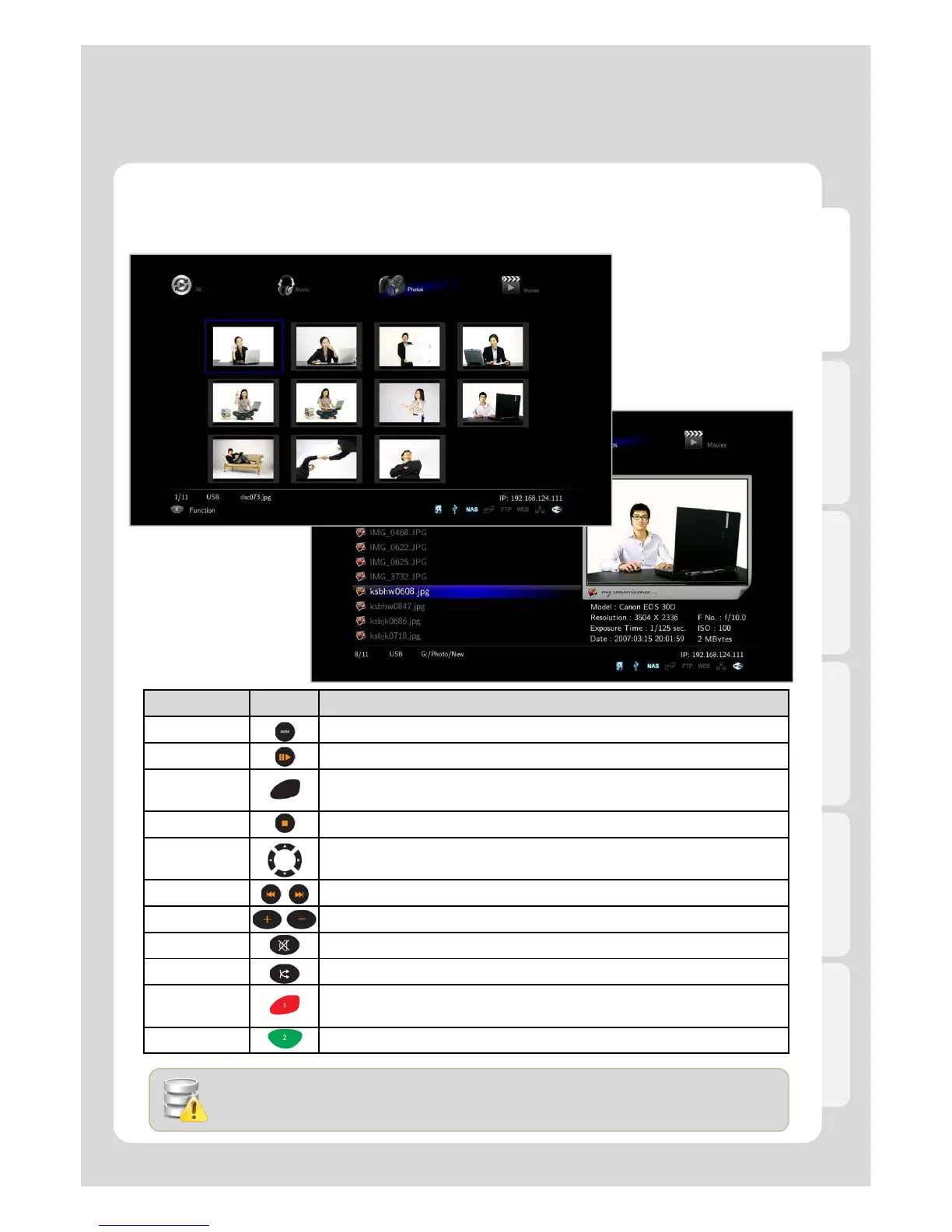
Usage of Remote Control functions in “Photos” mode
RC Button Description
ENTER It confirms and shows photo files.
PLAY It shows photo files.
INFO
It displays EXIF information of photo file, which is being showed.
(JPEG/EXIF supported)
STOP It stops showing “Slide Show”.
Left/Right in
navigation
It rotates a photo file to the left (or right).
PGUP/PGDN It goes to next file (or previous file).
VOLUME Adjusts background music volume
MUTE Mutes the background music
SHUFFLE It changes playback mode; Order Playback or Random Playback.
ADD
It provides selecting files you want to add onto “Playlist”.
- only works for an internal HDD
EJECT It adds selected files after selecting them by pressing [ADD] button.
If you use [PREVIEW] button on your remote, JPEG and EXIF data information will be
displayed on “Preview” Screen.



 To Next Page