English
57
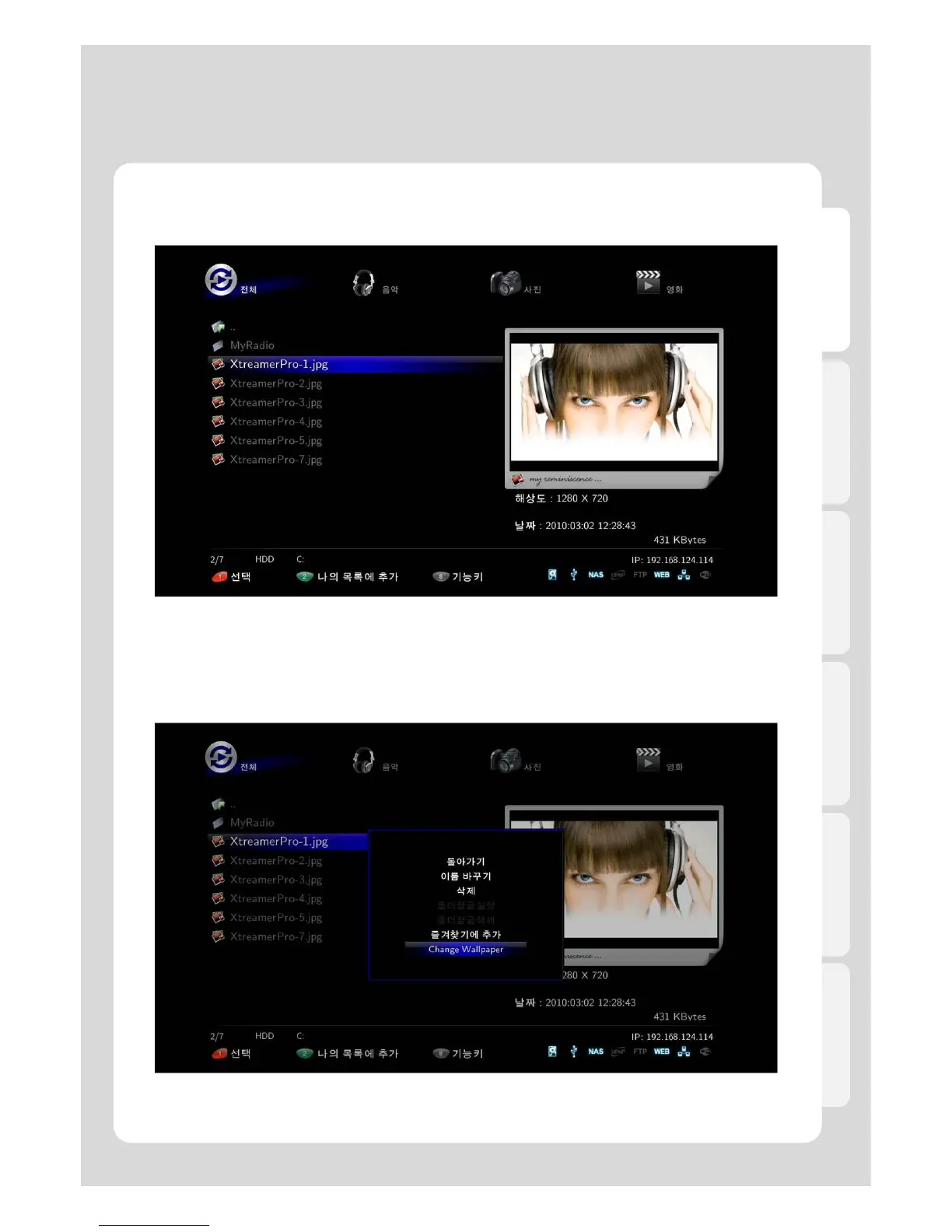
9. Changing background image at the main menu
1. Search for a photo file you want to display, the file should be in internal HDD.Xtreamer Pro is optimized
for 1280 x 720 screen resolution
2. Place the cursor on the photo file needed to display, then press [FUNC(8)] on your remote.
3. Select [Change Wallpaper].
Major Function



 To Next Page