English
56
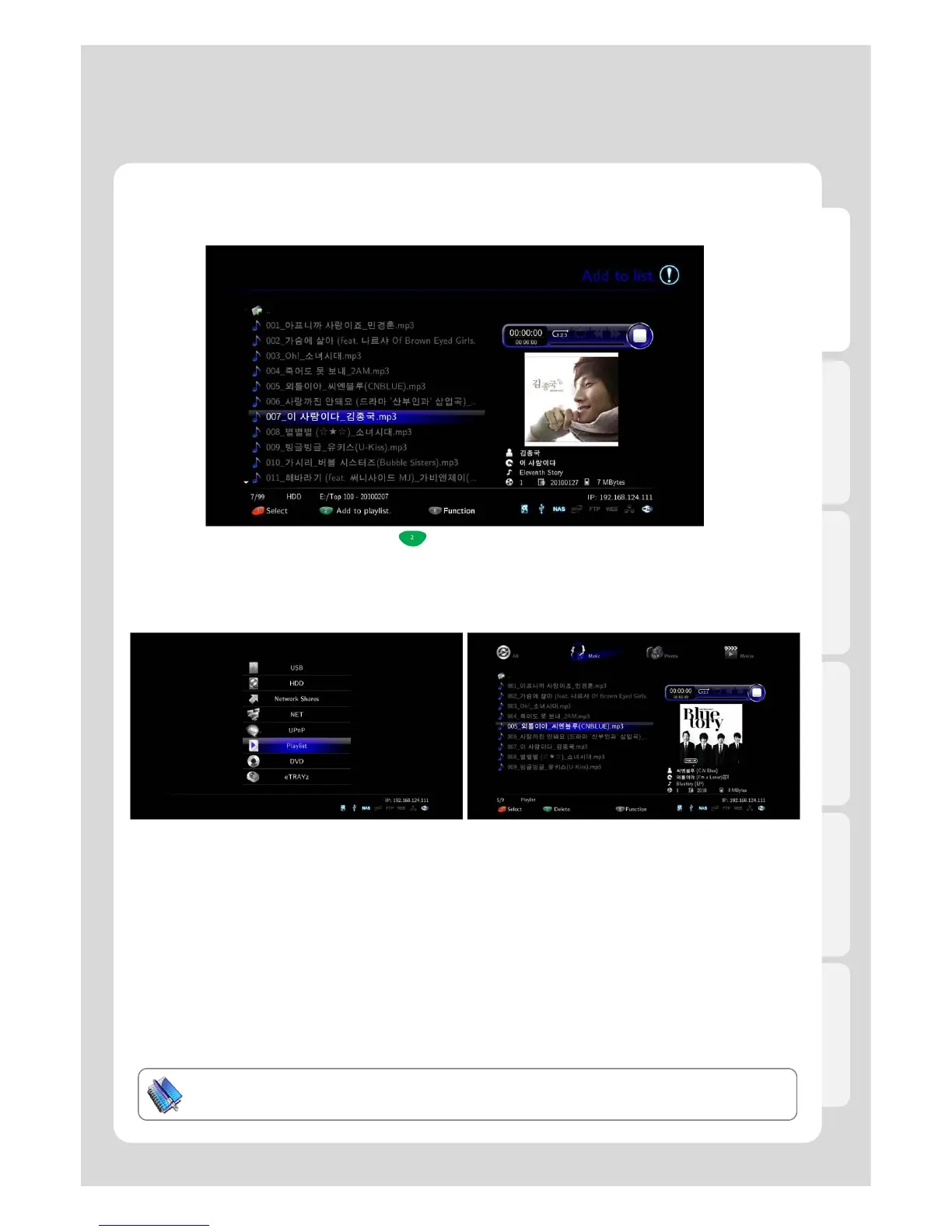
7. Add up files to Playlist by pressing button, [2] after all selection once completed.
You will be able to add files to other folders in succession.
8. Select [Media Library] – [Playlist] in order to check
if files added up properly or not.
9. Check all additional items, and then confirm the
[Autorun] function is working well by rebooting.
Tip. The playlist autorun function works only for internal
HDDs
Tip
Files in internal HDD are solely played automatically.
Major Function
8. How to use “Auto run” function



 To Next Page