User Manual
Modbus RTU
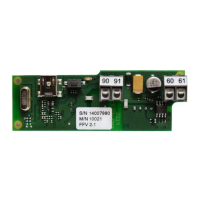
Option module for PolluTherm
M H 6123 INT, page 5
5. Installation the option module in the calculators
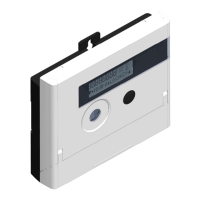
The option module would be installed in the rear socked in the opened meter.
5.1. Opening of the meter
Remove the user seal from the housing of the meter
Open the housing cover
PolluTherm: Press both closing clips on the lower edges of the housing cover and open cover
upwards
Previous versions: Fold away the black locking latch and open housing cover
5.2. PolluTherm
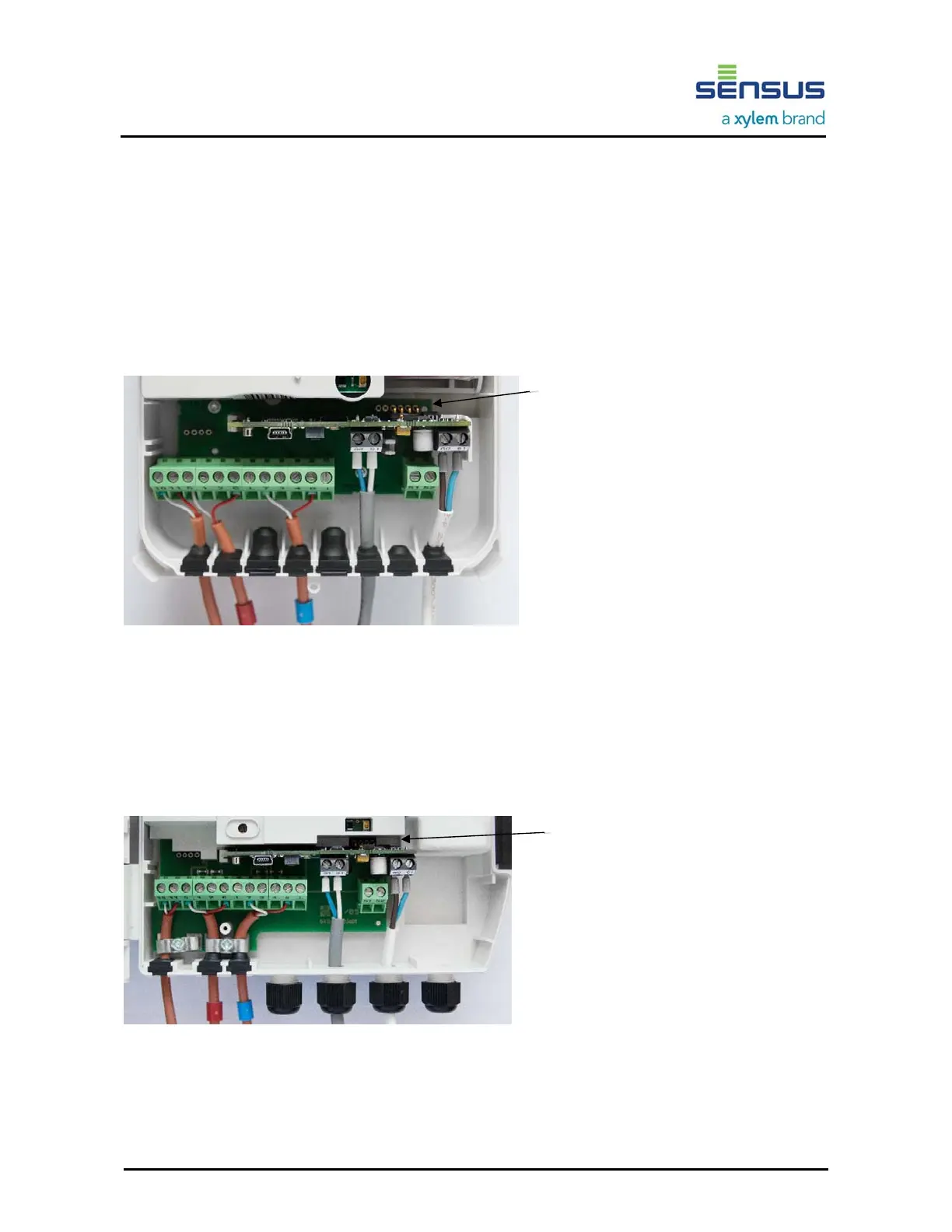
The module has to be plugged in carefully
in the rear socket with the six contacts.
Please make sure that the four pins
of the module are plugged in the four
right contacts of the socket.
The two left contacts remain unused.
Picture 3: installed option module option module in current version of meter
For connection of cables first take the particular rubber form part from the calculator housing and pierce a
hole with a small screw driver. Then take the relevant cable, put it through the hole and cause a strain relief
with a cable strap (supplied). Connect the wires with the related terminals and put the rubber form part back
in the housing.
Close calculator enclosure afterwards and seal it with the supplied selflock-seal.
5.3. Previous versions of PolluTherm
The module has to be plugged in carefully
in the rear socket with the four contacts.
Picture 4: installed option module in previous version of meter
Each cable has to be put through a free cable gland and connected with the related terminals of the module.
Close the calculator housing afterwards and seal it with the supplied selflock-seal.
R
Rear socket, usage of the four right contacts
Rear socket











 To Next Page