21
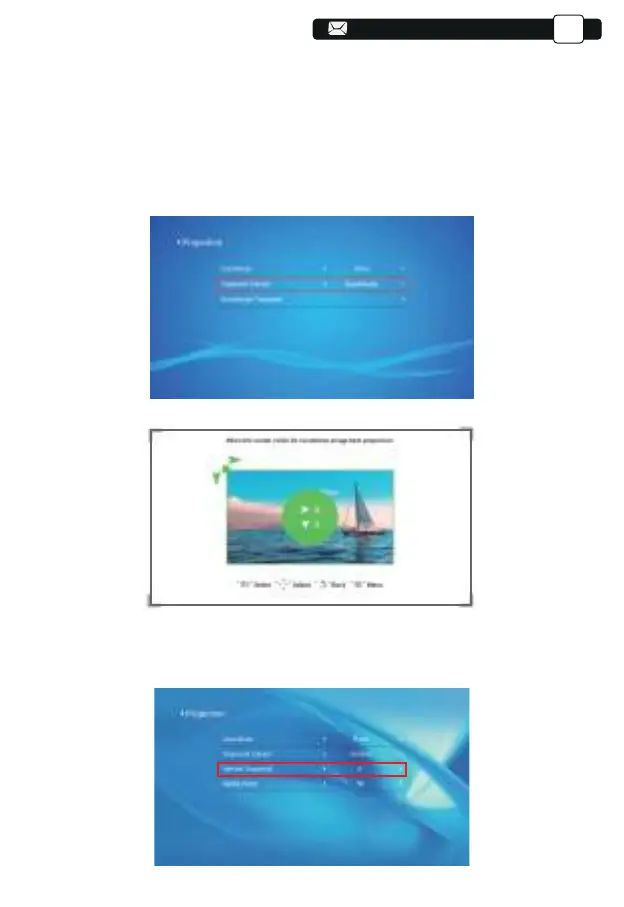
Step 1: Press the button to select the [Quadrangle] menu, then press the
[ OK ] bottom to enter the submenu.
Step 2: Keep pressing the OK button on the remote control or projector to
select the point
Step 3: Press the arrow keys on the remote or projector to adjust the
horizontal or vertical parameters, until the projection screen becomes the
desired rectangle.
2)Vertical Trapezoid: -50~50
You can set-up the zoom and vertical trapezoid when you Select the Vertical
as the Trapezoid correct mode.
Support@yabertech.com
EN



 To Next Page