The projector's normal start up screen is as follows. If the first projection
screen is not this one, press the “ ” button on the remote control to
select USB source.
Setting the Main Menu:
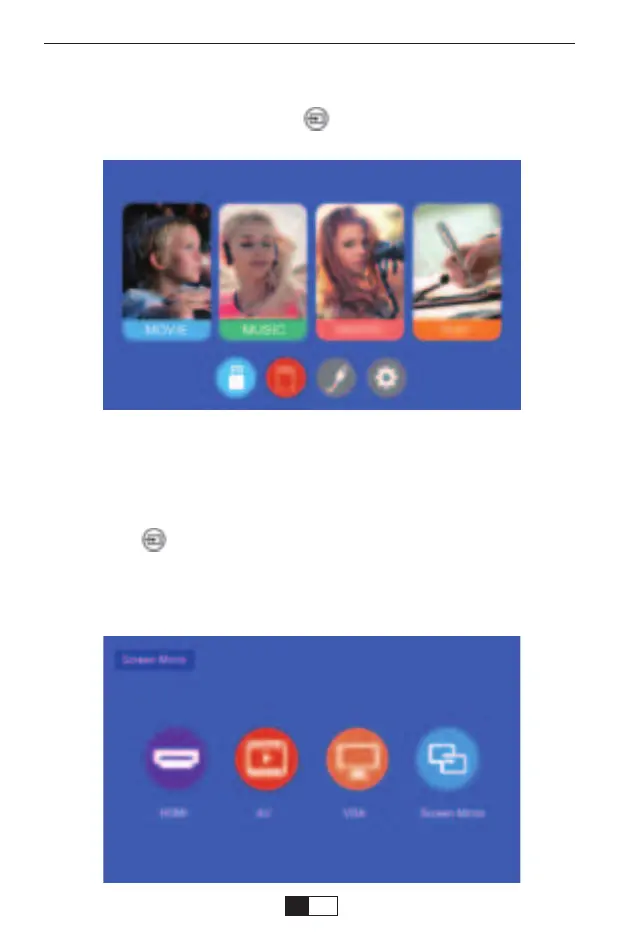
When the "No Signal" prompt appears, you need to select the input
source:
1. Press the “ ” button on the remote control to select the desired signal,
then press the OK button on the remote control.
2. Once the signal is detected, the selected source information will be
displayed on the screen after a few seconds.
Select the Input Source
support01@yaberauto.com
EN
19


 To Next Page
 Loading...