Display Settings
CVP-305/303/301 Owner’s Manual
20
Introduction
Entering the Owner Name in the Opening Dis-
play
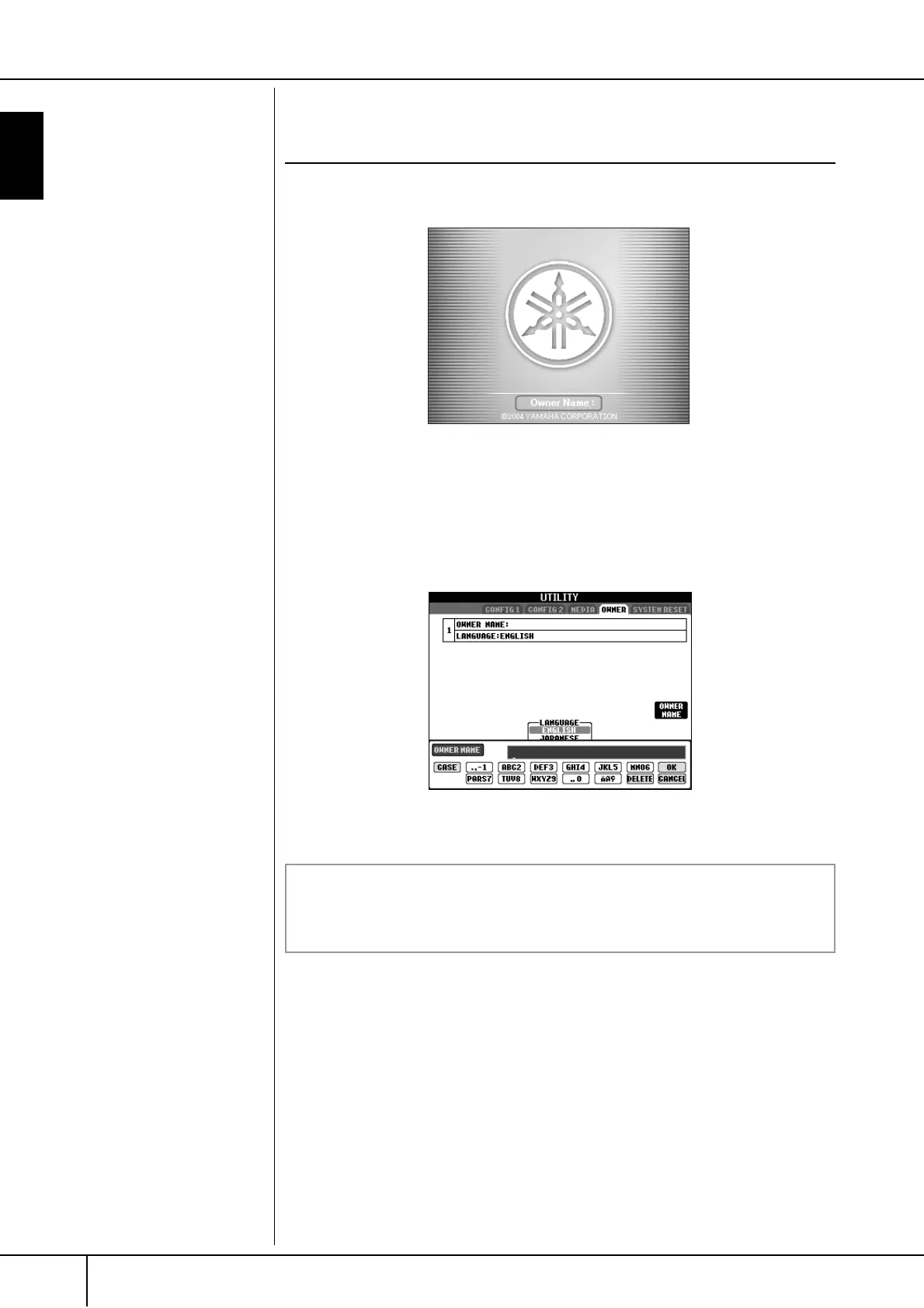
You can have your name appear in the opening display (the display that first
appears when the power is turned on).
1 Call up the operation display.
[FUNCTION] → [I] UTILITY → TAB[
√
][
®
] OWNER
2 Press the [I] (OWNER NAME) button and call up the Owner Name dis-
play.
Refer to page 67 for character-entry details.
Displaying the version number
To check the version number of this instrument, press and hold the [I]
(OWNER NAME) button in the display in step 2 above.




 To Next Page