Using, Creating and Editing Voices
Editing the Volume and Tonal Balance (MIXING CONSOLE)
CVP-305/303/301 Owner’s Manual
84
7 Press the [8
ππ
ππ
] (OK) button to apply your Revoice settings.
To cancel the Revoice operation, press the [8
†
] (CANCEL) button.
8 In the VOL/VOICE tab display, press the [F] button to set SONG AUTO
REVOICE to ON.
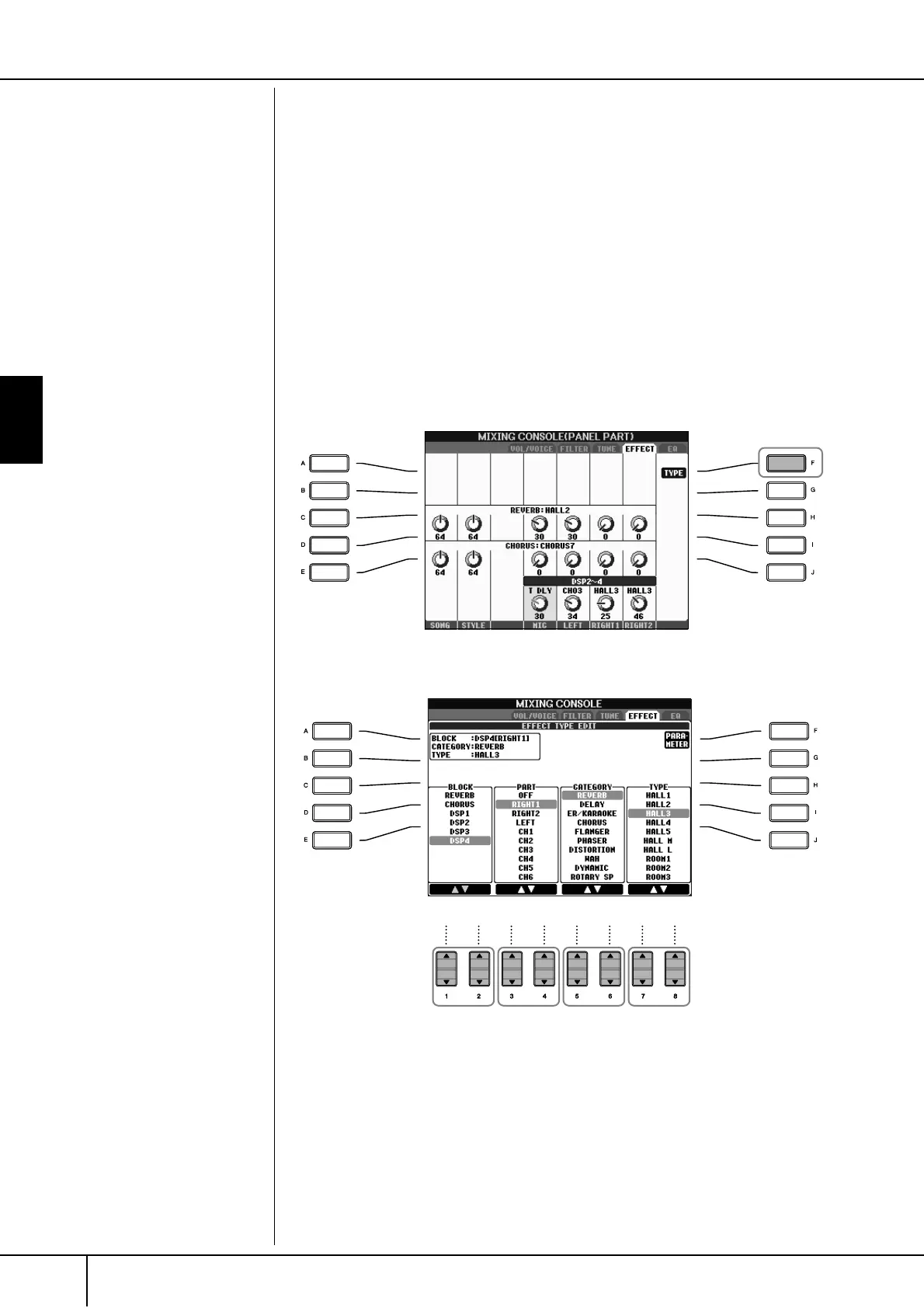
Effect Type
■ Selecting an Effect type
1–3 Same operation as in the “Basic Procedure” on page 80. In step 2,
select the EFFECT tab.
4 Press the [F] (TYPE) button to call up the Effect Type selection display.
5 Use the [1
ππ
ππ
††
††
]/[2
ππ
ππ
††
††
] buttons to select the effect BLOCK.
DSP:
Stands for Digital Signal Proces-
sor (or Processing). DSP changes
and enhances the audio signal in
the digital realm to produce a
wide range of effects.
5678





 To Next Page