Basic Operation
Basic Displays (Main Display and File Selection Display)
CVP-305/303/301 Owner’s Manual
65
Moving Files (Cut & Paste)
This operation lets you cut a file and paste it to another location (folder).
1 Call up the display containing the file you want to move.
2 Press the [2
††
††
] (CUT) button to cut the file.
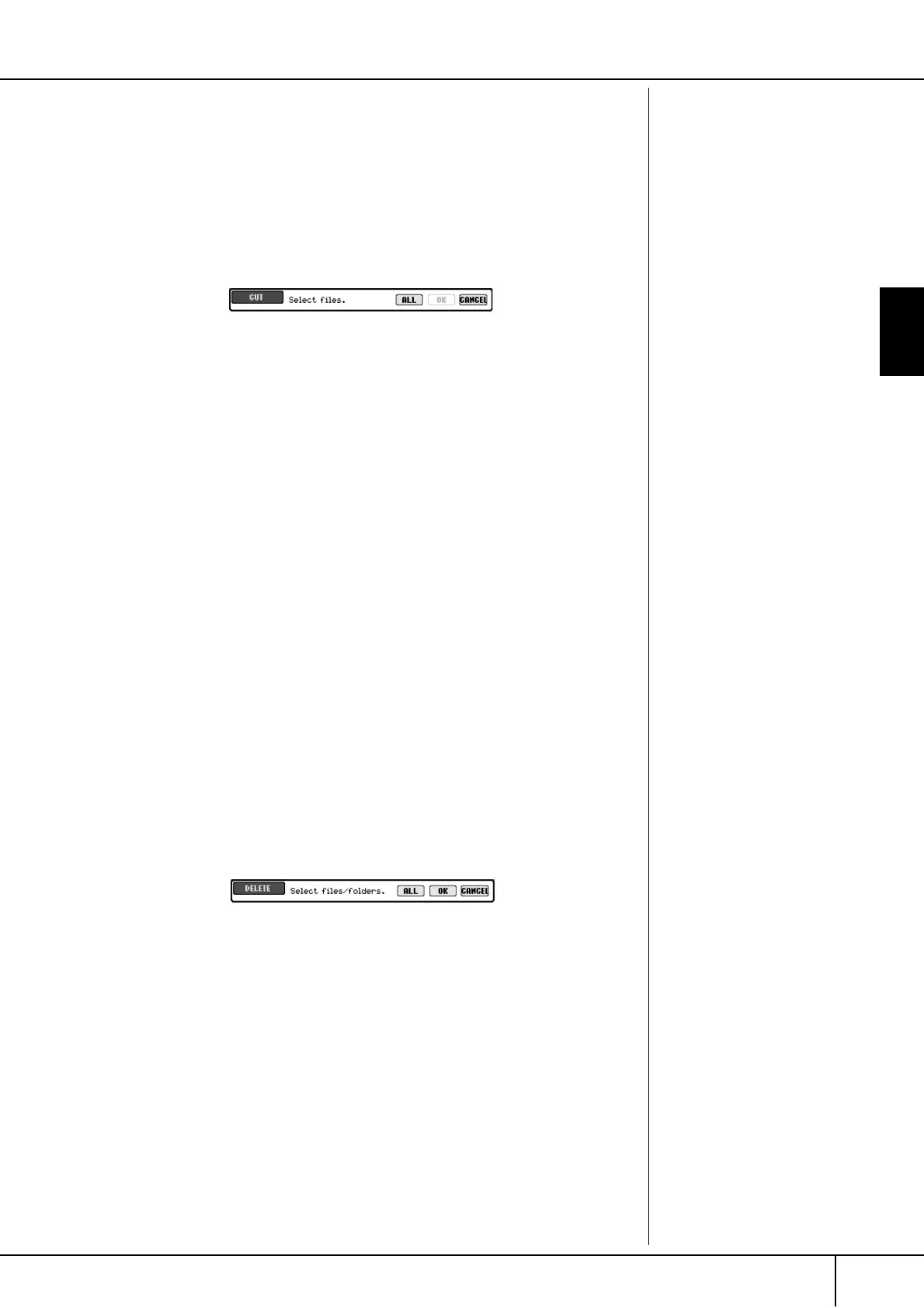
The pop-up window for the Cut operation appears at the bottom of the dis-
play.
3 Press one of the [A]–[J] buttons corresponding to the desired file.
To cancel the selection, press the same [A]–[J] button again.
■ Selecting all files
Press the [6
†
] (ALL) button to select all files indicated on the current dis-
play including the other pages.
To cancel the selection, press the [6
†
] (ALL OFF) button again.
4 Press the [7
††
††
] (OK) button to confirm the file selection.
To cancel the Cut operation, press the [8
†
] (CANCEL) button.
5 Select the destination tab (USER, CARD, etc.) to which the file is to be
pasted, by using the TAB [
√
]/[
®
] buttons.
6 Press the [4
††
††
] (PASTE) button to paste the file.
The file moved and pasted appears on the display at the appropriate position
among the files in alphabetical order.
Deleting Files/Folders
This operation lets you delete a file/folder.
1 Call up the display containing the file/folder you want to delete.
2 Press the [5
††
††
] (DELETE) button.
The pop-up window for the Delete operation appears at the bottom of the
display.
3 Press one of the [A]–[J] buttons corresponding to the desired file/
folder.
To cancel the selection, press the same [A]–[J] button again.
■ Selecting all files/folders
Press the [6
†
] (ALL) button to select all files/folders indicated on the cur-
rent display including the other pages.
To cancel the selection, press the [6
†
] (ALL OFF) button again.





 To Next Page