EasyManua.ls Logo

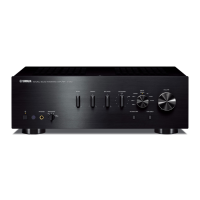
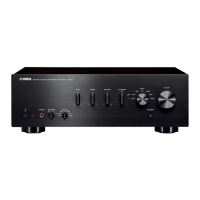
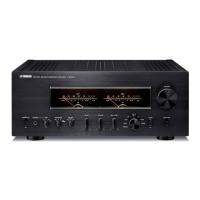
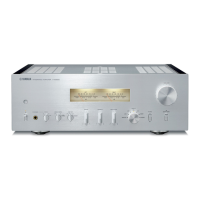
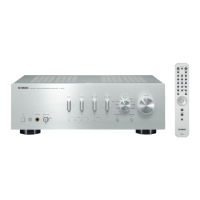
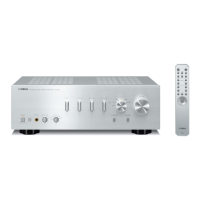
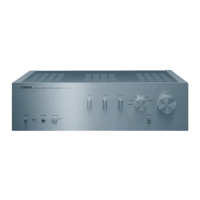
Yamaha A-S1000 - User Manual

Yamaha A-S1000
82 pages
Print Icon
To Next Page IconTo Next Page
Loading...
BLACK
DIC 2181s*
RTL
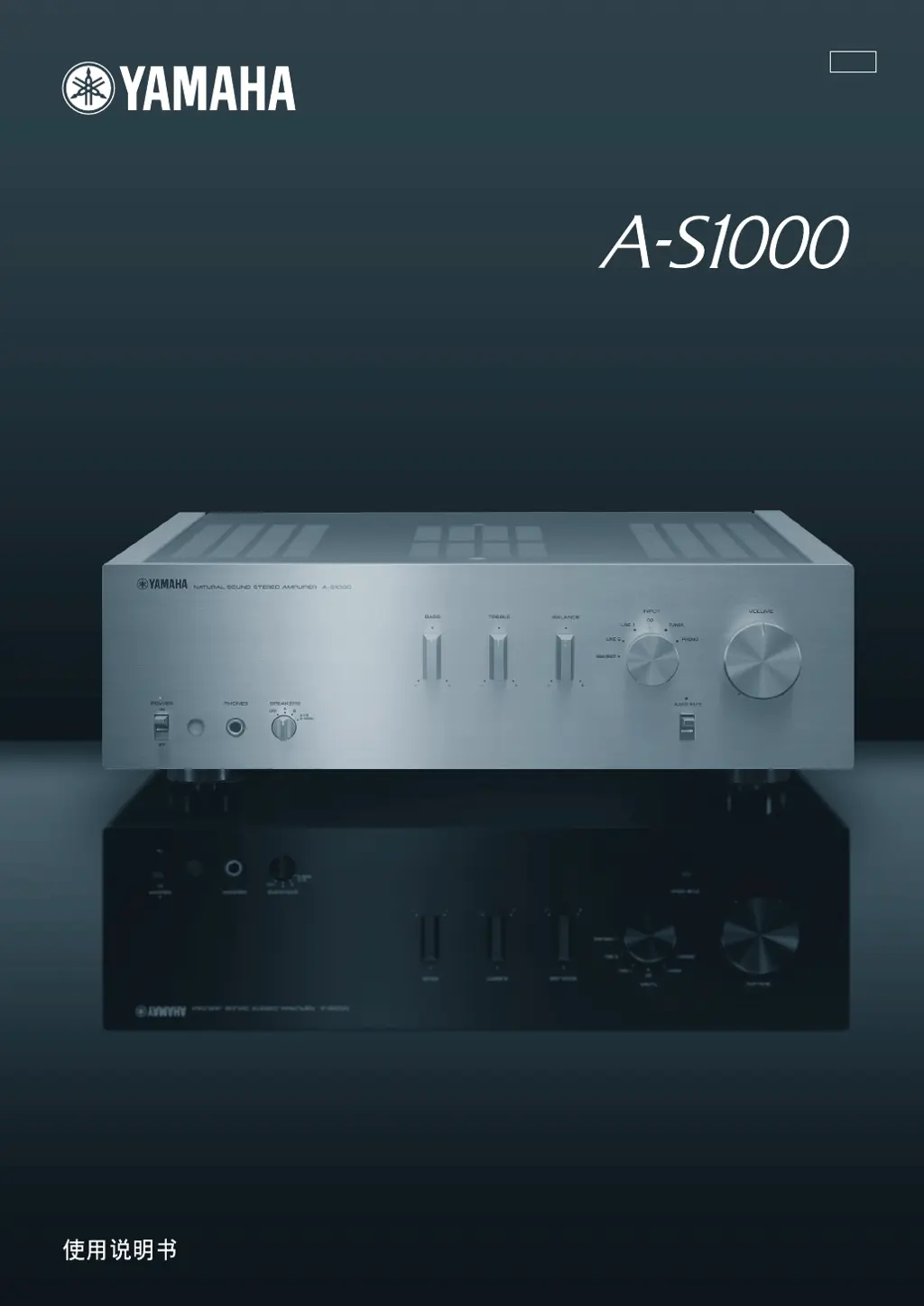
Stereo Amplifier
OWNER’S MANUAL
MANUAL DE INSTRUCCIONES

Questions and Answers

  • H
    hardyjosephAug 16, 2025
    Why Yamaha A-S1000 has no sound?
    • J
      jesse33Aug 16, 2025
      Several factors could be at play. Ensure your input or output cables are correctly connected, replacing them if the issue continues. Verify you've selected the right input source using the INPUT selector. Check the SPEAKERS switch is properly set. Also, make sure the speaker connections are secure.
  • M
    milleredwardAug 19, 2025
    What to do if Yamaha A-S1000 fails to turn on?
    • K
      Kristin Hendricks MDAug 19, 2025
      First, ensure the power cable is firmly connected to both the AC IN inlet on the rear panel and the AC wall outlet. If it still doesn't turn on, check the speaker wires for any shorts. If the protection circuitry was activated, ensure the speaker wires aren't touching each other or shorting against the rear panel, then try turning the power back on. If the unit experienced a strong electric shock, turn it off, disconnect the power cable, wait 30 seconds, reconnect it, and try again.
  • V
    valeriegravesAug 22, 2025
    Why Yamaha Amplifier remote control not working?
    • K
      Kyle Johnson PhDAug 22, 2025
      Make sure you are within the remote's operational range of 6 meters (20 feet) and within a 30-degree angle from the front panel. If that's not the issue, try replacing all the batteries.
  • C
    Chelsea HolmesAug 26, 2025
    Why does Yamaha Amplifier power indicator flash?
    • D
      Danny YoderAug 26, 2025
      The flashing POWER indicator often means the protection circuitry has been activated due to a short circuit. Check that the speaker wires are not touching each other or shorting out against the rear panel, and then turn the power of this unit back on. If the issue persists, disconnect the power cable and contact the nearest authorized Yamaha dealer or service center.
  • H
    Heather HornAug 28, 2025
    What to do if Yamaha Amplifier sound suddenly goes off?
    • J
      josephwashingtonAug 28, 2025
      This usually indicates that the protection circuitry has been activated because of a short circuit. Check that the speaker wires are not touching each other or shorting out against the rear panel of this unit, and then turn the power of this unit back on.
  • D
    Douglas BennettAug 31, 2025
    What to do if Yamaha A-S1000 Amplifier INPUT indicator flashes?
    • A
      awileyAug 31, 2025
      If the INPUT indicator flashes and the volume decreases when you turn on the unit, the protection circuitry has likely been activated due to a short circuit. Check that the speaker wires are not touching each other or shorting out against the rear panel of this unit, and then turn the power of this unit back on.
  • E
    epooleSep 3, 2025
    How to fix Yamaha A-S1000 when only one speaker works?
    • T
      Tiffany KramerSep 3, 2025
      First, check the cable connections to ensure they are correct; if the problem persists, the cables may be defective. Also, verify that the BALANCE control is set to the appropriate position.
  • J
    Joseph HunterSep 6, 2025
    Why is Yamaha A-S1000 Amplifier volume low when playing a record?
    • D
      David GordonSep 6, 2025
      Ensure the turntable is connected to the PHONO jacks. Also, check the PHONO switch on the rear panel and switch it to the MM or MC position according to the type of magnetic cartridge of the turntable.
  • D
    Donna WilliamsSep 9, 2025
    Why Yamaha Amplifier has no bass?
    • J
      jeffreyayalaSep 9, 2025
      This issue typically arises when the + and – wires are connected in reverse at either the amplifier or the speakers. Ensure that you connect the speaker wires to the correct + and – phase.
  • J
    Jason DeanSep 12, 2025
    Why Yamaha A-S1000 Amplifier makes humming sound?
    • H
      Heather BradleySep 12, 2025
      Check that the audio cable plugs are connected firmly. If the problem persists, the cables may be defective. Also, ensure that there is a connection from the turntable to the GND terminal of this unit.

Summary

Controls and Functions

Left Front Panel Controls

Details on POWER, PHONES, SPEAKERS, and remote control sensor.

Right Front Panel Controls

Explains BASS, TREBLE, BALANCE, INPUT selector, AUDIO MUTE, and VOLUME.

Rear Panel Layout

Identifies rear panel jacks and controls including SPEAKERS, INPUT, PRE OUT, AC IN, and PHONO.

Remote Control Operation

Details remote control functions and battery installation.

Connections

Speaker and Source Component Setup

Diagrams and instructions for connecting speakers, CD players, tuners, and turntables.

External Component and Subwoofer Wiring

Explains connections for preamplifiers, external amplifiers, and subwoofers.

Speaker Wire Connection Methods

Guides on using banana plugs and Y-shaped lugs for speaker wires.

Bi-wiring and Power Cord Connection

Instructions for bi-wiring speakers and connecting the power cord.

Input;Output Connectivity Table

A table summarizing audio inputs and outputs for the A-S1000.

Specifications

Power and Control Section Specs

Details output power, input sensitivity, output levels, and headphone specs.

Tone Control and Distortion Performance

Provides tone control characteristics and total harmonic distortion data.

PHONO Distortion and General Details

Lists PHONO harmonic distortion, general specs like power supply, dimensions, and weight.

Troubleshooting

Common Operational Problems and Solutions

Table addressing issues like unit failure, power indicator flashing, and no sound.

Sound, Remote, and Maintenance Issues

Covers sound problems, remote control issues, and unit care instructions.

Safety Precautions

General Operating Safety Guidelines

Essential safety advice for installation, operation, and handling.

Battery and Remote Handling Safety

Guidelines for battery use, disposal, and safe remote control operation.

Yamaha A-S1000 Specifications

General IconGeneral
Impedance4 Ω
Frequency range20 - 20000 Hz
Maximum input power320 W
Total Harmonic Distortion (THD)0.015 %
Connectivity technologyWired
Headphone connectivity3.5 mm
Product colorSilver
Weight and Dimensions IconWeight and Dimensions
Weight22000 g

Related product manuals