EasyManua.ls Logo

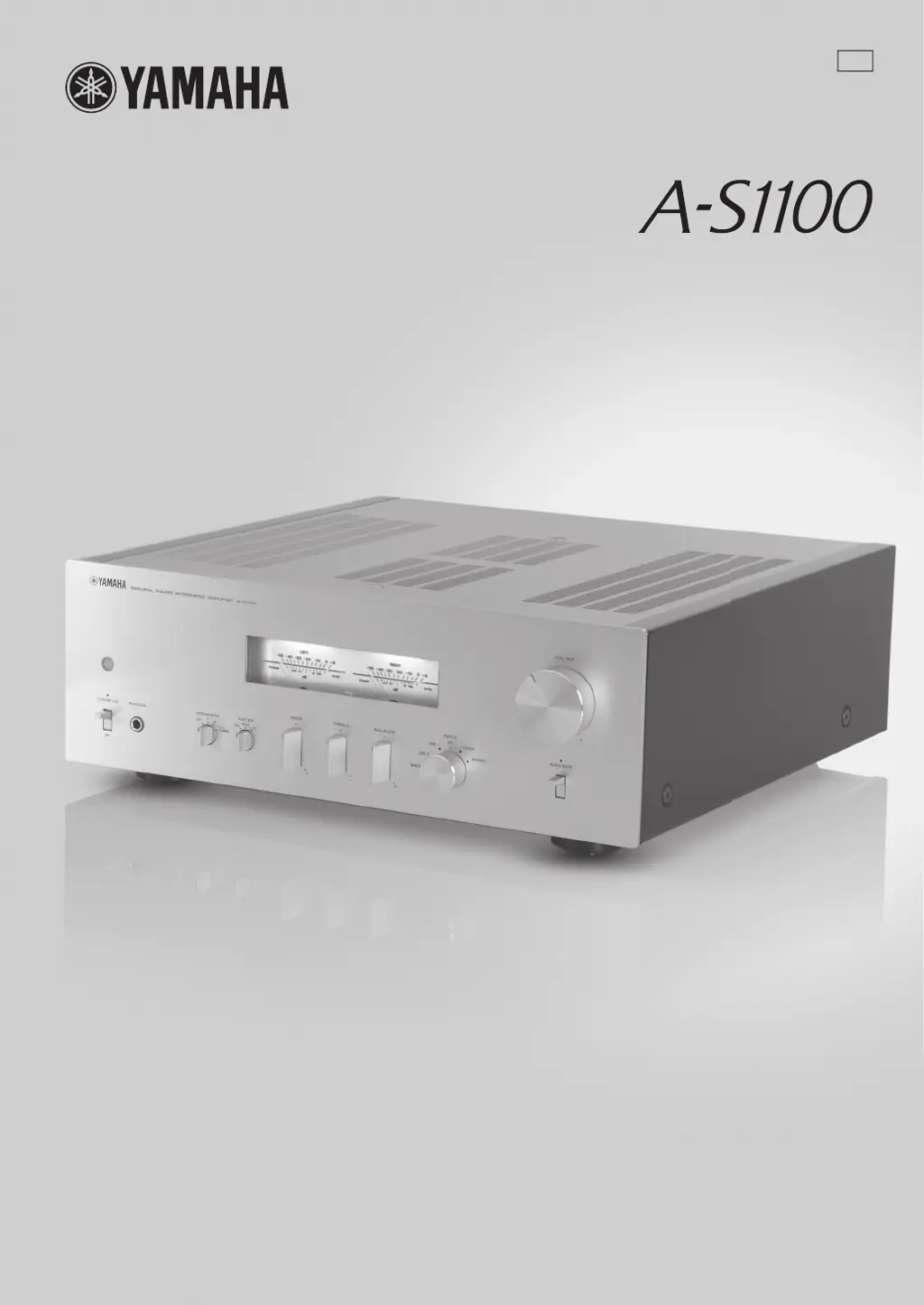
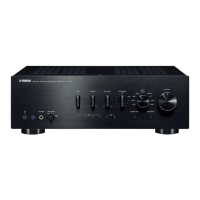
Yamaha A-S1100 - User Manual

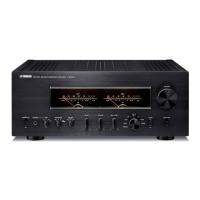
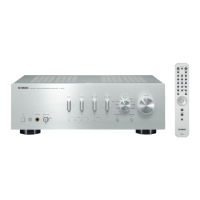
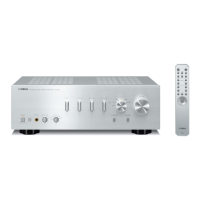
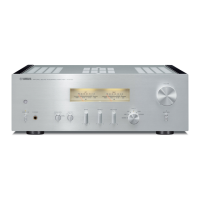
Yamaha A-S1100
60 pages
Print Icon
To Next Page IconTo Next Page
Loading...
U
Integrated Amplifier
Amplificateur Intégré
OWNER’S MANUAL
MODE D’EMPLOI
© 2015 Yamaha Corporation
Printed in Malaysia ZQ25540

Questions and Answers

  • I
    igarciaAug 18, 2025
    Why is there no sound coming from my Yamaha A-S1100 Amplifier?
    • J
      Joel ReyesAug 18, 2025
      If there is no sound from your Yamaha Amplifier, ensure that all input and output cables are connected properly; if the problem continues, the cables may be defective. Verify that you have selected the correct input source using the INPUT selector on the front panel or the remote control. Check that the SPEAKERS selector is not set to OFF, and make sure the speaker cables are securely connected.
  • P
    paigecaldwellAug 20, 2025
    How to fix Yamaha A-S1100 that fails to turn on?
    • D
      Deborah TateAug 20, 2025
      If your Yamaha Amplifier fails to turn on, first ensure the power cable is firmly connected to both the AC IN inlet on the rear panel and the AC wall outlet. If it still doesn't turn on, check the speaker wires to make sure they are not touching each other or shorting out against the rear panel. Finally, if the unit has been exposed to a strong external electric shock, turn it off, disconnect the power cable, wait 30 seconds, plug it back in, and then try using it normally.
  • P
    perezshannonAug 22, 2025
    What to do if the STANDBY/ON indicator flashes on my Yamaha A-S1100 Amplifier?
    • L
      Laura CamachoAug 22, 2025
      If the STANDBY/ON indicator on the front panel of your Yamaha Amplifier is flashing, it could indicate that the protection circuitry has been activated due to a short circuit. Check that the speaker wires are not touching each other or shorting out against the rear panel, and then turn the power back on. If the issue persists, there may be a problem with the internal circuitries. In that case, disconnect the power cable and contact your nearest authorized Yamaha dealer or service center.
  • K
    Krista GreenAug 25, 2025
    Why Yamaha A-S1100 remote control does not work?
    • P
      peggy55Aug 26, 2025
      If the remote control for your Yamaha Amplifier isn't working correctly, ensure you are within a 6 m (20 ft) range and no more than 30 degrees off-axis from the front panel. Check if direct sunlight or lighting is interfering with the remote control sensor, and reposition the unit if necessary. Finally, replace all the batteries, if they are weak.
  • K
    Kenneth RichardsonAug 28, 2025
    What to do if sound suddenly goes off on Yamaha A-S1100 Amplifier?
    • C
      Charles DavidsonAug 28, 2025
      If the sound suddenly goes off on your Yamaha Amplifier, it is possible that the protection circuitry has been activated due to a short circuit. Check that the speaker wires are not touching each other or shorting out against the rear panel of this unit, and then turn the power of this unit back on.
  • K
    Kimberly CarlsonAug 30, 2025
    Why is my Yamaha A-S1100 Amplifier making a humming sound?
    • J
      Justin JacksonAug 30, 2025
      If you hear a “humming” sound from your Yamaha Amplifier, first, ensure that the audio cable plugs are firmly connected. If the humming continues, the cables may be defective. Also, if you're using a turntable, make sure it is connected to the GND terminal on the unit.
  • C
    christinewellsSep 2, 2025
    Why can I only hear sound from one speaker on my Yamaha A-S1100?
    • C
      Cassandra BellSep 2, 2025
      If only one speaker can be heard with your Yamaha Amplifier, first ensure that all cable connections are correct; if the problem continues, the cables may be defective. Also, check the BALANCE control and set it to the appropriate position.
  • J
    Justin DavisSep 4, 2025
    What does it mean if the INPUT indicator flashes on my Yamaha A-S1100?
    • D
      Dennis PowersSep 4, 2025
      If the INPUT indicator on the front panel of your Yamaha Amplifier flashes and the volume turns down when you turn it on, it means that the protection circuitry has been activated because of a short circuit. Check that the speaker wires are not touching each other or shorting out against the rear panel of this unit, and then turn the power of this unit back on.
  • E
    Elizabeth ReynoldsSep 6, 2025
    Why is there a lack of bass and ambience on my Yamaha A-S1100 Amplifier?
    • C
      Christopher BlackSep 7, 2025
      If you experience a lack of bass and no ambience with your Yamaha Amplifier, check that the + and – wires are connected correctly at both the amplifier and the speakers. Connect the speaker wires to the correct + and – phase.
  • L
    Lindsey WrightSep 9, 2025
    Why the volume level cannot be adjusted on my Yamaha A-S1100?
    • C
      Christopher GloverSep 9, 2025
      If the volume level cannot be adjusted on your Yamaha Amplifier, it might be because MAIN DIRECT is selected as the input source. Try adjusting the volume on the connected component. Alternatively, connect the external component to input jacks other than MAIN IN and select the corresponding input source.

Summary

A Living Tradition in Sound

Excellence in Audio Achievement

About this manual

Controls and functions

Front Panel Operation

Details on the unit's front panel switches, selectors, meters, and controls for basic operation.

Rear Panel Connectivity

Guide to connecting speakers, audio sources, and system components to the rear panel.

Remote Control Functions

Operation of the remote control, including button functions, setup, and operating range.

Connections

Speaker and Audio Source Connections

Guide to connecting speakers, turntables, CD players, tuners, and other sources to the unit.

Connection Diagrams and Limitations

Visual guides for various connection setups and notes on incompatible connection types.

Advanced and System Connections

Details on bi-wiring, power cable, remote control, and trigger function connections.

Appendix

Technical Specifications

Detailed specifications for power output, control sections, general operational parameters, and dimensions.

Block Diagram and Performance Graphs

Schematic overview of internal signal flow and graphical representations of performance characteristics.

Troubleshooting

Common Operational Issues

Solutions for common problems like unit not turning on, no sound, or unbalanced audio.

Sound Quality and Remote Control Issues

Troubleshooting steps for humming sounds, low volume, degraded headphone audio, and remote control malfunctions.

Care and Maintenance

Yamaha A-S1100 Specifications

General IconGeneral
Damping factor250
Amplifier class-
Frequency range5 - 100000 Hz
Input sensitivity200 mV
Audio output channels2.0 channels
Peak power per channel160 W
Signal-to-Noise Ratio (SNR)100 dB
Total Harmonic Distortion (THD)0.7 %
Dynamic power per channel (2 Ohm)220 W
Dynamic power per channel (4 Ohm)190 W
Dynamic power per channel (6 Ohm)135 W
Dynamic power per channel (8 Ohm)105 W
PurposeHome
On/off switchYes
Product colorBlack
Volume controlRotary
Connectivity technologyWired
Headphone outputs1
Weight and Dimensions IconWeight and Dimensions
Depth463 mm
Width435 mm
Height157 mm
Weight23300 g

Related product manuals