EasyManua.ls Logo

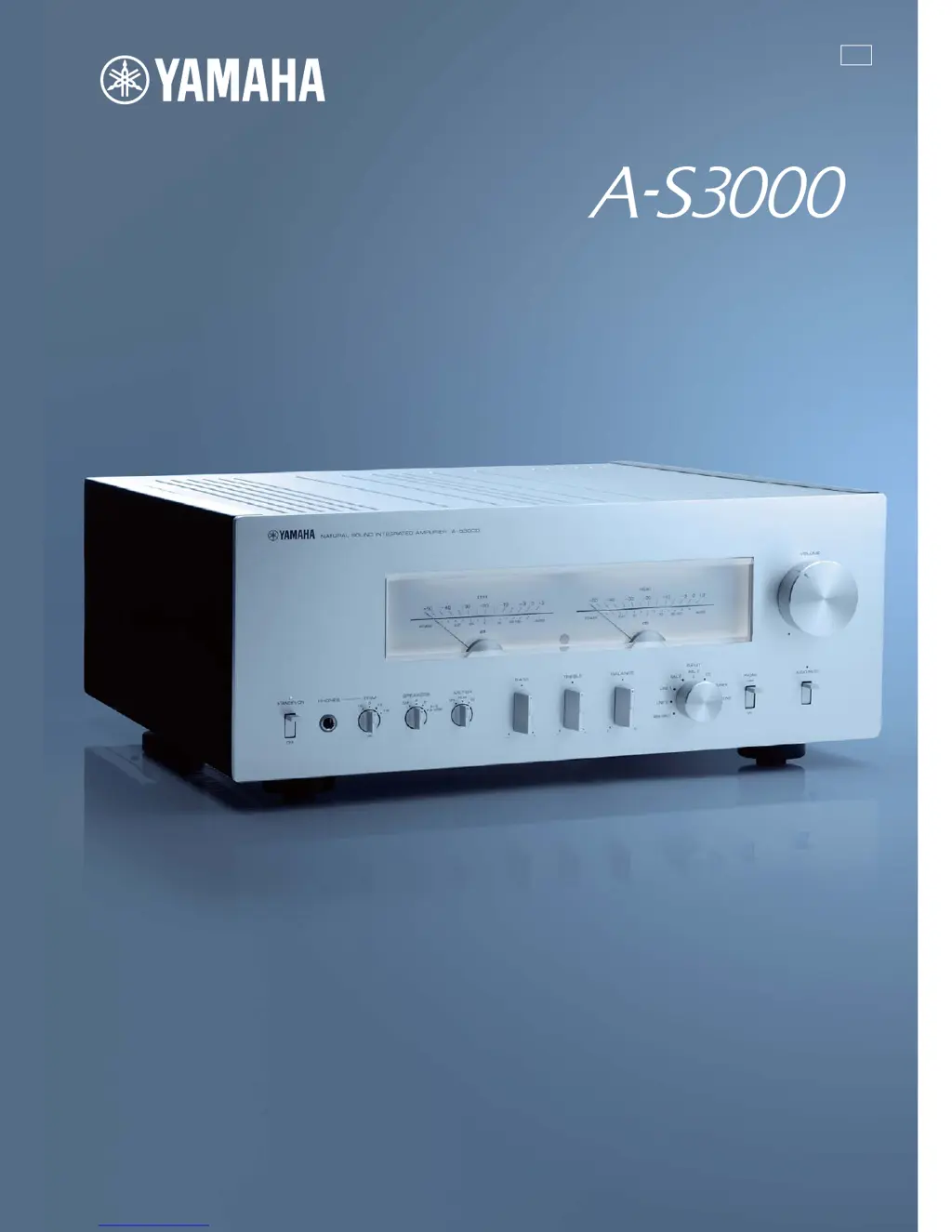
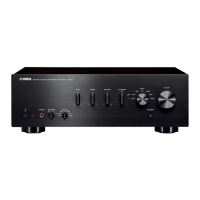
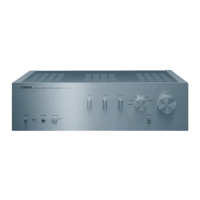
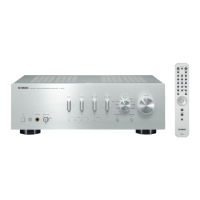
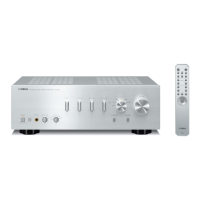
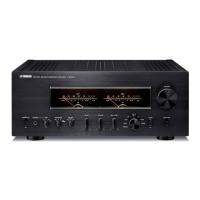
Yamaha A-S3000 - User Manual

Yamaha A-S3000
35 pages
Print Icon
To Next Page IconTo Next Page
Loading...
U
Printed in Malaysia ZG15690
Integrated Amplifier
Amplificateur Intégré
© 2013 Yamaha Corporation
OWNER’S MANUAL
MODE D’EMPLOI

Other manuals for Yamaha A-S3000

Questions and Answers

  • H
    heather12Sep 23, 2025
    Why is the volume low when playing a record on Yamaha A-S3000?
    • M
      michael34Sep 23, 2025
      If the volume level is low while playing a record on your Yamaha Amplifier, the PHONO switch on the front panel might be set incorrectly. Switch the PHONO switch to the MM or MC position according to the type of magnetic cartridge of the turntable.
  • T
    thomaslopezAug 23, 2025
    Why Yamaha A-S3000 Amplifier won't turn on?
    • D
      Danielle MurphyAug 25, 2025
      Your Yamaha Amplifier might not be turning on due to several reasons: * The power cable might not be properly connected to the AC IN inlet or the wall outlet. Ensure it's firmly connected. * The protection circuitry could be activated due to a short circuit. Check the speaker wires to ensure they are not touching each other or shorting against the rear panel. Then, turn the power back on. * The unit may have been exposed to a strong electrical shock. In this case, turn off the unit, disconnect the power cable, wait 30 seconds, plug it back in, and try again.
  • U
    ujohnsAug 25, 2025
    How to fix a Yamaha Amplifier that fails to turn on?
    • J
      Jane WatkinsAug 26, 2025
      If your Yamaha Amplifier doesn't turn on, there are several potential reasons. First, ensure the power cable is securely connected to both the AC IN inlet on the rear panel and the AC wall outlet. Second, check that the speaker wires are not touching each other or shorting against the rear panel, as this can activate the protection circuitry; if this is the case, turn the power off and then back on. Finally, if the unit has been exposed to a strong external electric shock, turn it off, disconnect the power cable, wait 30 seconds, plug it back in, and then try using it normally.
  • D
    Danielle Acevedo DDSAug 26, 2025
    Why is my Yamaha A-S3000 Amplifier remote control not working?
    • S
      stevenweberAug 27, 2025
      If the Yamaha Amplifier's remote control isn't working correctly, consider these points: First, ensure you are within the operational range of 6 meters (20 feet) and within 30 degrees of the front panel. Second, check if direct sunlight or strong lighting is interfering with the remote control sensor; if so, reposition the unit. Lastly, replace all the batteries, as weak batteries can cause malfunction.
  • C
    Christian LeeAug 27, 2025
    What to do if my Yamaha Amplifier has no sound?
    • M
      Michael MorrowAug 27, 2025
      If your Yamaha Amplifier has no sound, consider the following: * Check your input and output cable connections to ensure they are properly connected. If the problem continues, the cables may be defective. * Make sure you have selected the appropriate input source using the INPUT selector on the front panel or the remote control. * Verify that the SPEAKERS selector is not set to OFF. Switch it to the appropriate position. * Ensure that your speaker connections are secure.
  • J
    James MurilloSep 15, 2025
    Why is there a humming sound from my Yamaha A-S3000?
    • B
      Bonnie PowellSep 15, 2025
      A humming sound from your Yamaha Amplifier can be caused by: * Incorrect cable connections. Ensure the audio cable plugs are firmly connected. If the problem persists, the cables may be defective. * If you're using a turntable, ensure it is connected to the GND terminal on the unit.
  • T
    Tracy DavisSep 12, 2025
    Why is bass not spatial when using BAL 1/BAL 2 on my Yamaha A-S3000 Amplifier?
    • J
      Justin VillaSep 12, 2025
      If the bass is not spatial when BAL 1/BAL 2 (balanced input) is selected on your Yamaha Amplifier, the polarity might be incorrect. Select the correct polarity with the PHASE selector.
  • S
    srodriguezSep 14, 2025
    Why does the STANDBY/ON indicator flash on my Yamaha A-S3000 Amplifier?
    • L
      Lucas MuellerSep 14, 2025
      If the STANDBY/ON indicator on your Yamaha Amplifier is flashing, it could be due to: * The protection circuitry being activated because of a short circuit. Check that the speaker wires are not touching each other or shorting out against the rear panel, and then turn the power of this unit back on. * A problem with the internal circuitries of the unit. In this case, disconnect the power cable and contact the nearest authorized Yamaha dealer or service center.
  • D
    Diana CummingsSep 5, 2025
    What to do if the sound suddenly goes off on my Yamaha Amplifier?
    • S
      shannon40Sep 5, 2025
      If the sound suddenly goes off on your Yamaha Amplifier, the protection circuitry may have been activated due to a short circuit. Check that the speaker wires are not touching each other or shorting out against the rear panel of the unit, and then turn the power back on.
  • C
    cassandra96Sep 2, 2025
    Why is my Yamaha A-S3000 Amplifier making a humming sound?
    • A
      Alexis GarciaSep 2, 2025
      If you hear a humming sound from your Yamaha Amplifier, first, ensure the audio cable plugs are firmly connected; if the problem persists, the cables may be defective. Second, if you're using a turntable, make sure it's connected to the GND terminal on the unit.

Summary

A Living Tradition in Sound

Yamahas Sonic Philosophy

Explains Yamaha's approach to audio quality, inspired by piano craftsmanship.

Excellence in Audio Achievement

Yamaha Audio Product Milestones

Chronological overview of Yamaha's audio product development from the 1920s to the 2010s.

Controls and Functions

Front Panel Operation

Details the operation and purpose of all controls located on the front panel of the A-S3000.

Rear Panel Connectivity

Explains the various input/output jacks, switches, and connectors on the rear panel of the A-S3000.

Remote Control Usage

Covers the functions and usage of the supplied remote control for operating the A-S3000.

Remote Control Battery Installation

Provides step-by-step instructions for inserting batteries into the remote control unit.

Connections

Speaker Connection Methods

Details on connecting speakers using bare wire, banana plugs, Y-lugs, and bi-wiring methods.

Power Cable and System Interface

Instructions for connecting the power cable and system control/trigger cables.

Audio Input and Output Connections

Guide to connecting various audio sources via RCA and balanced XLR inputs.

Specifications

Power and Control Section Specs

Detailed technical data on power output, input sensitivity, impedance, and tone control ranges.

General and Performance Metrics

Information on power supply, consumption, dimensions, weight, and overall performance.

Technical Performance Charts

Graphical representations of tone control characteristics and total harmonic distortion.

Troubleshooting

Problem Resolution Guide

A guide to identifying and resolving common issues encountered during unit operation.

Care and Maintenance

Cleaning and Unit Care

Instructions on how to clean and maintain the finish and components of the A-S3000.

Important Safety Instructions

Safety Precautions and Guidelines

Essential guidelines for safe operation, installation, and handling of the A-S3000 unit.

Regulatory Compliance and Notices

FCC and Canadian Compliance

Details on FCC requirements, compliance statements, and notices for US and Canadian customers.

Pre-Operation Cautions

Operating Environment and Handling

Crucial advice on installation, environment, handling, and electrical safety before operating the unit.

Yamaha A-S3000 Specifications

General IconGeneral
Damping factor250
Amplifier class-
Input sensitivity200 mV
Audio output channels- channels
Peak power per channel300 W
Signal-to-Noise Ratio (SNR)103 dB
Total Harmonic Distortion (THD)0.025 %
Dynamic power per channel (4 Ohm)200 W
Dynamic power per channel (6 Ohm)150 W
Dynamic power per channel (8 Ohm)120 W
Speakers connectivity typeClamp terminals
PurposeHome
Product colorBlack, Silver
Connectivity technologyWired
Weight and Dimensions IconWeight and Dimensions
Depth464 mm
Width435 mm
Height180 mm
Weight24600 g

Related product manuals