EasyManua.ls Logo

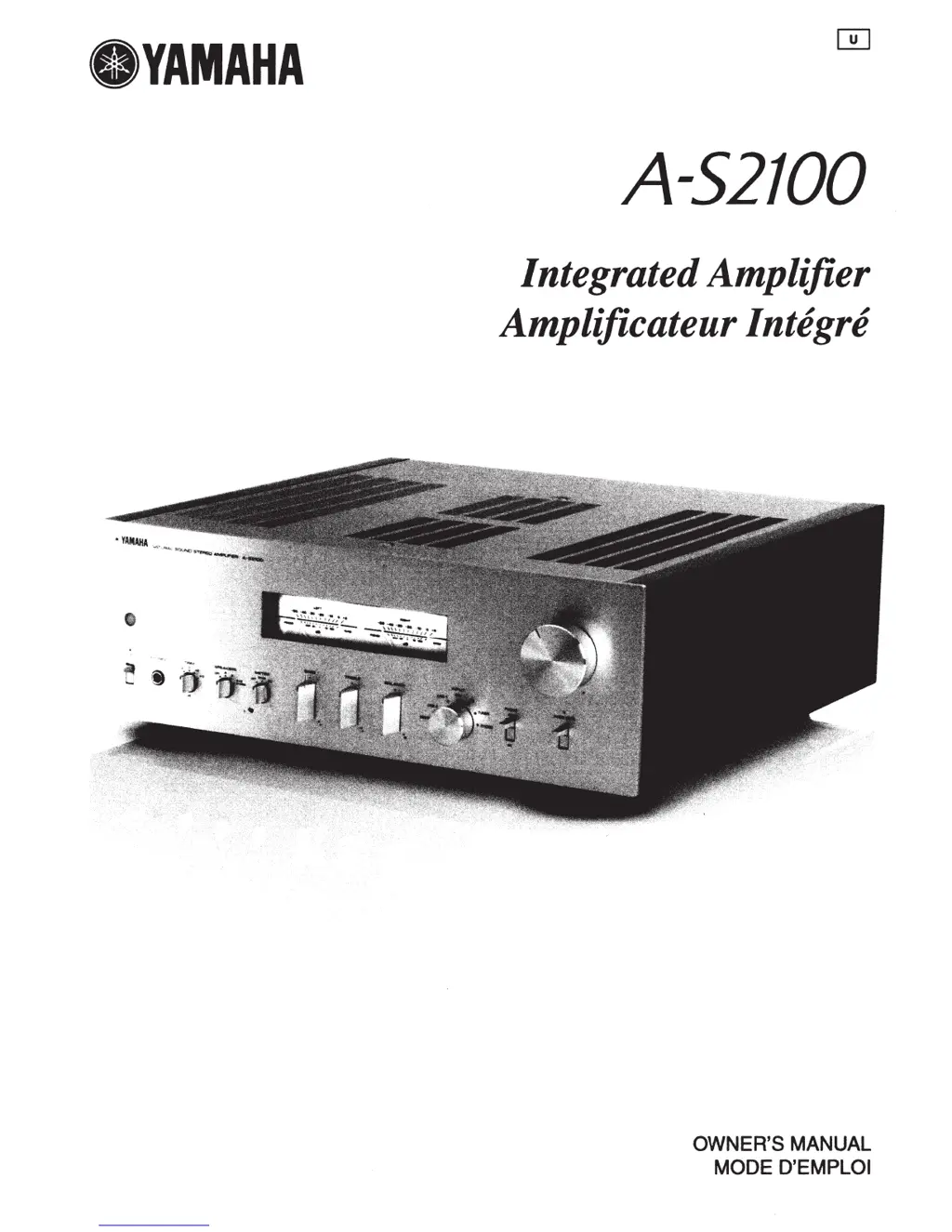
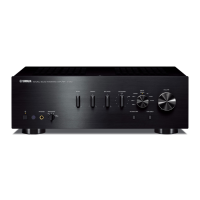
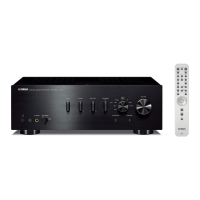
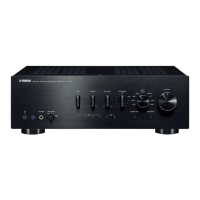
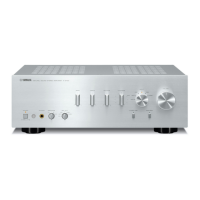
Yamaha A-S2100 - User Manual

Yamaha A-S2100
41 pages
Print Icon
To Next Page IconTo Next Page
Loading...
eYAMAHA
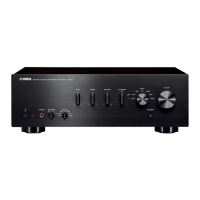
A-52100
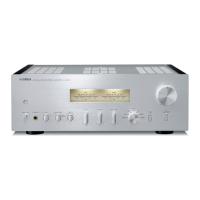
Integrated Amplifier
Amplificateur Integre
OWNER'S
MANUAL
MODE D'EMPLOI

Other manuals for Yamaha A-S2100

Questions and Answers

  • G
    Gabriel CollinsAug 19, 2025
    Why Yamaha Amplifier fails to turn on?
    • B
      Billy LeeAug 19, 2025
      Your Yamaha Amplifier might not be turning on due to a few reasons. First, ensure the power cable is firmly connected to both the AC IN inlet on the rear panel and the AC wall outlet. If that's not the issue, check the speaker wires for any contact with each other or the rear panel, as this could activate the protection circuitry; if a short circuit has occurred, fix the wiring and try turning the unit on again. Lastly, if the unit experienced a strong external electric shock, turn it off, disconnect the power cable for 30 seconds, reconnect it, and then try using it normally.
  • P
    Paul RiosAug 21, 2025
    Why does Yamaha A-S2100 STANDBY/ON indicator on the front panel flashes?
    • B
      Bailey PearsonAug 21, 2025
      If the STANDBY/ON indicator on the front panel of your Yamaha Amplifier is flashing, it could be due to the activation of the protection circuitry because of a short circuit. Check that the speaker wires are not touching each other or shorting out against the rear panel of this unit, and then turn the power of this unit back on. If the issue persists, disconnect the power cable and contact the nearest authorized Yamaha dealer or service center.
  • T
    thomasdavisAug 23, 2025
    Why does sound suddenly go off on Yamaha A-S2100 Amplifier?
    • B
      Benjamin PhillipsAug 23, 2025
      If the sound suddenly goes off on your Yamaha Amplifier, it's likely because the protection circuitry has been activated due to a short circuit. Check that the speaker wires are not touching each other or shorting out against the rear panel of this unit, and then turn the power of this unit back on.
  • B
    Brian JohnsonAug 26, 2025
    Why does Yamaha Amplifier remote control not work?
    • J
      Jasmine HoffmanAug 26, 2025
      If the Yamaha Amplifier remote control is not working, make sure you are within a maximum range of 6 m (20 ft) and no more than 30 degrees off-axis from the front panel. Also, ensure that direct sunlight or lighting (from an inverter type of fluorescent lamp, etc.) is not striking the remote control sensor. If these are not the issue, replace all the batteries.
  • W
    wrodriguezAug 27, 2025
    Why Yamaha A-S2100 Amplifier volume level cannot be adjusted?
    • A
      angel55Aug 27, 2025
      If the volume level cannot be adjusted on your Yamaha Amplifier, it may be because MAIN DIRECT is selected as the input source. Adjust the volume on the connected component. Or connect external component to input jacks other than MAIN IN and select the corresponding input source.
  • H
    Hunter BrownAug 30, 2025
    What to do if there is no sound from Yamaha A-S2100 Amplifier?
    • N
      Nicole BlakeAug 30, 2025
      If you're not getting any sound from your Yamaha Amplifier, start by checking all input and output cable connections to ensure they are properly connected; if the problem continues, the cables may be defective. Also, make sure you've selected the correct input source using the INPUT selector on the front panel or the remote control. Verify that the SPEAKERS selector is not set to OFF, and confirm that all speaker connections are secure.
  • L
    ltateSep 1, 2025
    What to do if Yamaha A-S2100 INPUT indicator flashes and volume is turned down?
    • K
      Kenneth KleinSep 1, 2025
      If the INPUT indicator on the front panel of your Yamaha Amplifier flashes and the volume is turned down when you turn on the unit, it's likely that the protection circuitry has been activated due to a short circuit. Check that the speaker wires are not touching each other or shorting out against the rear panel, and then turn the power back on.
  • B
    Beth JohnsonSep 3, 2025
    How to fix Yamaha A-S2100 when only one speaker side can be heard?
    • P
      patricia67Sep 3, 2025
      If you're only hearing sound from one speaker on your Yamaha Amplifier, first check the cable connections to ensure they are properly connected. If the problem persists, the cables may be defective. Also, verify that the BALANCE control is set to the appropriate position.
  • C
    Chelsea GarciaSep 5, 2025
    How to fix 'humming' sound from Yamaha Amplifier?
    • L
      Larry ForbesSep 5, 2025
      If you're hearing a humming sound from your Yamaha Amplifier, ensure the audio cable plugs are firmly connected. If the problem persists, the cables may be defective. Also, if you're using a turntable, make sure it's connected to the GND terminal of the unit.
  • D
    David BarnettSep 7, 2025
    Why is there a lack of bass and no ambience on Yamaha Amplifier?
    • T
      Theresa AliSep 7, 2025
      If you're experiencing a lack of bass and no ambience with your Yamaha Amplifier, check that the + and – wires are connected in reverse at the amplifier or the speakers. Connect the speaker wires to the correct + and – phase.

Summary

Controls and Functions

Front Panel

Details buttons, indicators, and jacks on the front panel.

Rear Panel

Explains input/output terminals and switches on the rear panel.

Remote Control

Information on remote operation, battery installation, and operating range.

Connections

Speaker Wiring

Guides on connecting speakers using different terminal types.

Bi-wire and Power Cable

Instructions for bi-wiring speakers and connecting the power cable.

BAL Jack Connectivity

How to connect components using balanced XLR jacks.

Remote Control Setup

Connects for operating the unit remotely or between Yamaha components.

Trigger Function Connection

Synchronizes unit operations with other components via trigger signals.

Specifications

Troubleshooting and Care

Troubleshooting Guide

Solutions for common problems and operational errors.

Unit Care

Recommendations for cleaning and maintaining the unit's finish.

Safety and Compliance

Important Safety Instructions

Essential guidelines for safe operation and maintenance of the unit.

FCC Information

Regulatory compliance information for US customers.

Operational Cautions

Precautions for installation, operation, and handling the unit and remote.

Yamaha A-S2100 Specifications

General IconGeneral
TypeIntegrated amplifier
Power Output90 W + 90 W (8 ohms, 20 Hz-20 kHz, 0.07% THD)
Power Output (4 ohms)150 W + 150 W (4 ohms, 20 Hz-20 kHz, 0.07% THD)
Frequency Response5 Hz-100 kHz (+0 dB/-3 dB)
Input Sensitivity200 mV/47 k-ohms (CD)
Input Impedance47 k-ohms
Dimensions435 x 157 x 463mm (W x H x D)
Weight23.4 kg
Phono InputYes
Damping Factor250

Related product manuals