2 On the left-hand navigation menu, click “Audio”.
3 For the “Desktop Audio” settings in “Global Audio Devices”, use “Default” or
“Disabled”.
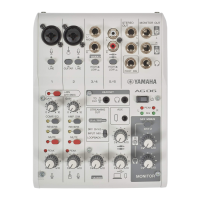
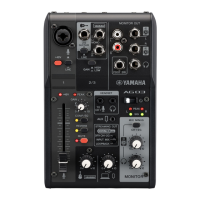
If you’ve set the [STREAMING OUT] selector switch on this product to [DRY CH 1-2] or to [INPUT
MIX], set this to “Default”; and if you’ve set the selector switch to [LOOPBACK], set this to
“Disabled”.
4 Also, set the “Mic/Auxiliary Audio” setting in “Global Audio Devices” to the line
setting, [Yamaha AG03MK2] or [Yamaha AG06MK2].
5 On the left-hand navigation menu, click “Steam”.
6 Select the streaming service to use, and input the stream key as necessary that you
received from the service.
7 Close the “Settings” screen.
8 Start the livestream.
38
Using this product for livestreaming (17LIVE, Twitch, YouTube Live) > Using this product with your computer


 To Next Page