Adding background music and sound effects
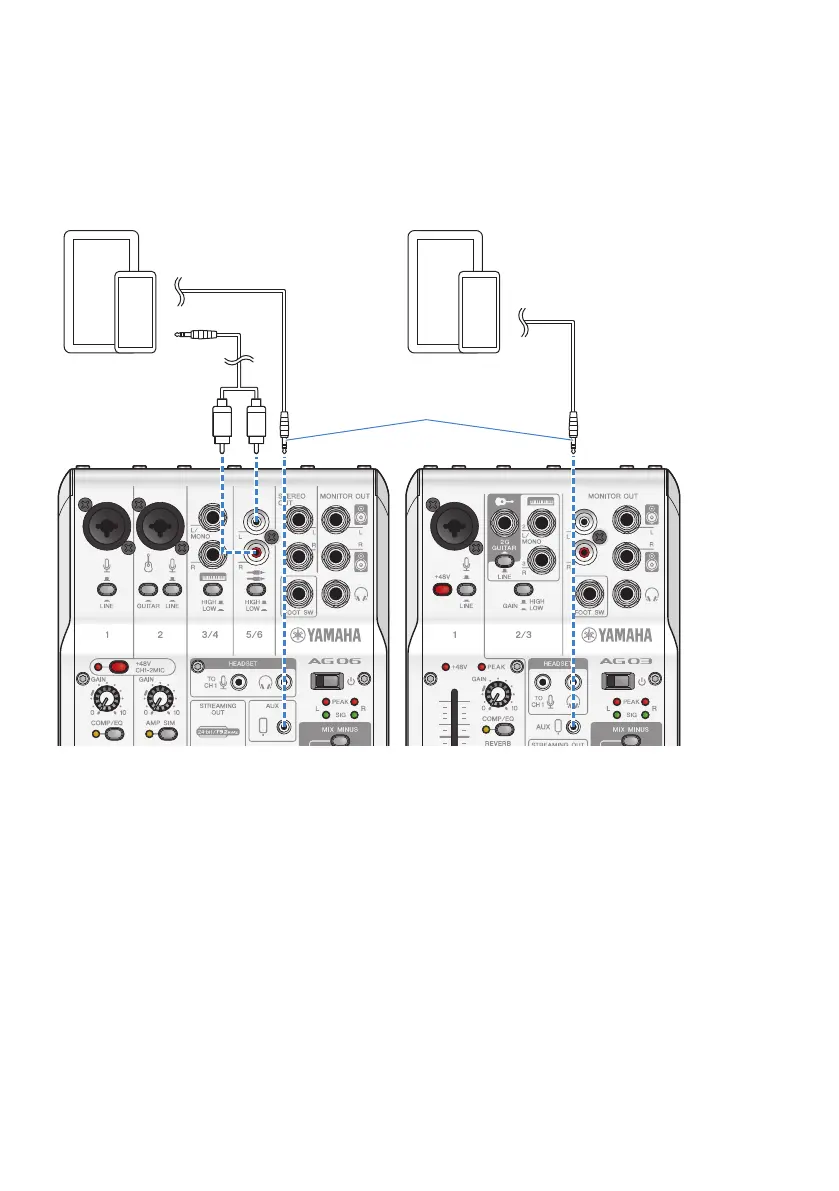
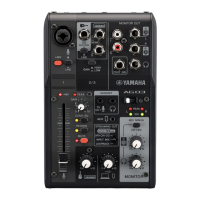
To play back background music or sound effects, connect your music player to the [AUX (P)] smartphone
input/output jack.
Adjust the volume on the connected device.
When the AG06MK2 is input into channel 5/6, you can adjust the volume using the channel 5/6 level knob.
4-conductor (TRRS), 3.5 mm
stereo mini cable
Music playerMusic player
42
Using this product for livestreaming (17LIVE, Twitch, YouTube Live) > Connecting your musical instrument or
music player


 To Next Page