21
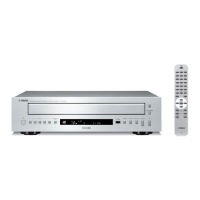
CD-C600
CD-C600
● Operation procedure
1. Connect the power cable of this unit to the AC outlet.
2. Press the “POWER ON/OFF” switch of this unit to turn on the power.
3. Start up FlashSta.exe.
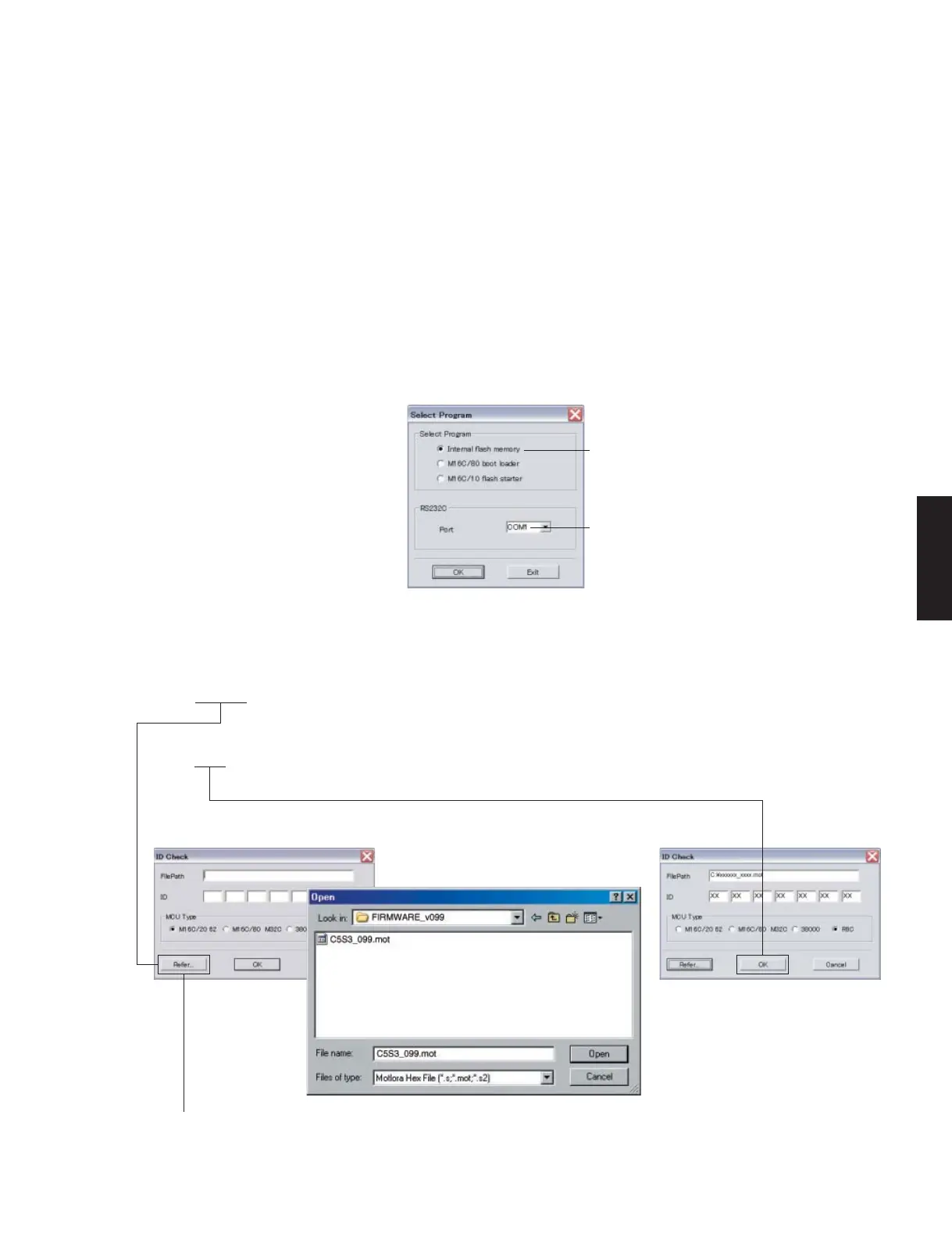
The screen appears as shown below. (Fig. 4)
4. Select the data to be transmitted and port. (Fig. 4)
• Select Program
Select Internal flash memory
• RS232C
Select the port of RS-232C
* For selection of the port, COM1 to 4 can be used.
As COM5 or higher port cannot be used, select out of COM 1 to 4 of the setting on the PC side.
Fig. 4
Select Internal flash memory
Select the port of RS-232C
5. Click [Refer...] and select the firmware name. (Fig. 5)
* The ID and MCU Type are loaded automatically when the file is selected. (Fig. 5)
Click [OK]. (Fig. 5)
Fig. 3
When [Refer...] is clicked, the “Open” screen appears.


 To Next Page