17
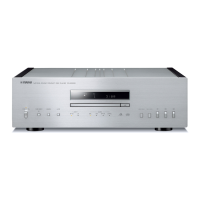
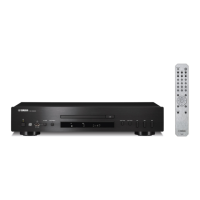
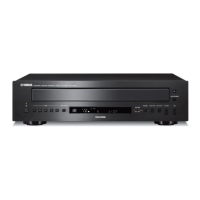
CD-S700
CD-S700
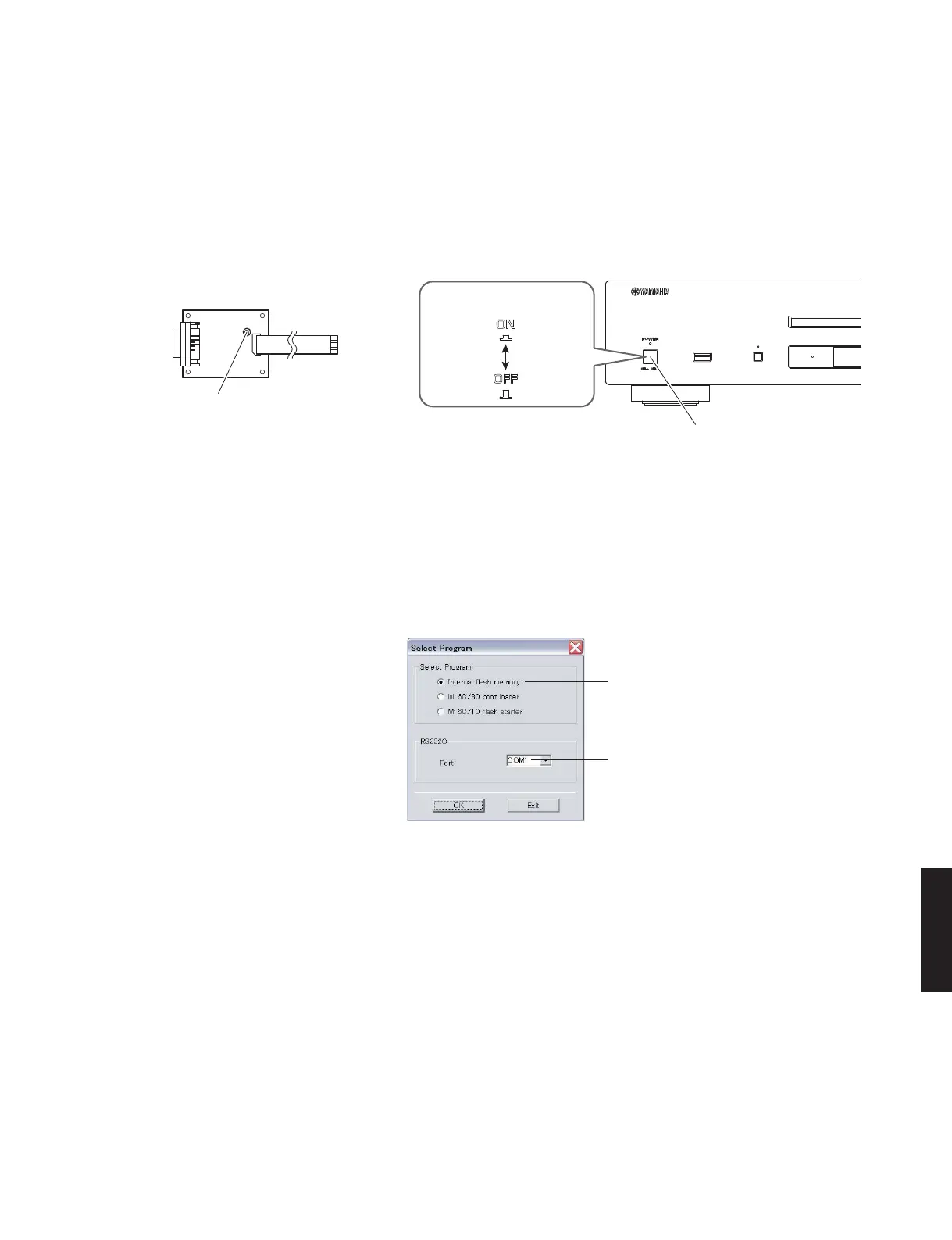
RS232C conversion jig
RS232C変換冶具
Reset switch
リセットスイッチ
"POWER ON / OFF" switch
Front side Front side
"POWER ON / OFF" switch
Fig. 2
● 操作手順
1. 本機の電源コードを AC コンセントに接続します。
2. RS232C 変換冶具のリセットスイッチを押しなが
ら、本機の “POWERON/OFF” スイッチを押して
オンにします。(Fig.2)
●
Operation Procedures
1. Connect the power cable of this unit to the AC
outlet.
2. While pressing the reset switch of RS232C con-
version jig, press the “POWER ON/OFF” switch of
this unit inward to the ON position. (Fig. 2)
3. FlashSta.exe を立ち上げます。
すると下記の画面が表示されます。(Fig.3)
3. Start up FlashSta.exe, the screen will appear as
shown below. (Fig. 3)
Select Internal flash memory
Internalflashmemory を選択します
Select the port of RS-232C
接続している RS-232C ポートを選択します
Fig. 3
4. 送信データ、ポートを選択します。(Fig.3)
・ SelectProgram
Internalflashmemory を選択します。
・ RS232C
接続している RS-232 Cポートを選択します。
※ ポートの選択は COM1 〜 4 までが使用できま
す。
COM5 以上は使用できませんので、PC 側の設
定で COM1 〜 4 を選択してください。
4. Select the port and data to be transmitted. (Fig. 3)
• Select Program
Select Internal flash memory
• RS232C
Select the port of RS-232C
* For selection of the port, COM1 to 4 can be
used.
As COM5 or higher port cannot be used, se-
lect out of COM 1 to 4 of the setting on the PC
side.



 To Next Page