15
English
USING THE BUILT-IN TIMER
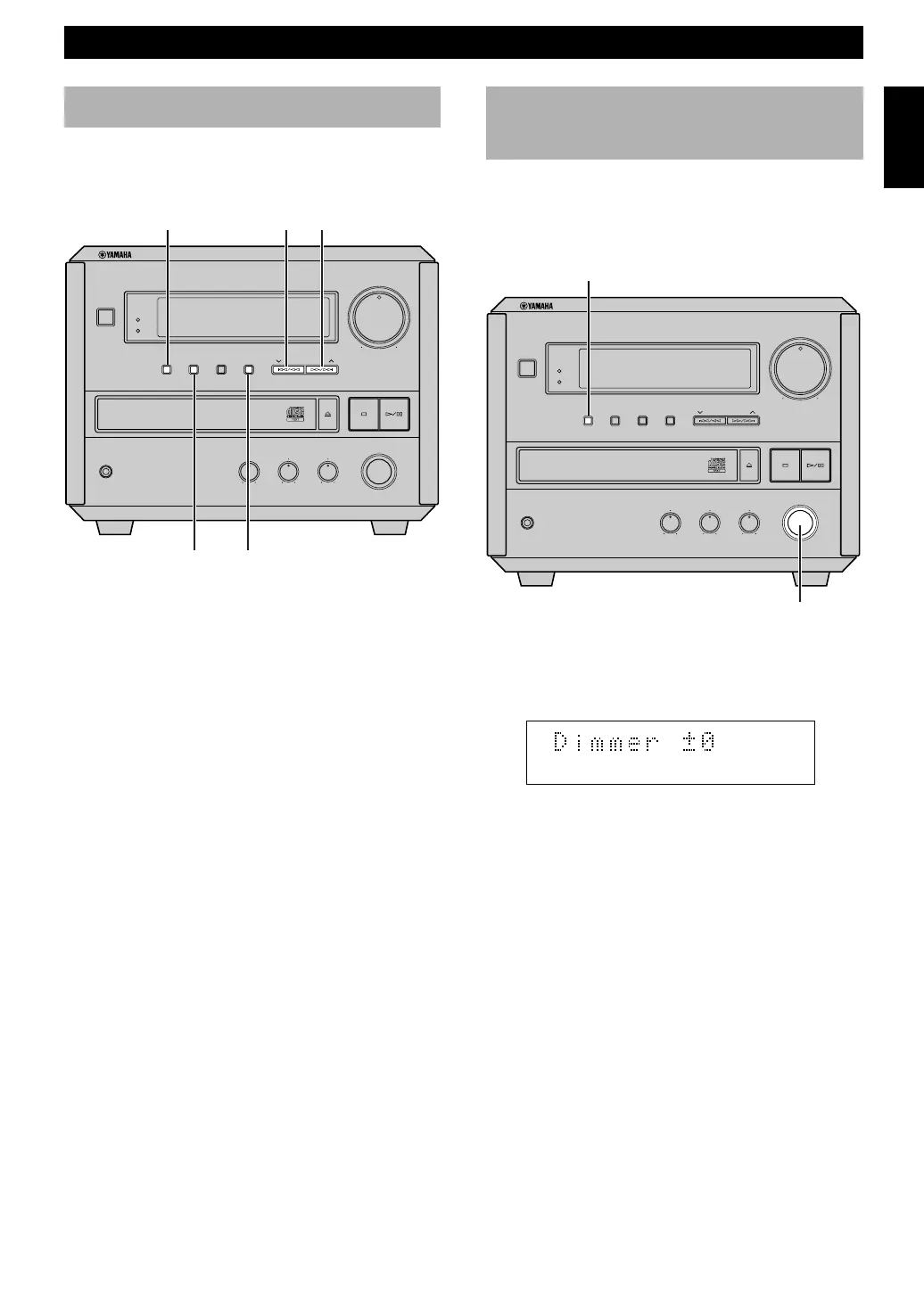
Setting the clock
You must set the clock before you use the timer functions.
The clock is based on a 12-hour system for U.S. and
Canada models, and 24-hour system for Australia model.
1 While the power is on, press DISPLAY to display
the time.
2 While holding TIME ADJ, press HOUR to set the
hour.
• If you want to move the time in the reverse
direction, press HOUR while holding TIME ADJ
and PRESET/BAND.
3 While holding TIME ADJ, press MIN to set the
minutes.
• If you want to move the time in the reverse
direction, press MIN while holding TIME ADJ
and PRESET/BAND.
To display the clock
Press DISPLAY.
The current time appears for about 8 seconds, then the
normal display returns.
Note
• In the event of a power failure or when the AC power cord is
disconnected for more than five minutes, you must reset the
clock.
Adjusting the brightness
of the display
You can adjust the brightness of the display. If you have
connected cassette deck (KX-E100) and/or MD recorder
(MDX-E100) to this unit, the brightness of the displays is
automatically adjusted to that of this unit.
Press and hold DISPLAY for about two seconds so that
“Dimmer ±0” appears on the display. While holding
DISPLAY, turn INPUT clockwise to increase or
counterclockwise to decrease brightness.
Control Range: ±0 to –6 (Preset value: ±0)
INPUT
DISPLAY
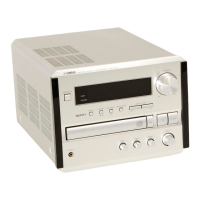
NATURAL SOUND CD RECEIVER CRX-E150
STANDBY
DISPLAY
BASS
–
+
–
+
L
R
MIN
MIN MAX
HOUR
TIMERTIME ADJ
TREBLE BALANCE
INPUT
VOLUME
MEMORY AUTO/MAN'L PRESET/BAND PRESET/TURING
PHONES
STANDBY/ON
TIMER
HOUR
DISPLAY
PRESET/BANDTIME ADJ
MIN
NATURAL SOUND CD RECEIVER CRX-E150
STANDBY
DISPLAY
BASS
–
+
–
+
L
R
MIN
MIN MAX
HOUR
TIMERTIME ADJ
TREBLE BALANCE
INPUT
VOLUME
MEMORY AUTO/MAN'L PRESET/BAND PRESET/TURING
PHONES
STANDBY/ON
TIMER


 To Next Page