PM5DV2/DSP5D Editor Owner’s Manual
60
S INTERNAL DATA
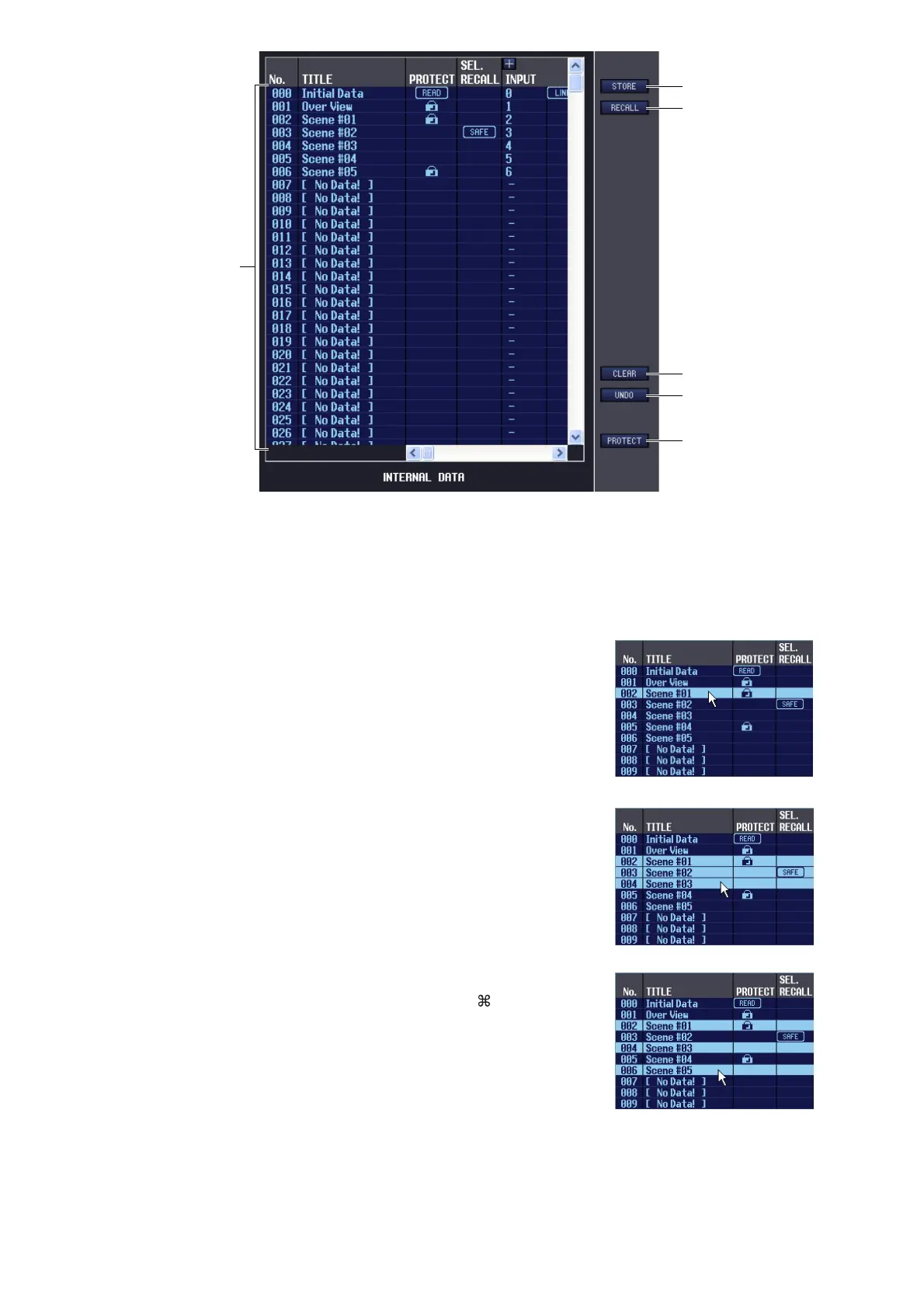
This area shows the PM5D/DSP5D’s scene memory contents. The items displayed are the same as in the FILE list (
6
).
As desired, you can copy single or multiple scenes between the FILE list and the INTERNAL DATA list, and copy
or move them to a different location within a list.
To do this, use the following methods to select the scene(s) that you want to copy or move.
•To select a single scene
Click the line containing the desired scene.
•To select multiple consecutive scenes
Click the first scene to select it; then hold down the <Shift> key and
click the last scene.
•To select multiple non-consecutive scenes
Click the first scene; then hold down the <Ctrl> key ( key) and
click each of the remaining scenes.
When you have selected the scene(s) that you want to move or copy,
drag them to the desired location in the other list (if you’re copying
between lists) or in the same list (if you’re copying/moving within the
same list).
T
U
V
W
X
S











 To Next Page