PM5DV2/DSP5D Editor Owner’s Manual
72
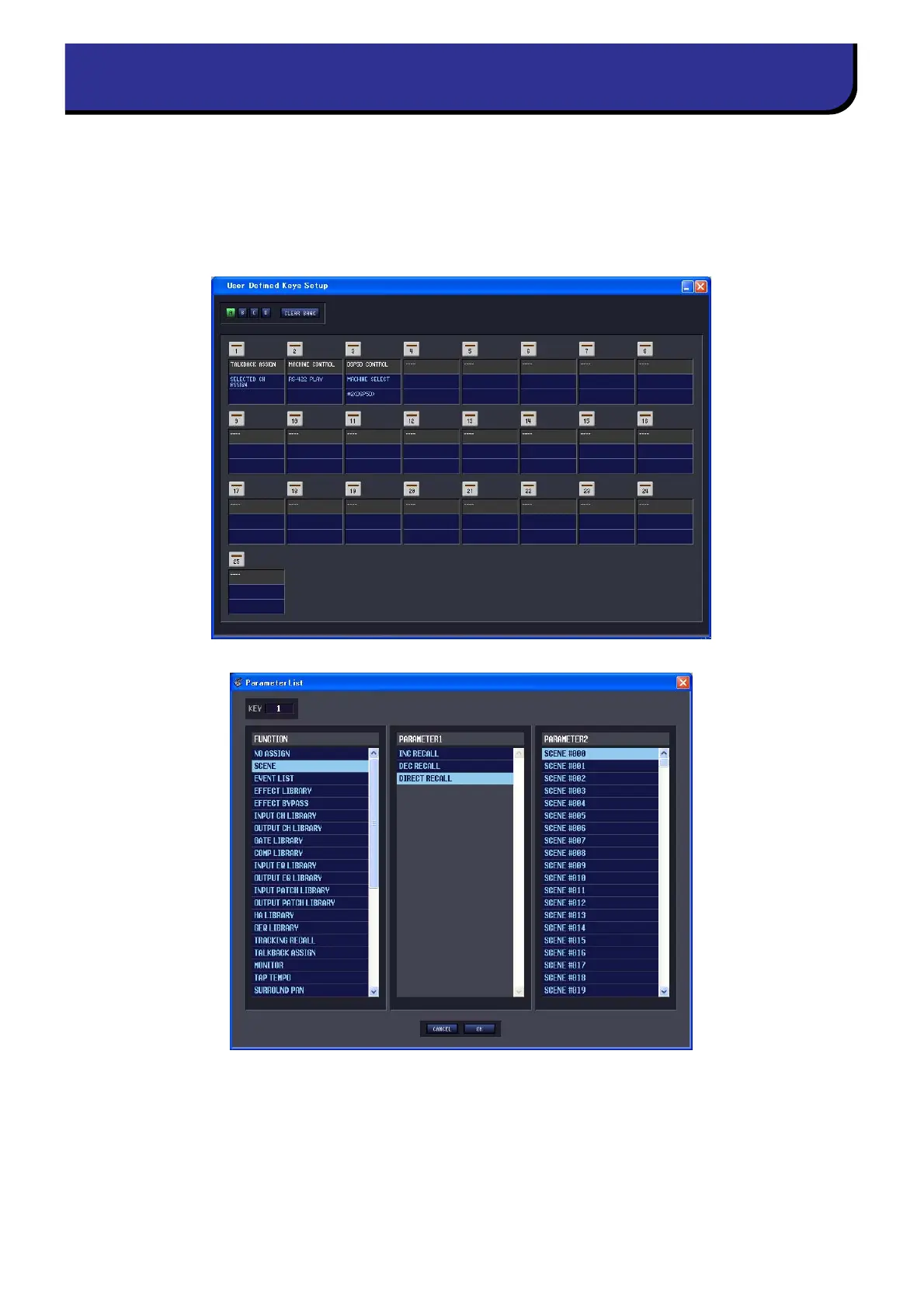
In this window you can assign functions to the PM5D console’s user-defined keys from within the editor.
Choose [Windows] → [Utility] → [User Defined Keys Setup] to access this window.
DSP5D Editor does not have a corresponding window.
When you click the button for the desired user-defined key, an editing screen will appear, allowing you to assign a
function. However unlike operations on the PM5D itself, you won’t be able to execute the assigned function.
If you synchronize Console -> PC, the settings of the PM5D itself will be reflected in PM5D Editor.
User Defined Keys Setup window











 To Next Page