PM5DV2/DSP5D Editor Owner’s Manual
64
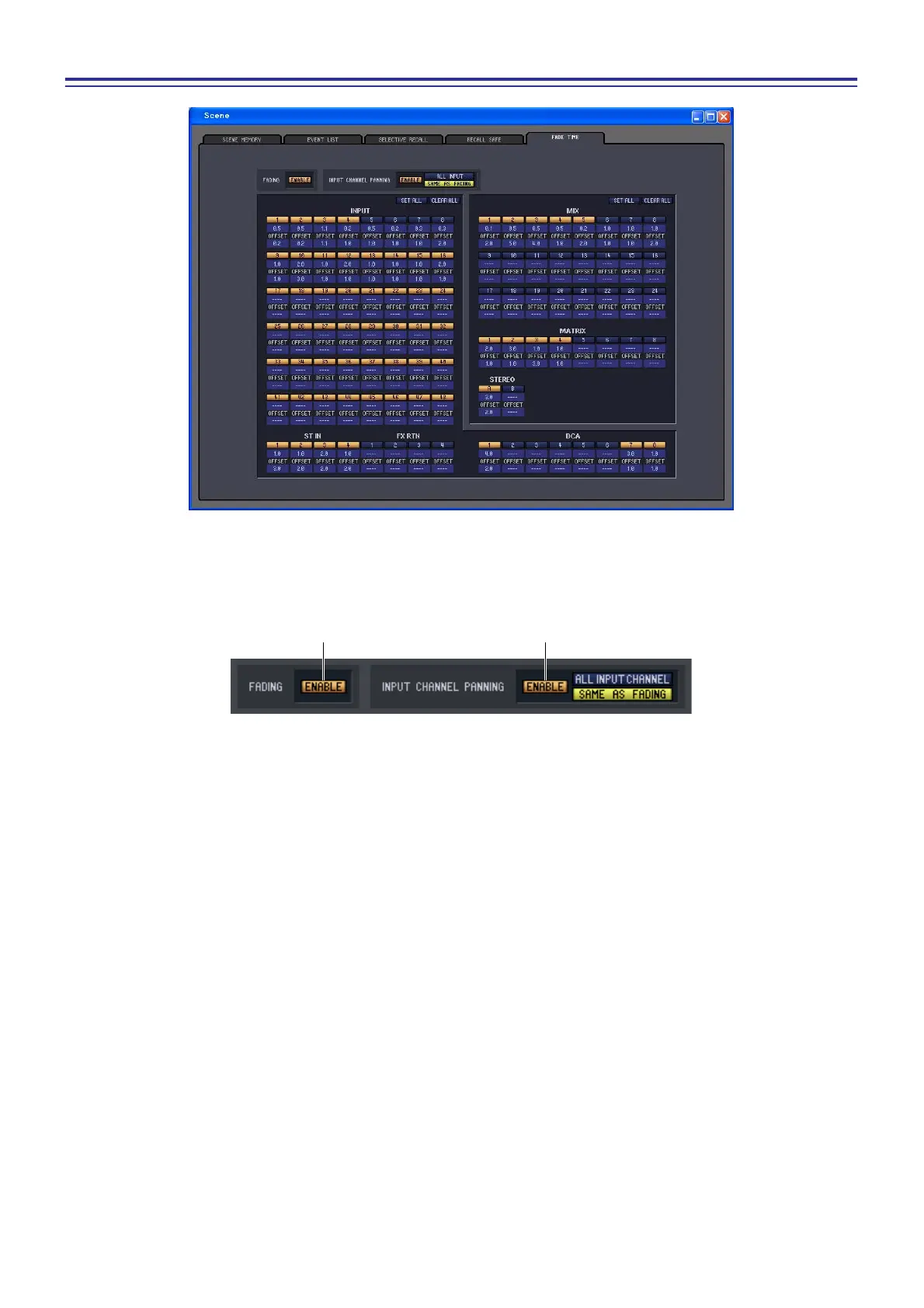
FADE TIME page
Here you can make settings for the Fade function that adjusts the time over which fader and pan will reach their new
values when a scene is recalled. The settings of the Fade function are independent for each scene.
A FADING ENABLE (Fade function enable/disable)
Switches the Fade function for fader levels between enabled and disabled.
B INPUT CHANNEL PANNING ENABLE (Input channel panning enable/disable)
Switches the Fade function for input channel pan (balance) parameters between enabled and disabled. If this but-
ton is on, you can use the two buttons located at the right to select the input channels to which this setting will
apply.
• When the ALL INPUT CHANNEL button is on
The Fade function will apply to the pan (balance) parameter of all input channels.
• When the SAME AS FADING button is on
The Fade function will apply to the pan (balance) parameter of input channels for which the Fade function is
turned on in
5.











 To Next Page