11
Basic Operations
DVD/CD
CINEMA
AMP
DVD/CD
VCR
VIDEO 1
VIDEO 2TUNERMD/CD-R
MOVIE MUSIC SPORTS GAME
English
Basic Operations
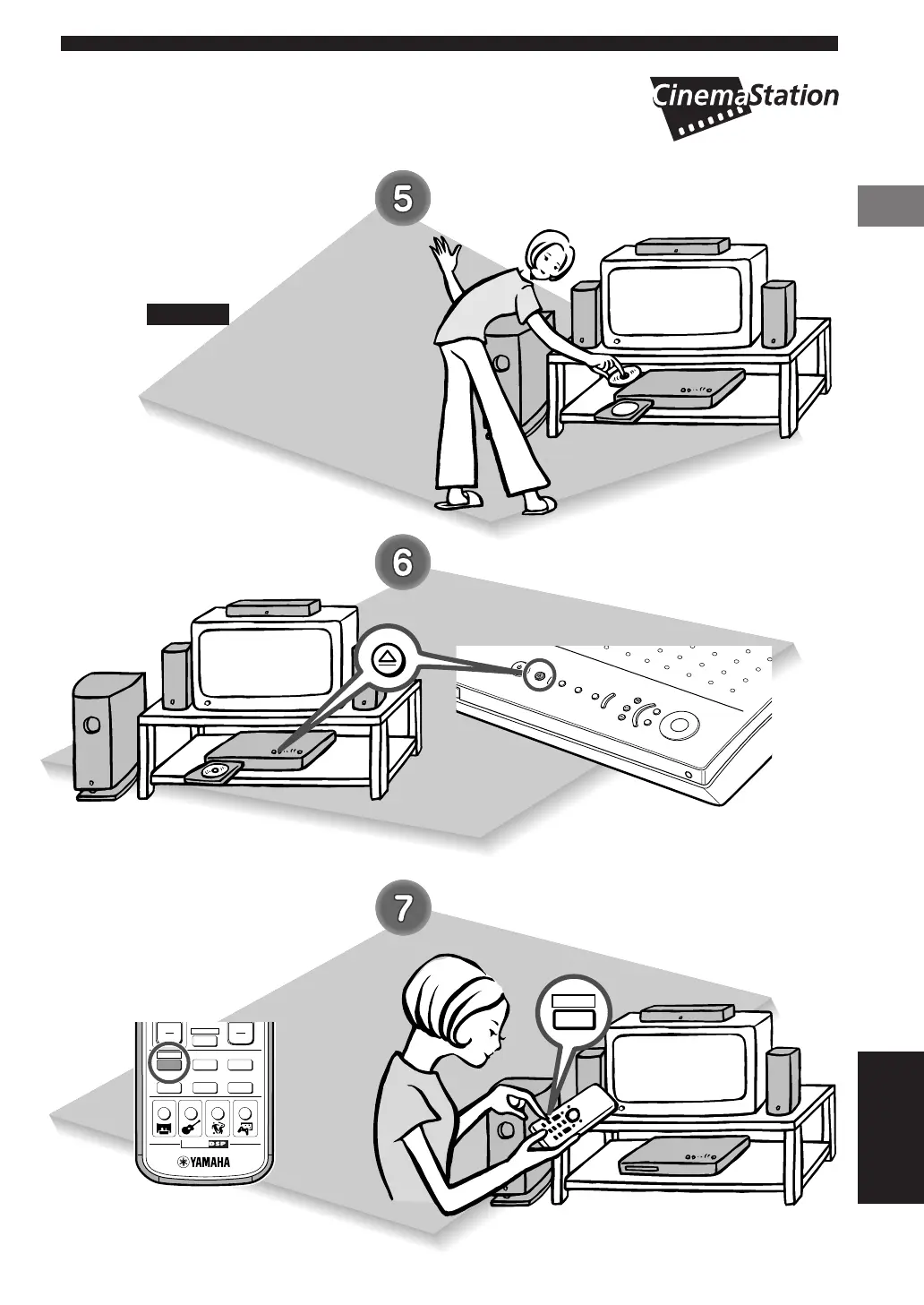
Place a disc in the tray.
• Place the disc with the label side
facing up.
• Hold the disc by its edge and hole in
the center to avoid touching the
surface of the disc.
Please ...
Press f on the
CinemaStation.
The disc tray slides in.
Press DVD/CD.
CinemaStation enters DVD/CD
mode.
004DVX-S200-en 03.10.24, 0:30 PM11


 To Next Page
 Loading...