En 71
■ Standby Through
Specify whether or not audio/video signals from HDMI inputs are to continue to be
transmitted to a TV when the unit is in standby mode.
Settings
• When “HDMI Control” is set to “On,” “Standby Through” is automatically fixed to “Control Sync” and cannot
be set manually.
• While “Standby Through” is activated, the standby indictor on the front panel lights up.
• While “Standby Through” is activated, the input source can be switched between HDMI1-4 with the remote
control. The standby indicator on the front panel flashes twice in response.
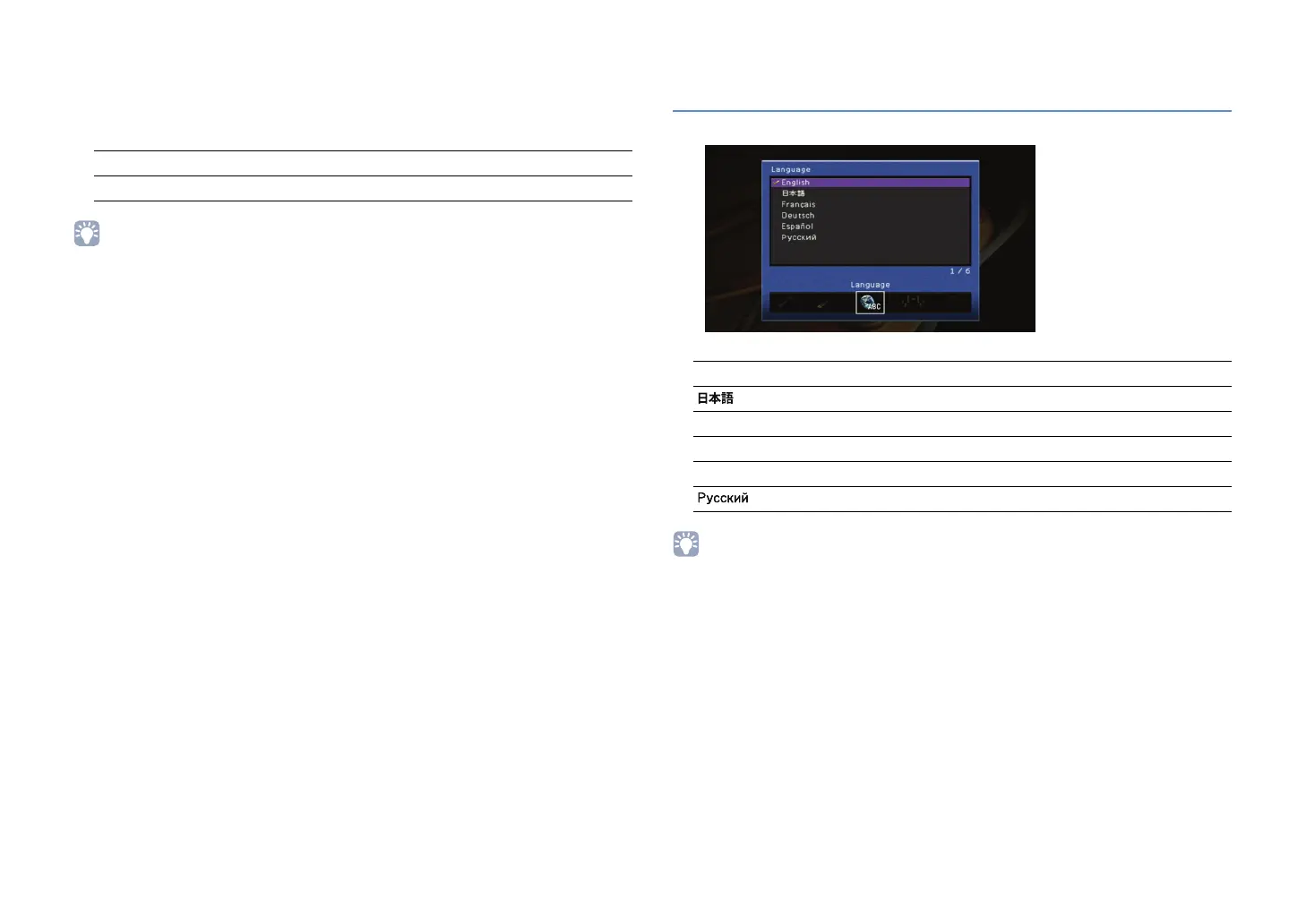
Setting the language displayed on the TV screen
(Language)
Selecting the language displayed on the TV screen.
Settings
• Only English is displayed on the front display.
• Even if selecting a language in this item, the characters contained in the name of file, folder and song
cannot be displayed in the selected language.
Off (Default) Does not output HDMI signals to a TV.
On Outputs HDMI signals to a TV (1 to 3 W power consumption)
English (Default) English
Japanese
French
German
Spanish
Russian
Français
Deutsch
Español


 To Next Page