EasyManua.ls Logo

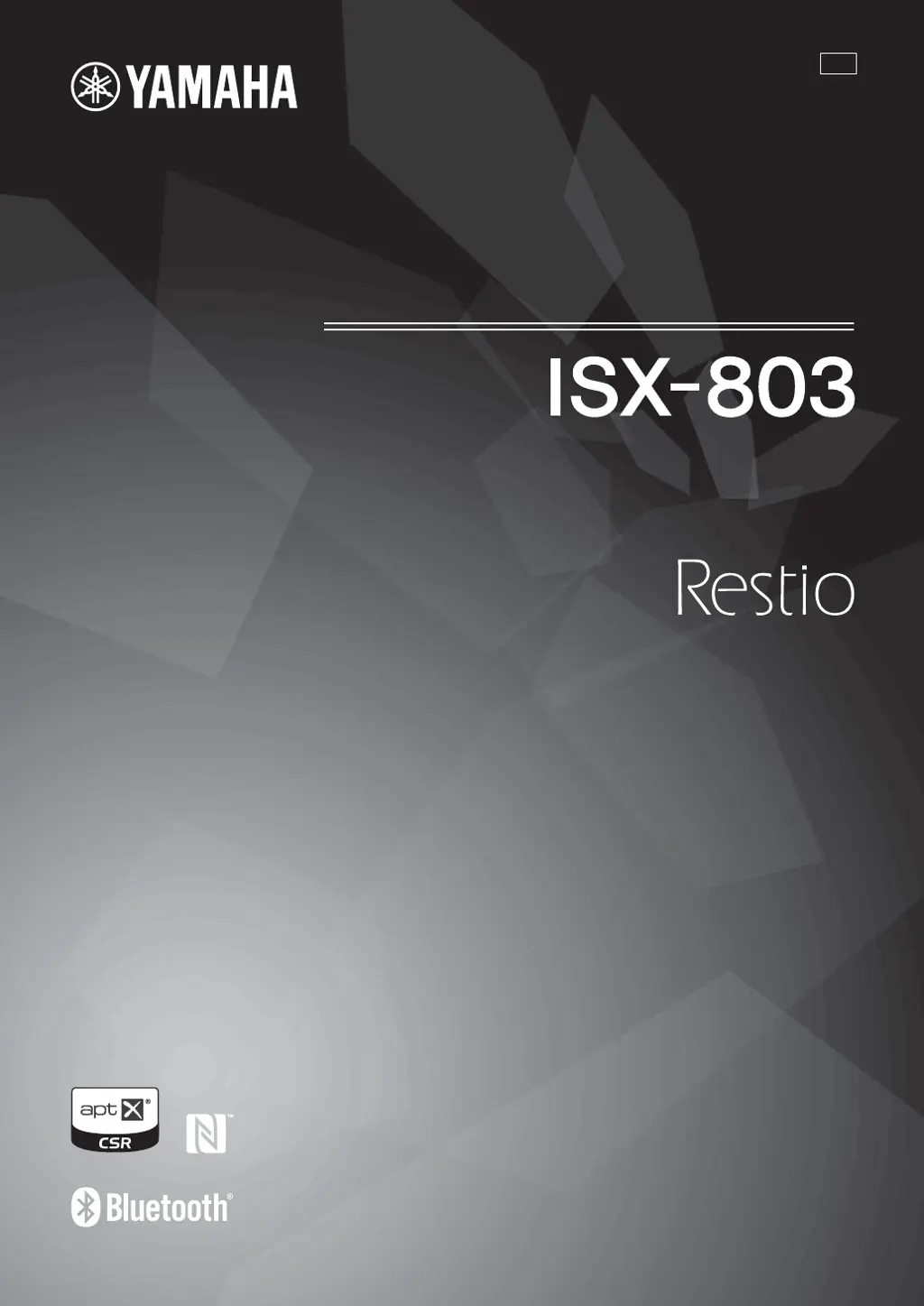
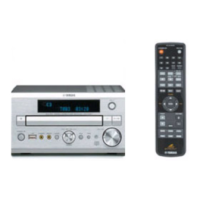
Yamaha ISX-803 - User Manual

Yamaha ISX-803
88 pages
Print Icon
To Next Page IconTo Next Page
Loading...
INTEGRATED AUDIO SYSTEM
SYSTÈME AUDIO INTÉGRÉ
ULV
OWNER’S MANUAL
MODE D’EMPLOI
MANUAL DE INSTRUCCIONES

Table of Contents

Other manuals for Yamaha ISX-803

Questions and Answers

  • K
    Kimberly BryantSep 23, 2025
    How to stop Yamaha Stereo System from picking up digital noises?
    • G
      Gregory ThompsonSep 23, 2025
      If your Yamaha Stereo System is picking up noises from digital or high-frequency equipment, the unit may be placed too close to the digital or high-frequency equipment. Place the unit further away from the equipment.
  • A
    Amanda PhillipsAug 23, 2025
    Why is my Yamaha Stereo System clock flashing?
    • K
      Kathryn RussellAug 23, 2025
      If your Yamaha Stereo System displays a flashing clock and the unit cannot be operated, the CLOCK switch on the rear panel may be set to SET, indicating that the unit is in clock setting mode. Set the CLOCK switch to CLOCK1 or CLOCK2.
  • Y
    yolanda67Aug 25, 2025
    How to fix Yamaha ISX-803 that won't turn on?
    • S
      Susan BeckAug 25, 2025
      If your Yamaha Stereo System won't turn on, ensure the power cable is securely connected to both the wall outlet and the unit. If the issue persists, the unit may have experienced a strong electrical shock. In this case, disconnect the power cable, wait approximately 30 seconds, then reconnect it and try turning the system on again.
  • B
    Brenda LawsonAug 26, 2025
    Why Yamaha ISX-803 speakers make no sound?
    • P
      Patrick GlennAug 26, 2025
      If your Yamaha Stereo System speakers aren't producing sound, first ensure that the volume isn't set to the minimum level. If the volume is adequate, verify that the correct source is selected. Also, the Auto Standby function might be activated; try turning the system on again.
  • C
    Carl DunnAug 27, 2025
    What to do if my Yamaha ISX-803 Stereo System sound suddenly turns off?
    • S
      Susan CarrollAug 27, 2025
      If your Yamaha Stereo System suddenly turns off, the sleep function may be activated. Turn the system on and play the source again. Alternatively, the Auto Standby feature might be enabled, so try turning the system back on.
  • H
    Heather PhelpsSep 16, 2025
    Why can't I pair my Yamaha ISX-803?
    • J
      John SimmonsSep 16, 2025
      If you cannot pair your Yamaha Stereo System with the connecting device, it is possible that the unit is already connected with another device. Disconnect the already connected Bluetooth device. The connecting device may not support A2DP, so perform pairing operations with a device which supports A2DP. If using a Bluetooth adapter, ensure its password is “0000.” This unit and the connecting device may be too far apart, so move the connecting device closer to this unit. A nearby device (microwave oven, wireless LAN, etc.) may be outputting signals in the 2.4 GHz frequency band, so move this unit away from the device that is emitting radio-frequency signals.
  • N
    nicolemccartySep 13, 2025
    Why is my Yamaha Stereo System USB indicator flashing?
    • T
      Tim YoungSep 13, 2025
      If your Yamaha Stereo System's USB indicator flashes twice and repeats 3 times after connecting a USB device, an incompatible USB device may be connected to the unit. Set the system to standby mode and reconnect the USB device to the unit. If it does not resolve the problem, the USB device is not playable on the unit. The USB device may not contain playable files. Use a USB device that contains playable files.
  • A
    arthur28Sep 14, 2025
    What does 'Err' mean when connecting USB to Yamaha Stereo System?
    • K
      Kenneth Herman MDSep 15, 2025
      If your Yamaha Stereo System displays “Err” in the front panel after connecting a USB device, an incompatible USB device may be connected to the unit. Set the system to standby mode and reconnect the USB device to the unit. If it does not resolve the problem, the USB device is not playable on the unit. An overcurrent may also be detected.
  • M
    markwalkerSep 5, 2025
    How to improve stereo broadcast quality on Yamaha Stereo System?
    • J
      Jimmy CollinsSep 5, 2025
      If you are experiencing too much noise during stereo broadcast with your Yamaha Stereo System, the radio station you selected may be far from your area, or the radio wave reception is weak in your area. Try manual tuning to improve the signal quality or use a commercially available outdoor antenna.
  • T
    tracygordonSep 3, 2025
    Why is Auto Standby inactive on my Yamaha ISX-803 Stereo System?
    • L
      Lisa VillaSep 3, 2025
      If your Yamaha Stereo System is picking up ambient noise and Auto Standby is inactive, and the unit is close to portable phones, wireless devices, microwave ovens, or fluorescent lights, place the unit further away from them.

Yamaha ISX-803 Specifications

General IconGeneral
FM RadioYes
Alarm ClockYes
Power Output30 W
ConnectivityWi-Fi, Bluetooth, Ethernet, USB
Audio Formats SupportedMP3, WMA, AAC
Streaming ServicesSpotify
OutputsHeadphone jack
Multiroom AudioYes

Related product manuals