Part names and functions En 3
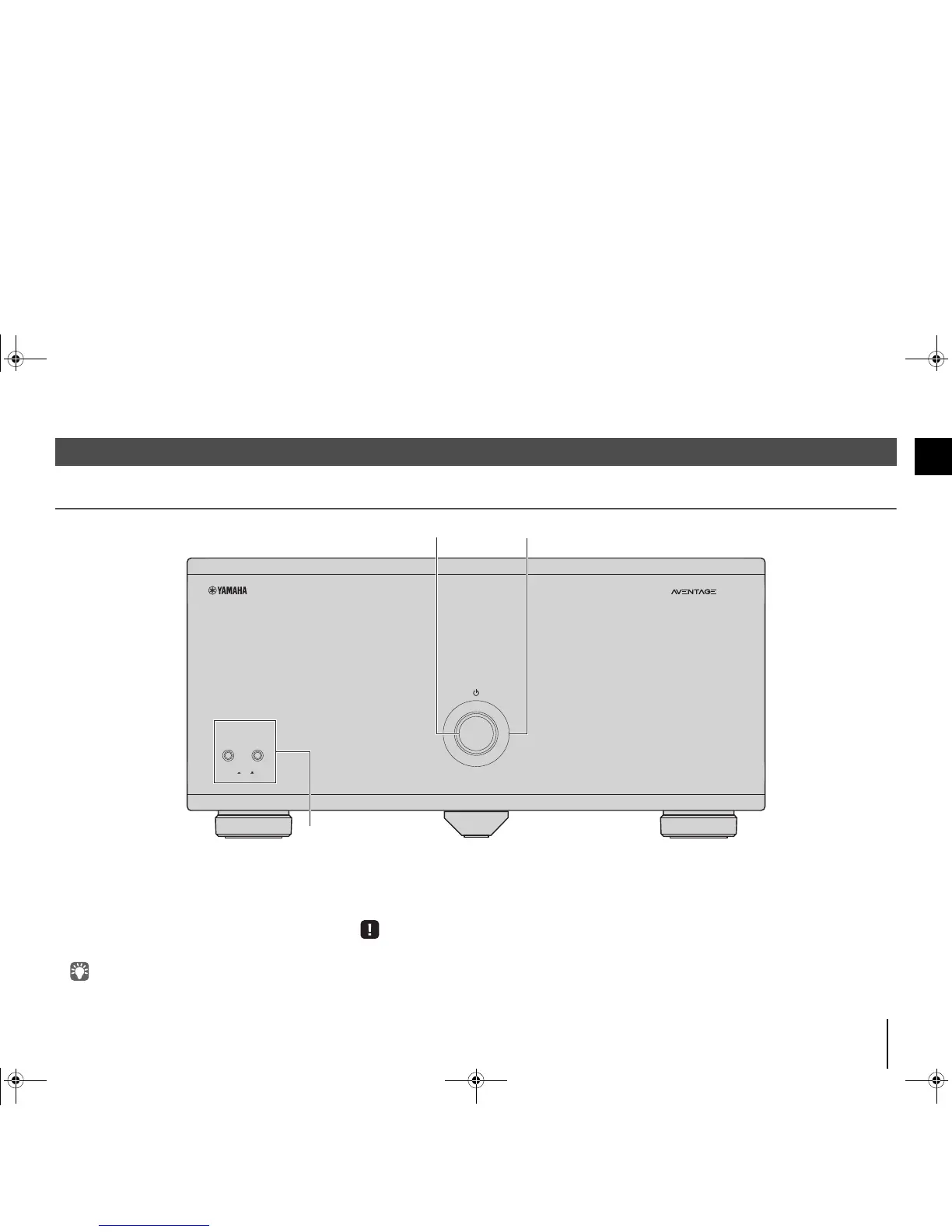
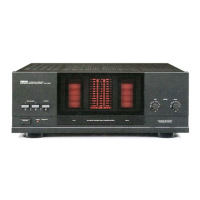
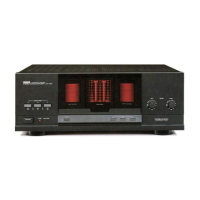
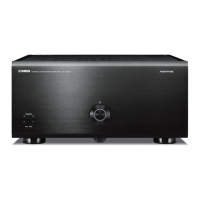
Front panel
1 z (power) key
Turns on/off (standby) the unit (p.8).
2 Power indicator
Lights up when the unit is turned on.
If the indicator blinks, the protection circuitry has been
activated. For details, see “Troubleshooting” (p.12).
• You can dim the power indicator (p.8).
3 SPEAKERS A/B keys
Turns on /off the speakers connected to the CH.2 A/B
terminals (p.10).
• Both the speakers (A and B) are turned off by default. Press the
key to turn on the speakers you want to use.
• When using two pairs of the speakers connected to the CH.2
A/B terminals at the same time, be sure to use 8-ohm speakers
and set IMPEDANCE SELECTOR to the upper position (p.7).
Part names and functions


 To Next Page