PSR-E323/YPT-320 Owner’s Manual 13
Changing the Voices
Quick Guide
2
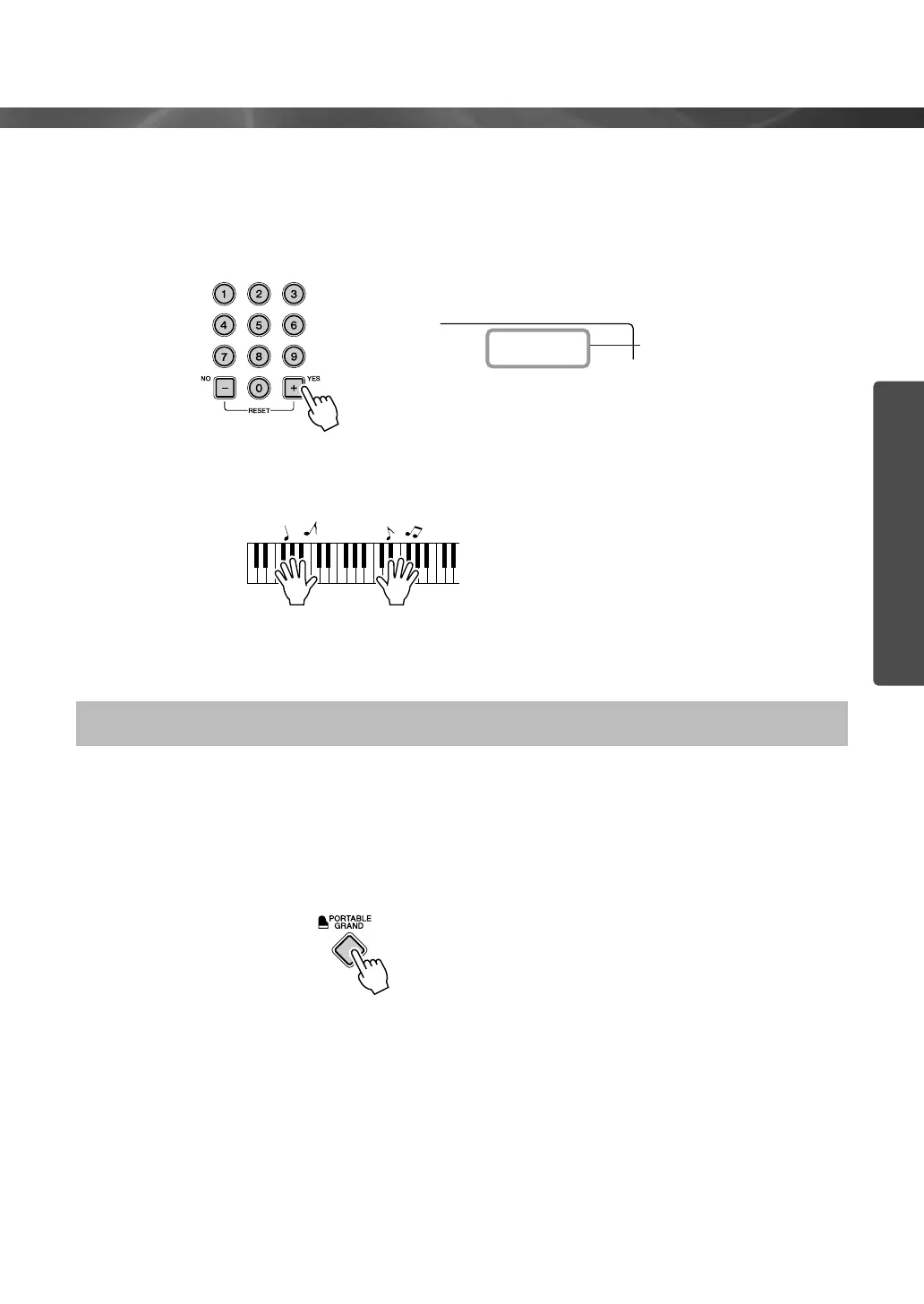
Select a Voice.
Select the desired Voice by using the number buttons [0]–[9], [+],
[-].
Refer to the Voice List on page 64.
3
Play the keyboard.
Try selecting and playing different Voices.
When you simply want to play a piano Voice, all you have to do is press one convenient button.
Press the [PORTABLE GRAND] button.
The Voice “Grand Piano” will automatically be selected as the
Main Voice.
Playing the Grand Piano Voice
Flute
084
The Voice shown here
becomes the Main Voice
for the instrument.















 To Next Page