Voice Settings
PSR-E323/YPT-320 Owner’s Manual 43
Reference
Adding Reverb
Reverb adds the ambience of a room or concert
hall to the sound that you play on the keyboard.
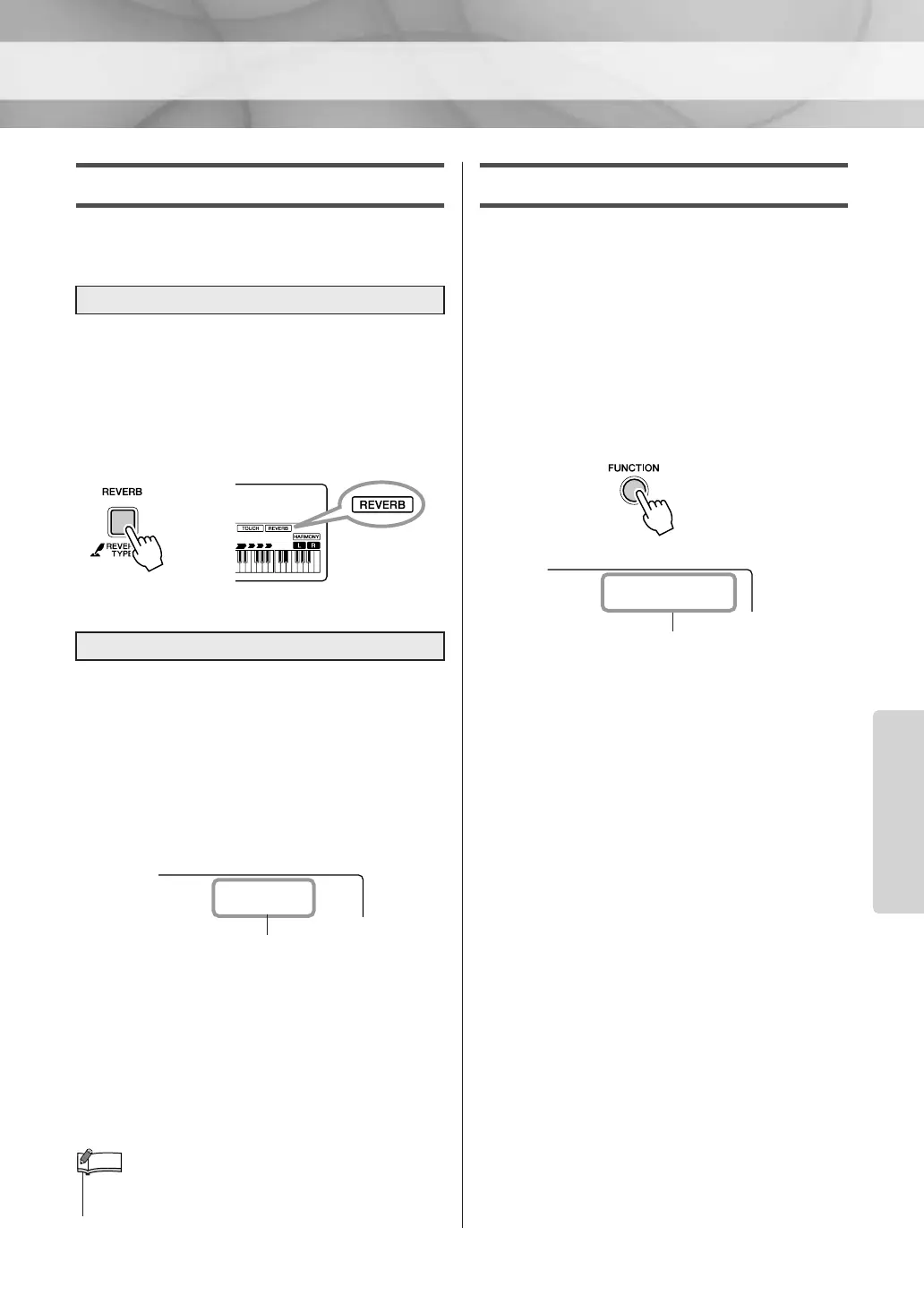
Press the [REVERB] button to turn Reverb on.
Reverb is normally on. You can check how the
selected Reverb Type sounds by playing the key-
board. To turn Reverb off, press the [REVERB]
button again.
The ideal type is automatically selected when-
ever you select a Song or Style, but you can
select any of the available Reverb Types.
1 Press and hold the [REVERB] button for
longer than a second. “REVERB” appears in
the display for a few seconds, followed by
the Reverb Type.
2 Select the desired Reverb Type by using the
number buttons [0]–[9], [+], [-].
Refer to the Reverb Type list on page 73 for
details.
You can adjust the Reverb depth in the Func-
tion Settings (page 56).
Adding Chorus
This effect makes the Voice sound richer, warmer
and more spacious. The best-suited Chorus type
is automatically selected whenever you select a
Voice; however, you can select any of the avail-
able types.
1 Press the [FUNCTION] button a number of
times until the “Chorus” appears.
“Chorus” appears in the display for a few
seconds, followed by the Chorus Type.
2 Select a desired Chorus Type by using the
number buttons [0]–[9], [+], [-].
Refer to the Chorus Type list on page 73 for
details.
You can adjust the Chorus depth indepen-
dently for the Main, Dual and Split Voices in
the Function Settings (page 56).
To add Reverb
Select a Reverb Type
Appears when
Reverb is on.
ndPno
Hall2
02
Currently selected Reverb Type
•You can also access the Reverb Type setting display by press-
ing the [FUNCTION] button several times.
NOTE
Currently selected Chorus Type
Chorus1
1















 To Next Page